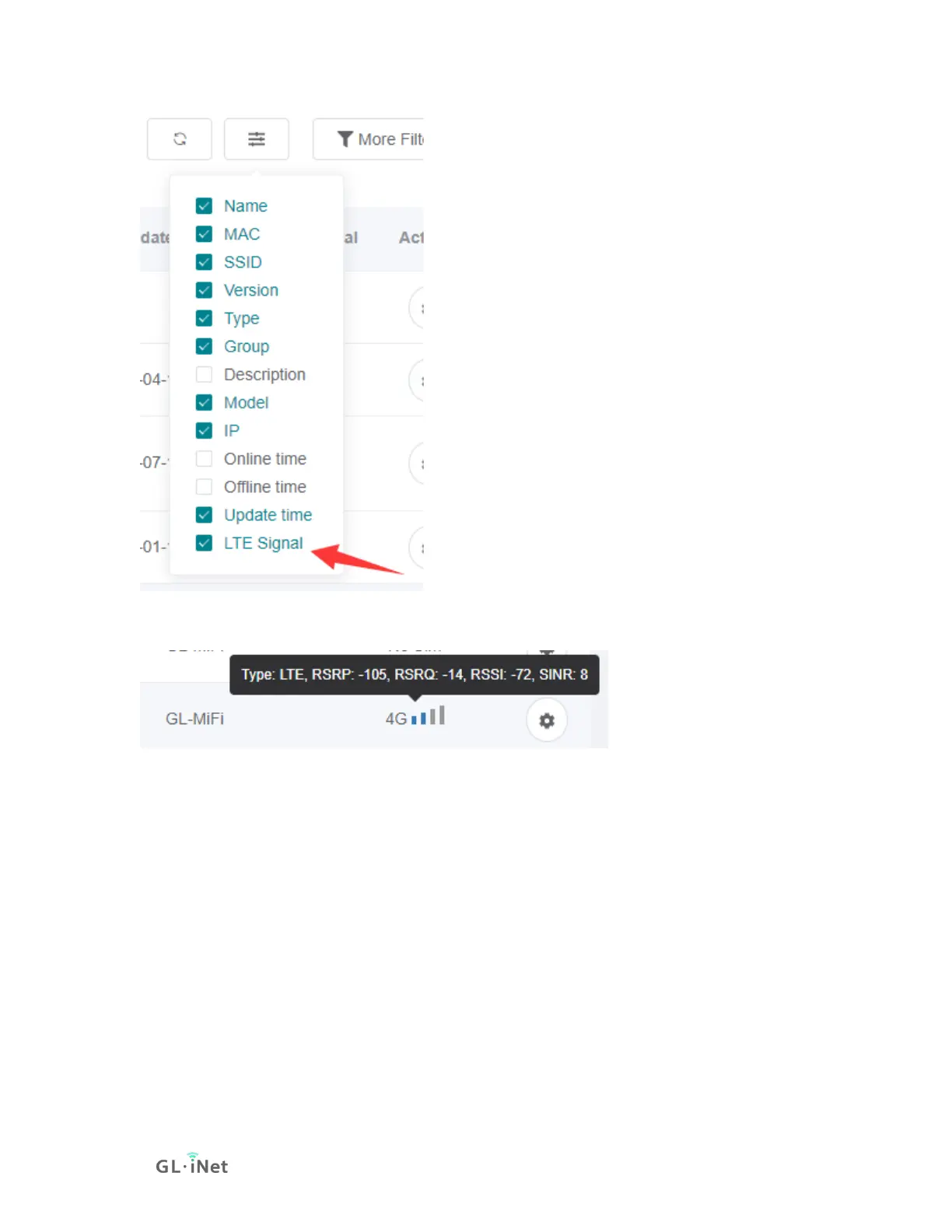
It will show Signal strength, Type, and relavant parameters.
Device detail info
At left side -> Device List, click the name of a online device, it will open a page to
manage this device of WiFi, Clients and view router info, memory usage, up time,
load average and log.






 To Next Page