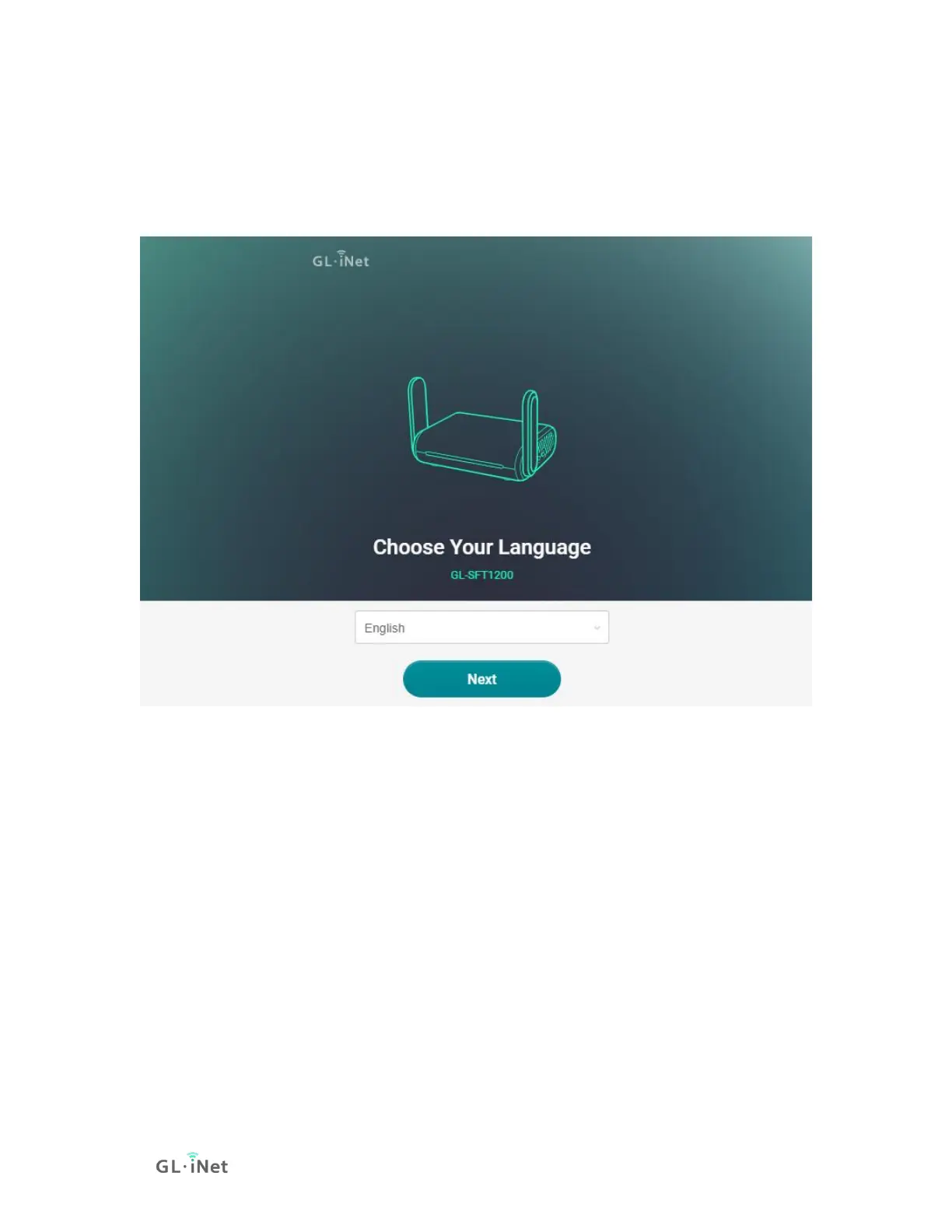
(1) Language Setting
You need to choose the display language of the Admin Panel. Currently, our
routers support English, 简体中文, 繁體中文, Deutsch, Français, Español and 日本
語, 한국어, русский.
Note: If your browser always redirects to Luci (http://192.168.8.1/cgi-bin/luci), you
can visit: http://192.168.8.1/index.html instead of http://192.168.8.1.
(2) Admin Password Setting
There is no default password for the Admin Panel. You have to set your own
password, which must be at least 5 characters long. Then, click Submit to
proceed.






 To Next Page