19
4
6002
English
Programming
4.3 Programming options
MENU 1
1.1 Set end positions
motor LED colour red:
Note: After 15s. without input, the motor unit quits programming mode.Please read the steps of
this feature rst before starting.
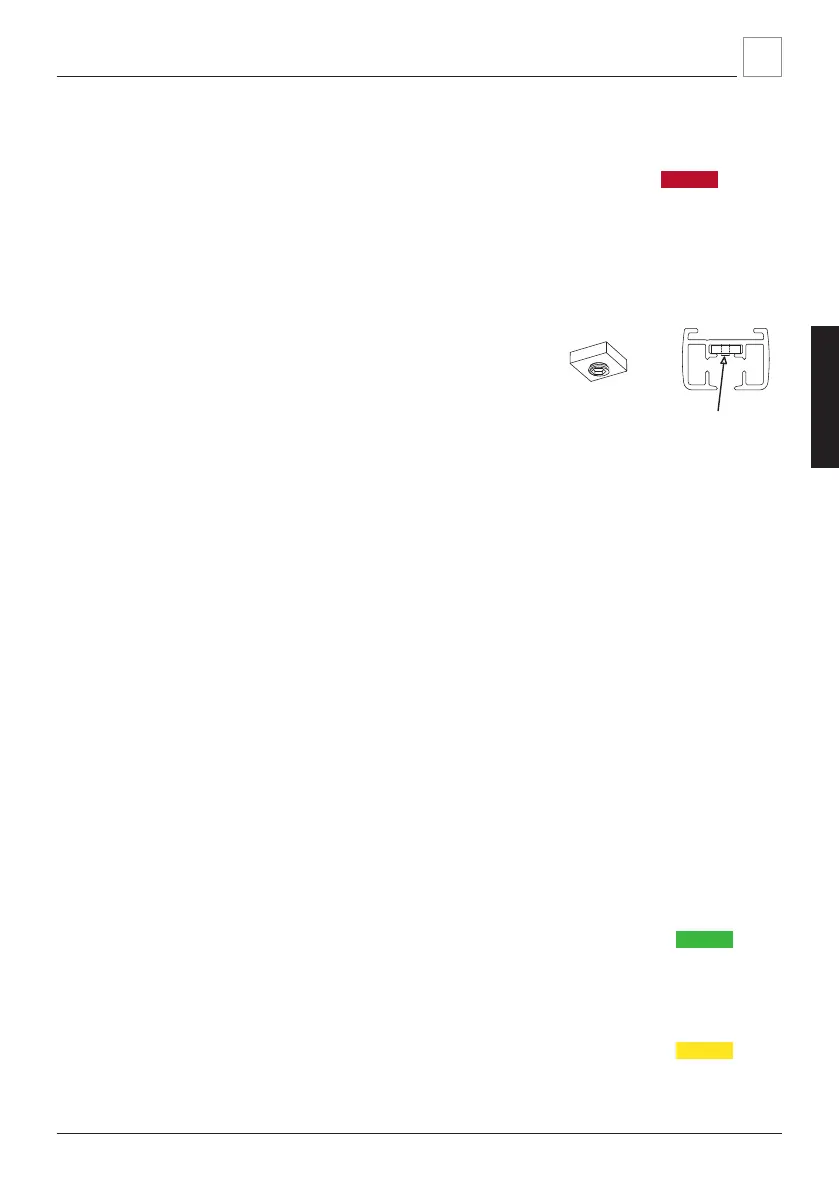
1. Place the curtains if possible and then adjust internal
endstop(s) if necessary for improved curtain pleating.
(art. 6002, Allen key 2mm). These stops are pre-se-
cured and limit the running distance of the pilot car-
rier. During the auto-calibration cycle below, electroni-
cally dened ‘soft stops’ will be set with the 6002
stops as reference.
2. Press and hold both OPEN and CLOSE buttons until the LED on the motor unit turns
white (~4s.).
3. Repeatedly press OPEN or CLOSE until the LED on the motor unit is red.
4. Shortly press both OPEN and CLOSE button to enter the feature menu, the LED on
the motor unit now ashes red.
5. The system will run until it is stopped by the internal end stop.
6. The system will move ~1cm in opposite direction and then waits for 5 seconds:
within 5 seconds start ne tuning this end position if necessary, using the buttons.
7. After 5 seconds without signal, the calibration cycle continues. The system now
runs in opposite direction until it is stopped by the internal end stop.
8. The system will move ~5cms and then waits for 5 seconds: within 5 seconds start
ne tuning this end position if necessary, using the buttons.
9. After 5 seconds without signal, the system will move 20cm in Open direction.This
completes calibration and the red LED on the motor unit switches off. CPS mode is
switched on automatically. The system is now ready for use.
1.2 Set IR channels
motor LED colour green:
( See IR manual )
1.3 Set RF channels
motor LED colour yellow:
( See RF manual )


 To Next Page