Chapter 1ContentsMain
1.4 Charging
Before using your GolfBuddy be sure to fully charge the battery. Please
follow the steps listed below:
1. Remove the battery cover by
loosening the battery cover screw,
using a coin. Angle the battery so
that the three gold colored contacts
on the battery align with the matching
contact points on towards the bottom
of the battery slot on the GolfBuddy
and slide the battery down to insert*.
Replace the battery cover.
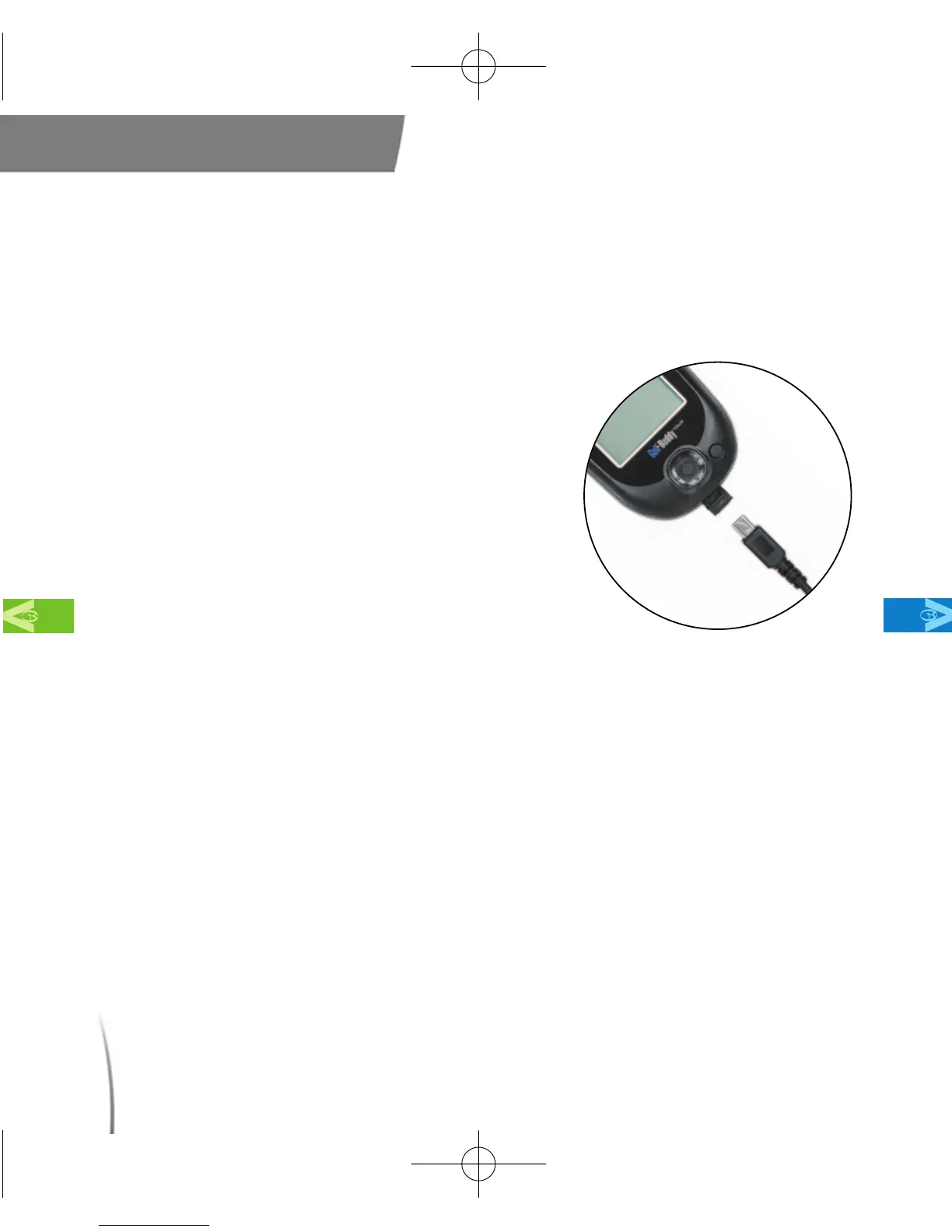
2. Gently pull back the rubber cover to
expose the mini usb/charger port
located at the bottom of your GolfBuddy. Connect the charger into
the slot . (fig.3)
* Make sure that the rechargeable battery is inserted properly with “This Side
Up” facing outwards. Your GolfBuddy will not function if the battery is not
inserted properly.
1.4.1 Battery Charging Time and Usage
Please charge the battery for at least 3 hours to obtain a full charge. Your
GolfBuddy can be used for up to 13 hours on a single charge*. (fig. 4)
12
fig. 3. Connecting to the charger
CDManualE 2009.7.17 4:32 PM 페이지12



 To Next Page