57
6.2 Registration: Creating a User Name and Password
In order to access the GB Manager, you must first register and create a
user name and password.
6.
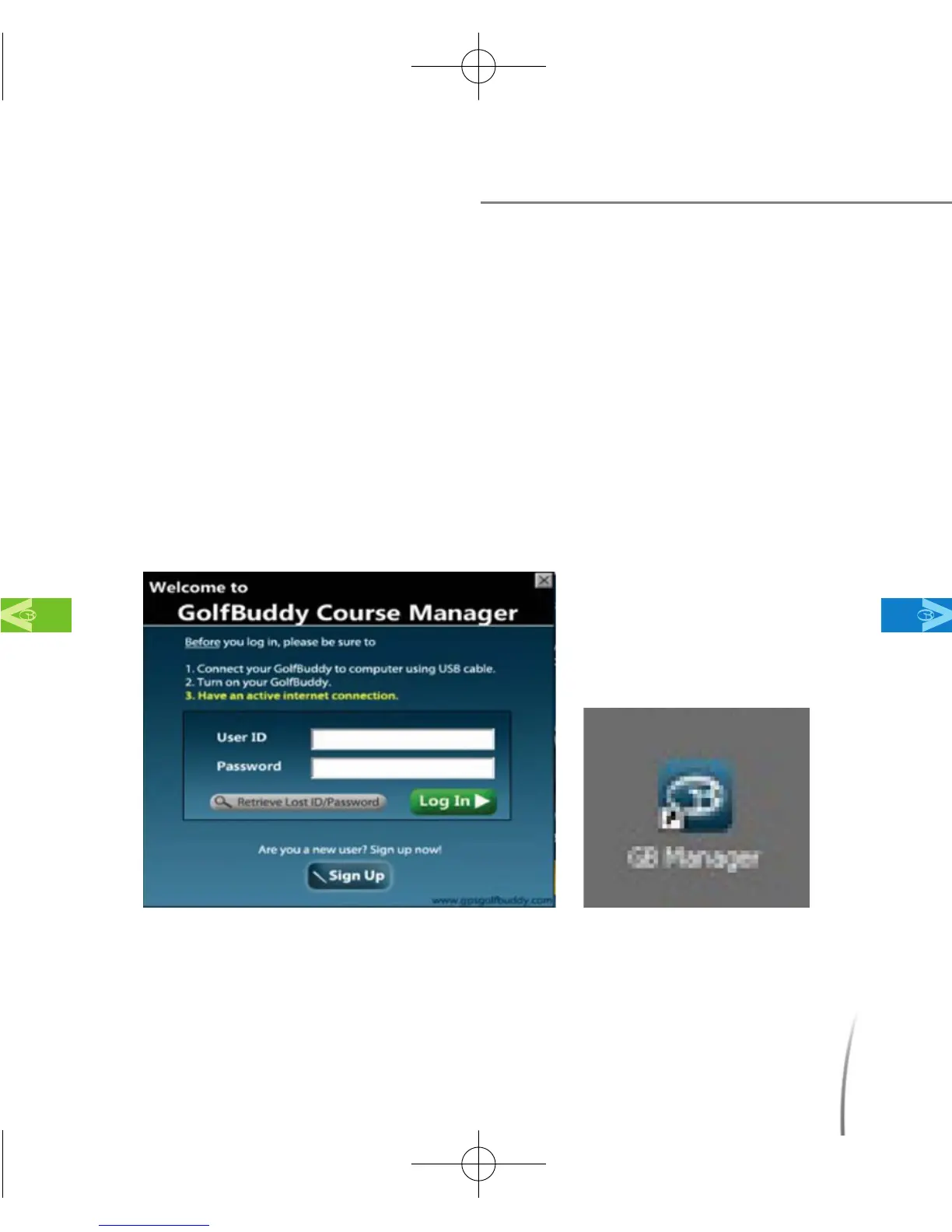
2..1 After completing the download and install process in Step 1, the GB
Manager log in window should have automatically appeared on
your screen. (fig. 44) and the GB Manager icon should have been
automatically added onto your computer’s desktop. (fig. 45) You
may double click on this icon each time you would like to access
the GB Manager.
Setting up the GB Manager
MainContentsChapter 6
fig. 44 fig. 45
CDManualE 2009.7.17 4:32 PM 페이지57



 To Next Page