19
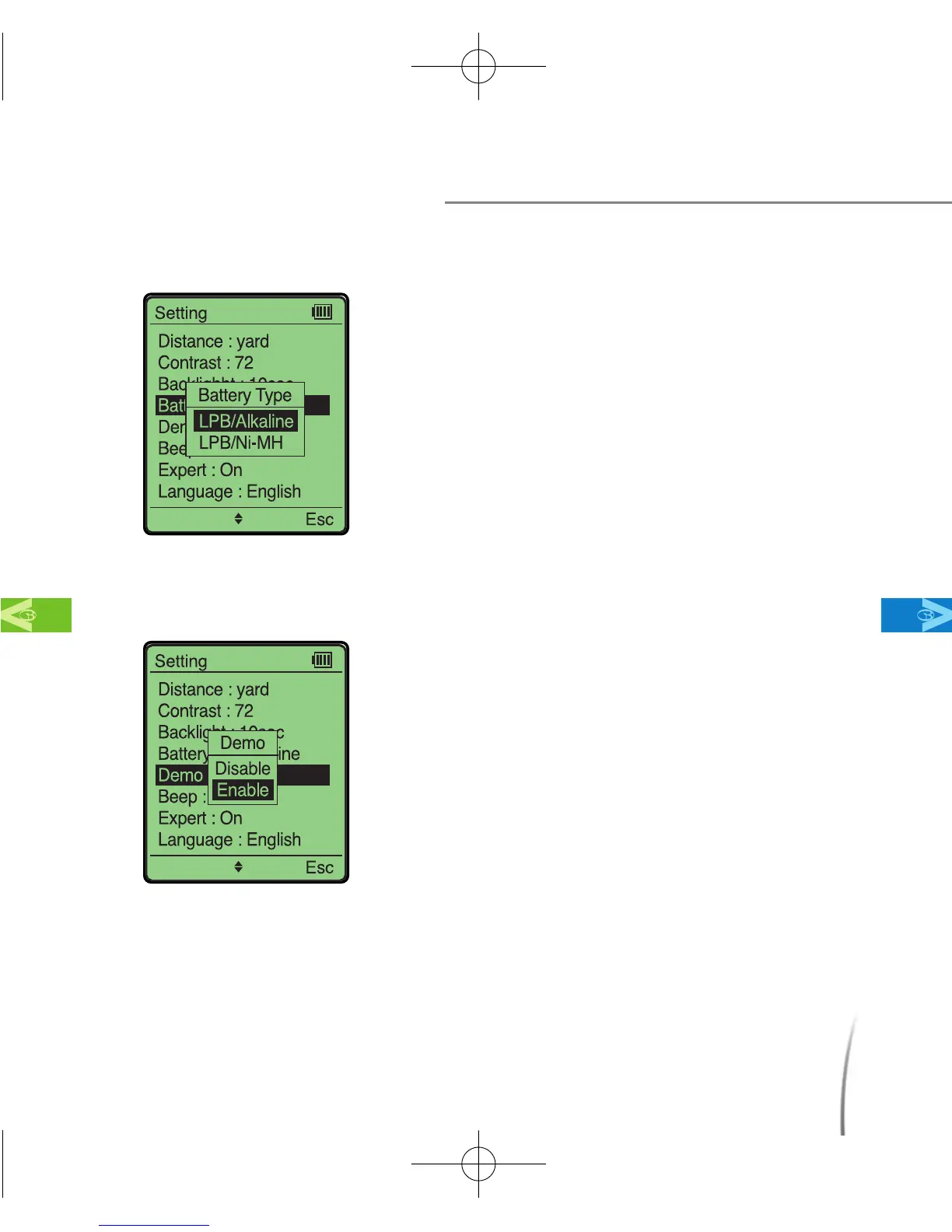
2.3.4 Battery Type
2.3.5 Demo Mode
Before Using Your GolfBuddy
MainContentsChapter 2
●
The demo mode enables you to familiarize
yourself with GolfBuddy where a satellite
signal is unreachable. To activate demo
mode, select Enable by pushing in the
toggle button. (fig. 12)
※ By pressing the “cancel” button, next to the
toggle button, in demo mode, it will simulate
game-play by changing the distance yardage
measurements as if you were advancing along
towards the green on the field.
※ Distance measurements on demo mode are
only for reference, and may vary from actual
distances.
fig. 12
●
This setting allows you to select the type of
battery to use as a AAA backup along with
your Lithium Polymer rechargeable battery
(LPB). When using Alkaline AAA batteries,
select “LPB/Alkaline”. When using Nickel-
metal Hydrate AAA batteries, select
“LPB/Ni-MH”. (fig. 11)
※ The default setting is set to LPB/Alkaline.
fig. 11
CDManualE 2009.7.17 4:32 PM 페이지19



 To Next Page