33
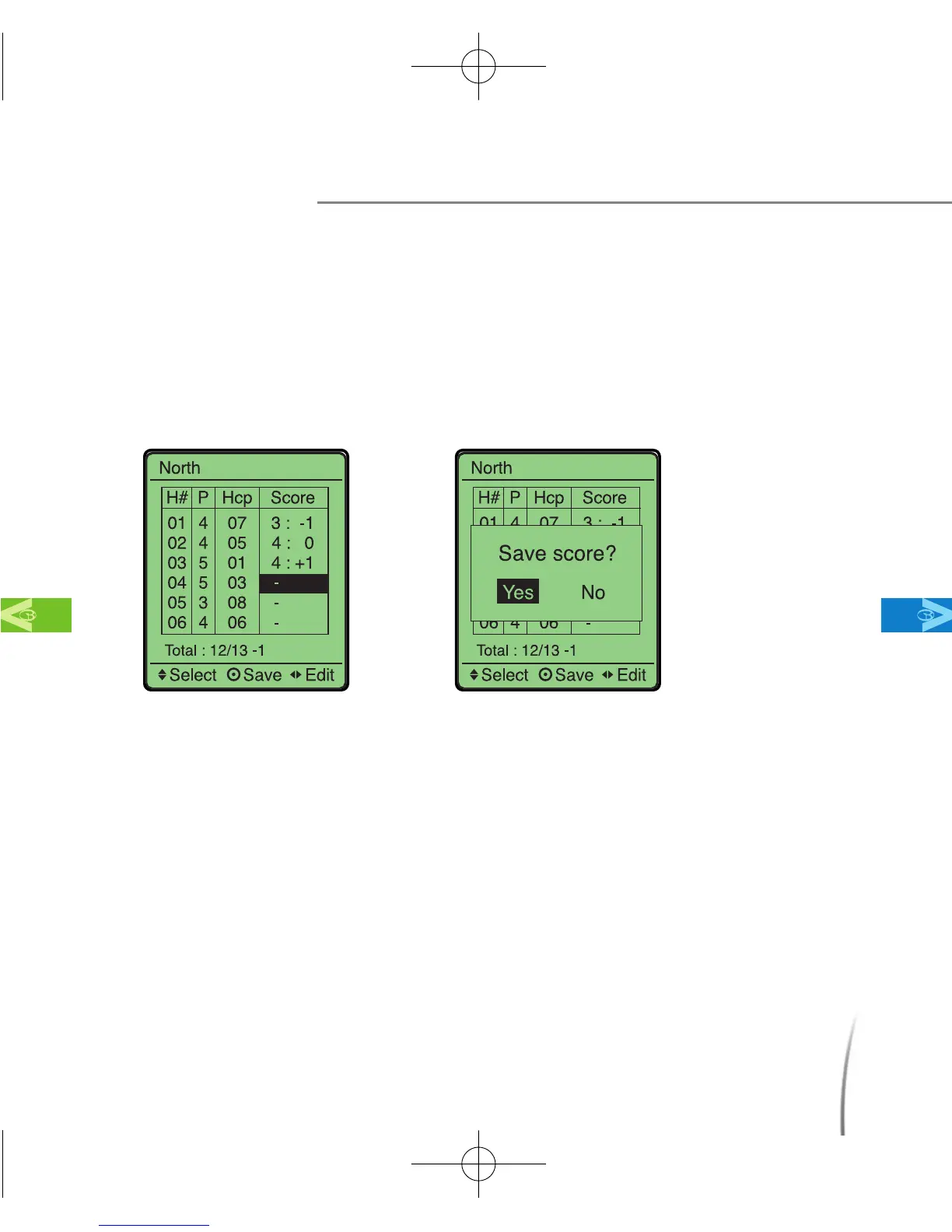
※ While selecting your score, moving the toggle button to the left will decrease
score(“-1,-2,-3”) and moving the toggle button to the right will increase your
score (“+1, +2, +3”). (fig. 26)
●
After entering your score, press confirm, by pushing in the toggle
button, and the message “save score” will appear. Move the toggle
button and select “Yes” to save your score. (fig. 27)
3.8 Changing Settings During Play
The following settings can be changed while the GolfBuddy is in use
during a game. They can all be accessed while you are on the Green
View display.
3.8.1 Adjusting Backlight Brightness
You can change the brightness of the backlight by pressing the power
Using Your GolfBuddy During a Round
MainContentsChapter 3
fig. 26 fig. 27
CDManualE 2009.7.17 4:32 PM 페이지33



 To Next Page