22
2.3.9 Course/Hole Recognition
Main Contents Chapter 2
●
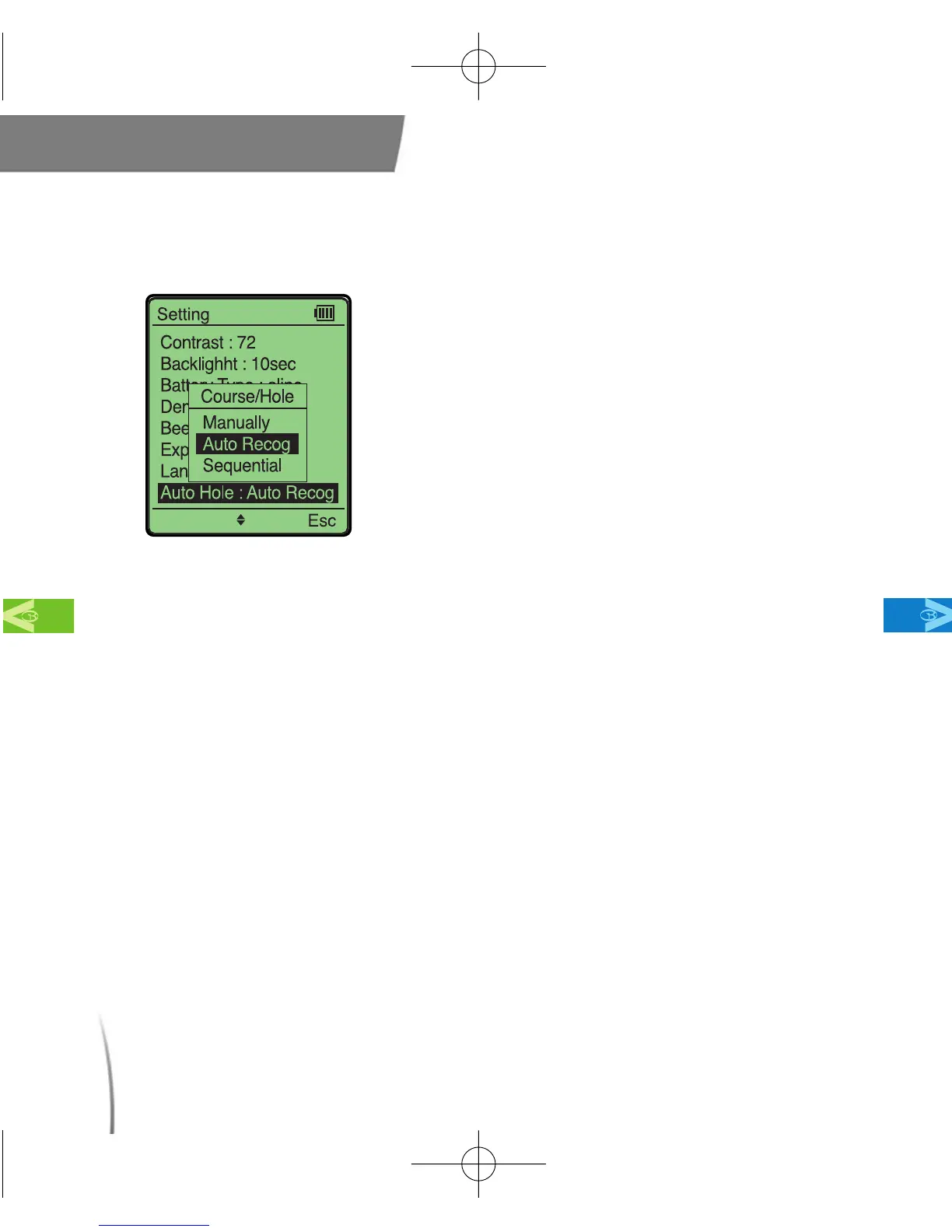
This setting allows you to choose your
course recognition options. Available
options are: manual, automatic, sequential.
(fig. 16)
※ Automatic - Allows your GolfBuddy to
automatically select the course and hole for
you. This option requires the least amount of
manual operation.
※ Manual - Enables you to select the course and
hole manually after the GPS signal is
established. This setting is for advanced users.
※ Sequential - Allows your GolfBuddy to increase
the hole sequentially (1,2,3). This option is
beneficial in areas where courses or holes are
in close proximity to each other so that the
GolfBuddy will not accidentally change from
hole to hole.
fig. 16
CDManualE 2009.7.17 4:32 PM 페이지22



 To Next Page