20
2.3.6 Sound Settings
2.3.7 Expert On/Off
Main Contents Chapter 2
●
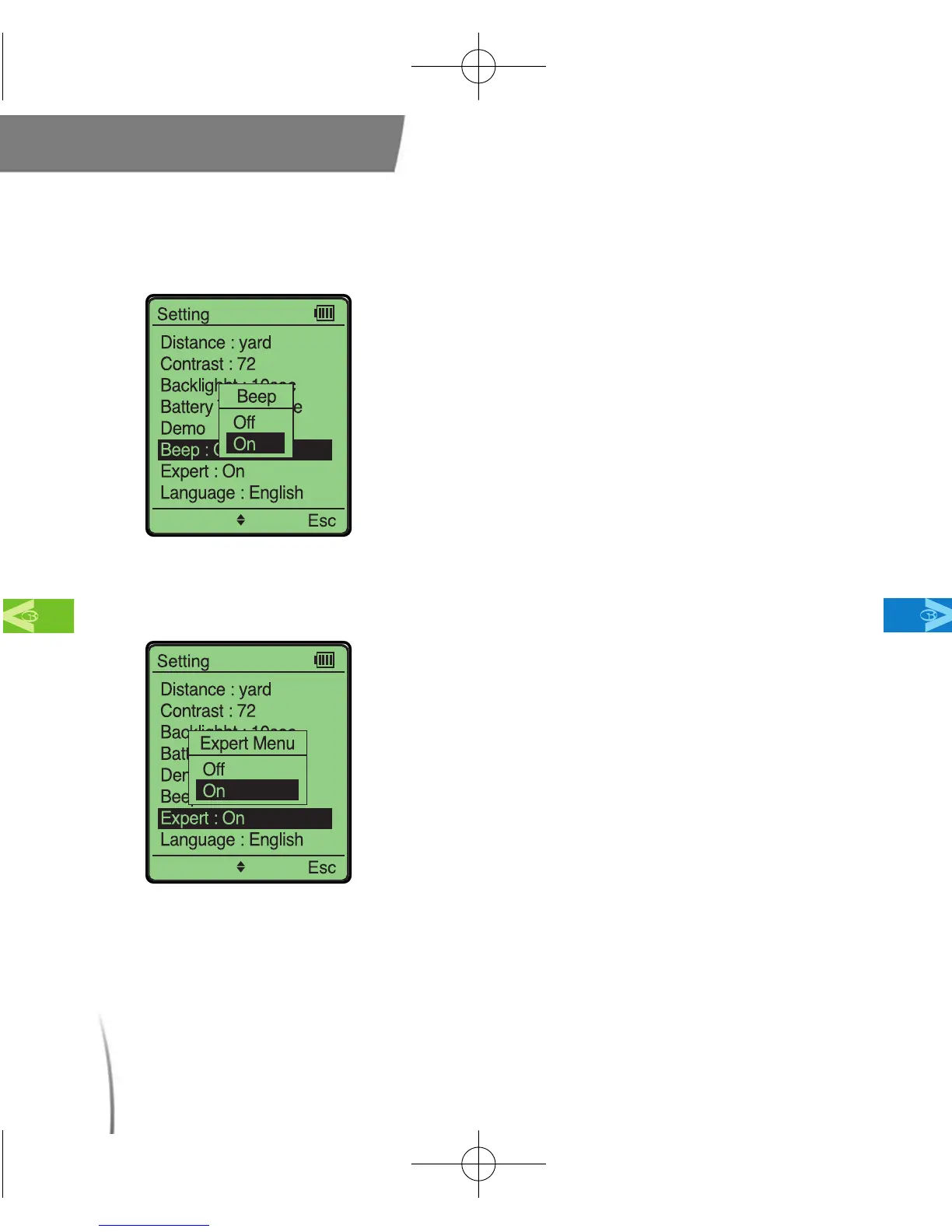
This setting allows you to turn the sound
on or off while operating your GolfBuddy.
(fig. 13)
※ The default setting for sound is “on”.
fig. 13
●
In order to access the advanced menu
you must select “Expert On”. (fig. 14)
※ The default setting is “Expert Off”.
fig. 14
CDManualE 2009.7.17 4:32 PM 페이지20



 To Next Page