30
the toggle in to delete.
※ This function can only be accessed with the “Expert Setting”on.
3.5. Measuring Shot Distance
●
From the Green View screen, press the “Mark” button located along
the right side of the GolfBuddy. The screen will then display “Mark
New Position?”. Highlight “Yes”, using the toggle button and push in
the toggle stick once to select. (fig. 24)
●
Check to make sure the screen displays “0” Take your shot and walk
to the position that your ball has landed. The number will continually
change as you move, showing the offset distance from the marked
position as you walk towards the ball.
●
After marking the position of your shot, It you wish to clear the
Main Contents Chapter 3
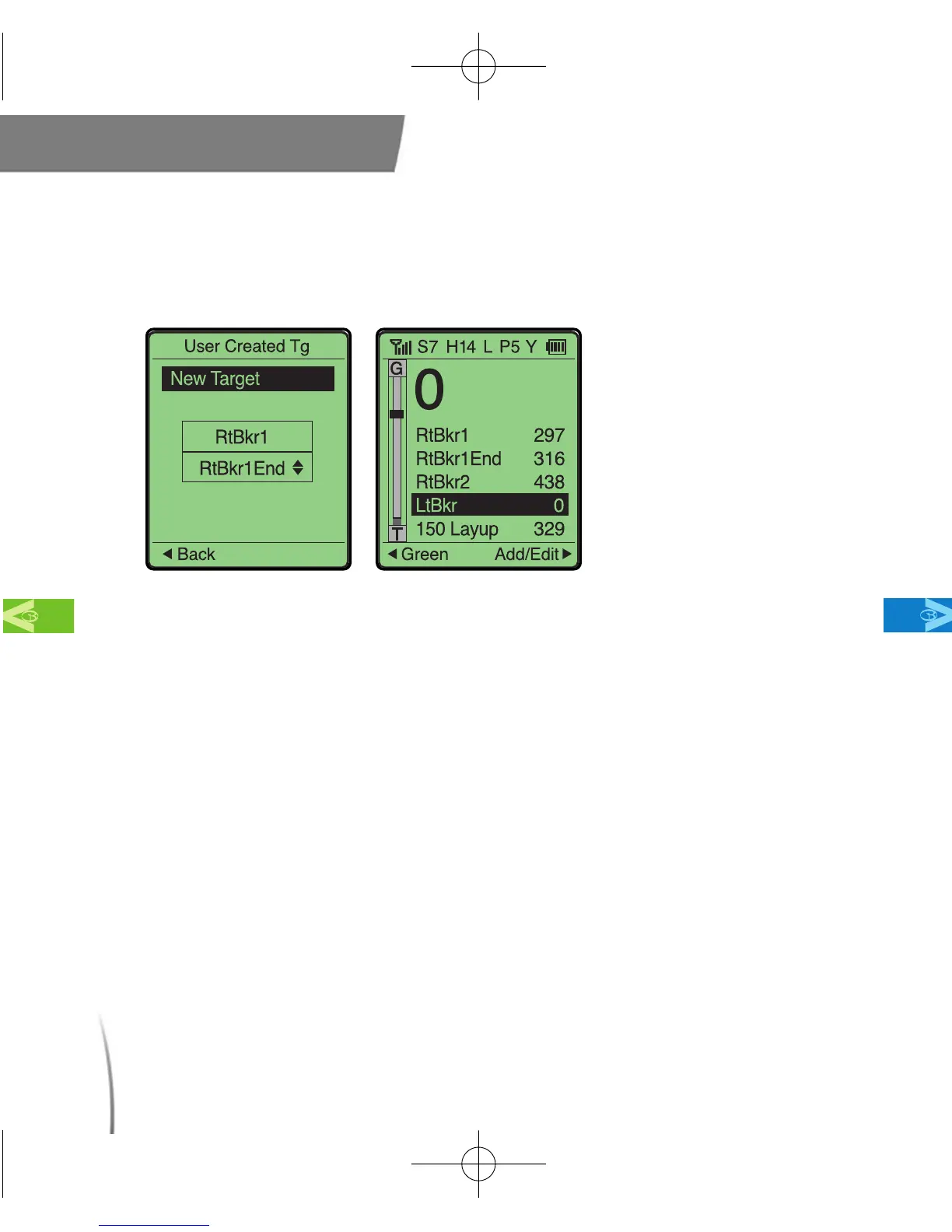
fig. 23 Adding Targets
CDManualE 2009.7.17 4:32 PM 페이지30



 To Next Page