60
6.3 Logging in to GB Manager
After you have completed the registration process you are ready to log
in to the GB Manager.
6.
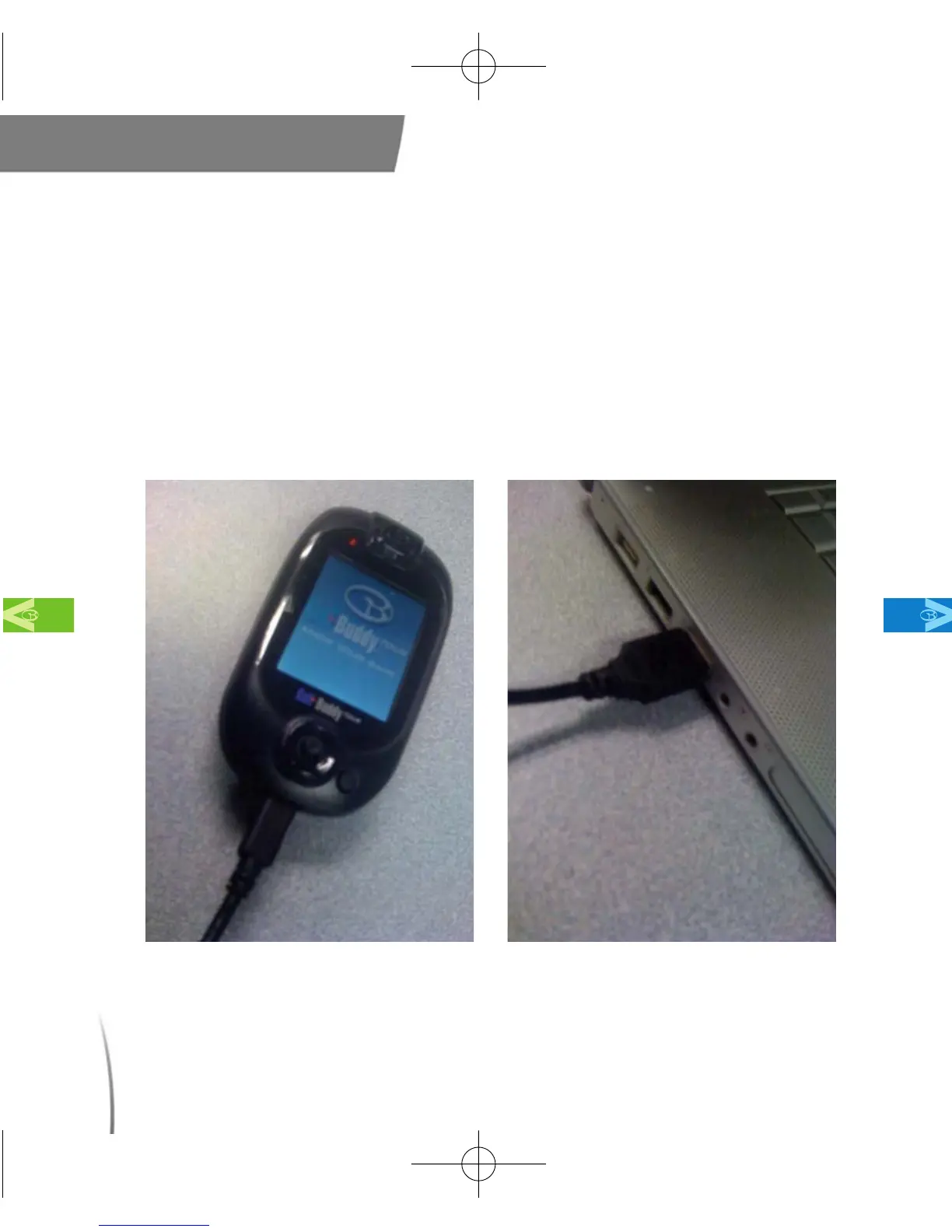
3.1 Connect your GolfBuddy unit to your computer by plugging in one
end of the USB data cable into your GolfBuddy unit, (fig. 47) and the
other end into your computer’s USB port. (fig. 48)
Main Contents Chapter 6
fig. 47 fig. 48
CDManualE 2009.7.17 4:32 PM 페이지60



 To Next Page