18
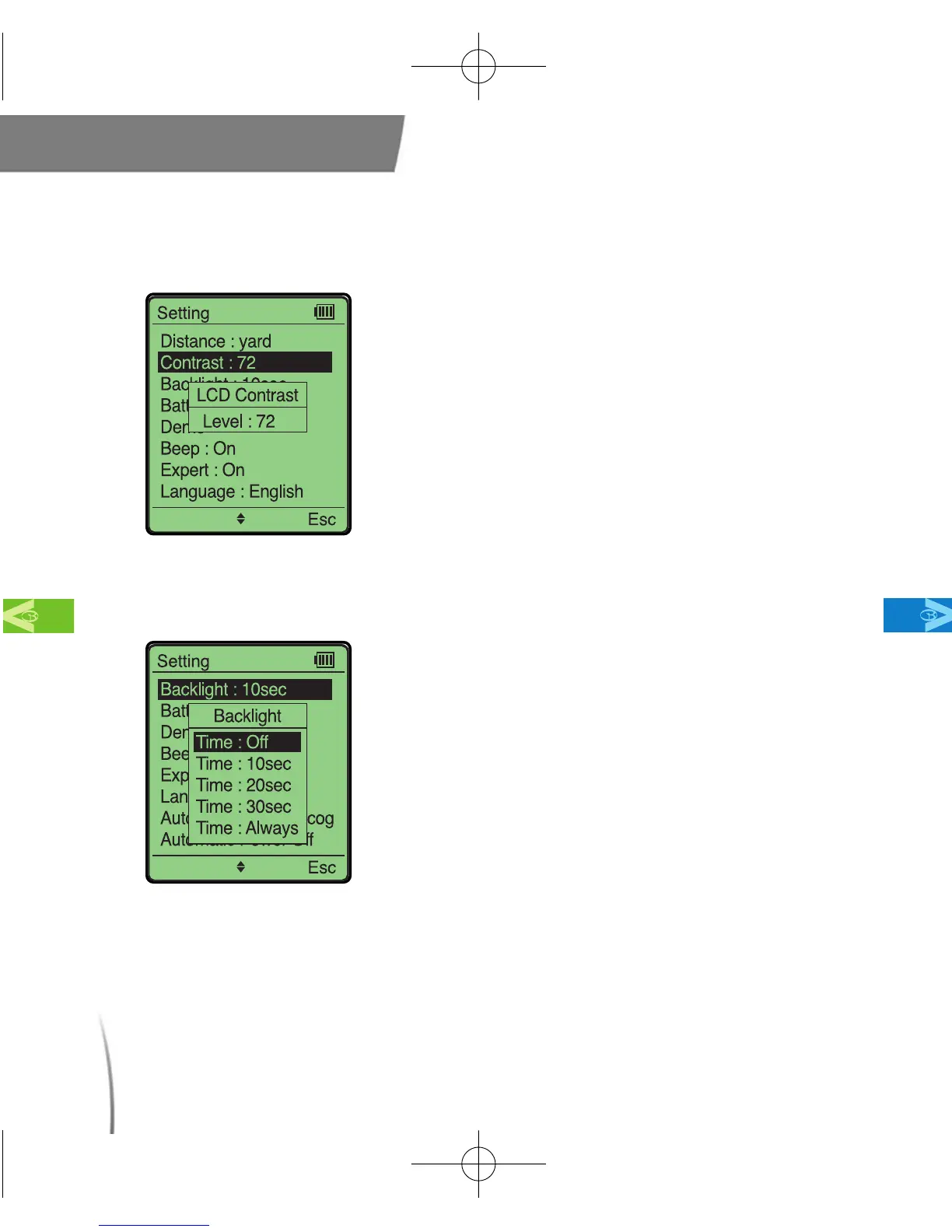
2.3.2 Screen Contrast
2.3.3 Backlight Duration
Main Contents Chapter 2
●
This setting allows you to set your screen’s
contrast level. (fig. 9)
※ The contrast levels are from 1 to 111. Factory
default for screen contrast is 72.
fig. 9
●
This setting allows you to set the duration
of the LCD backlight. (fig. 10)
※ You will experience better battery life by
turning off the LCD backlight.
fig. 10
CDManualE 2009.7.17 4:32 PM 페이지18



 To Next Page