17
pre-loaded into the memory. However, if you cannot find a course
that you are looking for on your GolfBuddy, please go to our website,
www.gpsgolfbuddy.com, to download the course. Please follow the
simple instructions listed on the website to download any course in
our course library. If the course that you are looking for is not listed in
the course library, please contact our customer service department,
and we will promptly make the course available to download.
2.3 Settings
●
You may customize the settings on your GolfBuddy to your
preference. Select the “Settings” icon from the main menu to access
this function.
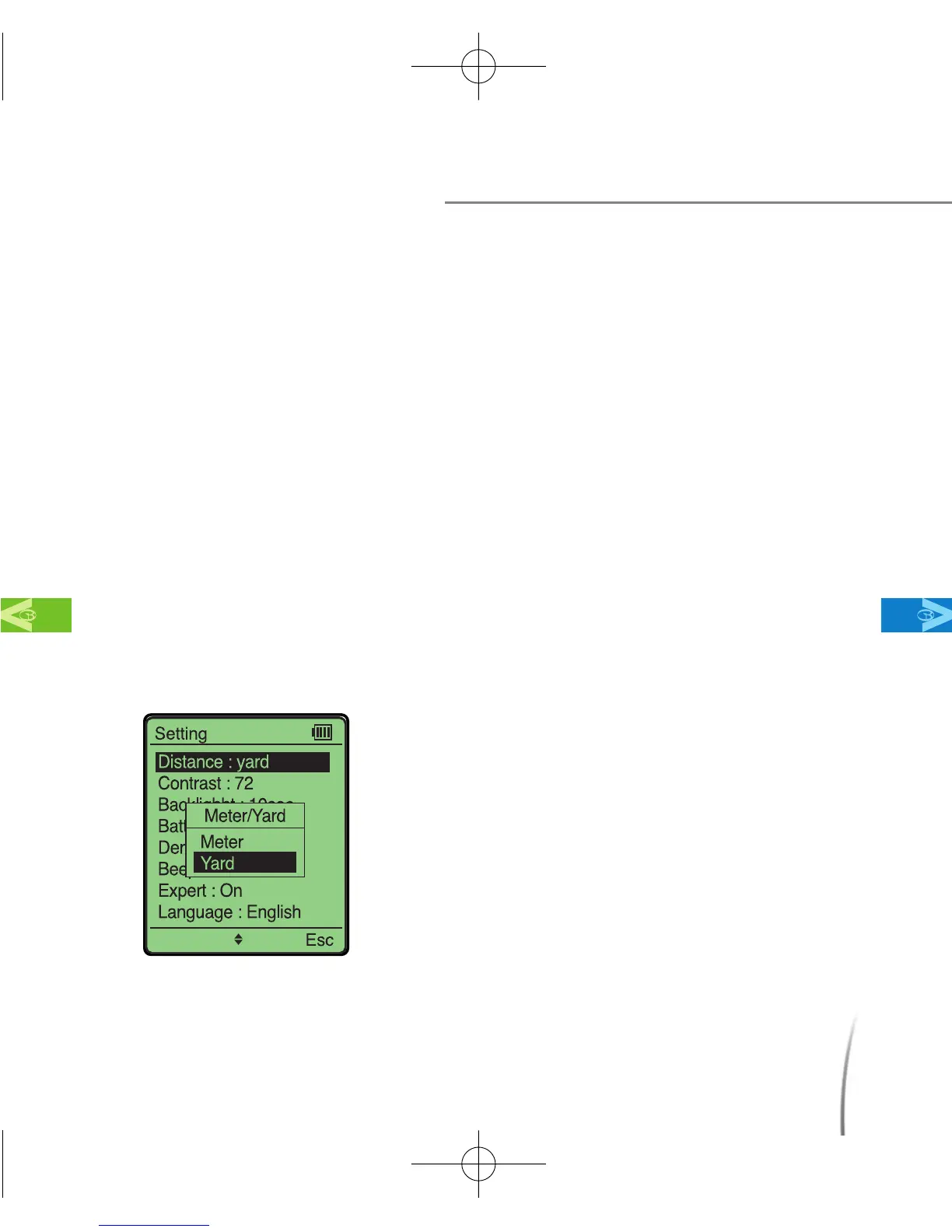
2.3.1 Distance: Unit of Measurement
Before Using Your GolfBuddy
MainContentsChapter 2
●
This setting allows you to change your
distance units to be displayed in yards or
meters. (fig. 8)
※ Factory default for distance unit is in Yards.
* You may also access this menu while on the
Green View screen. Move the toggle button up
and hold for a few seconds and the menu will
appear.
fig. 8
CDManualE 2009.7.17 4:32 PM 페이지17



 To Next Page