16
2.1 Powering On and Off
●
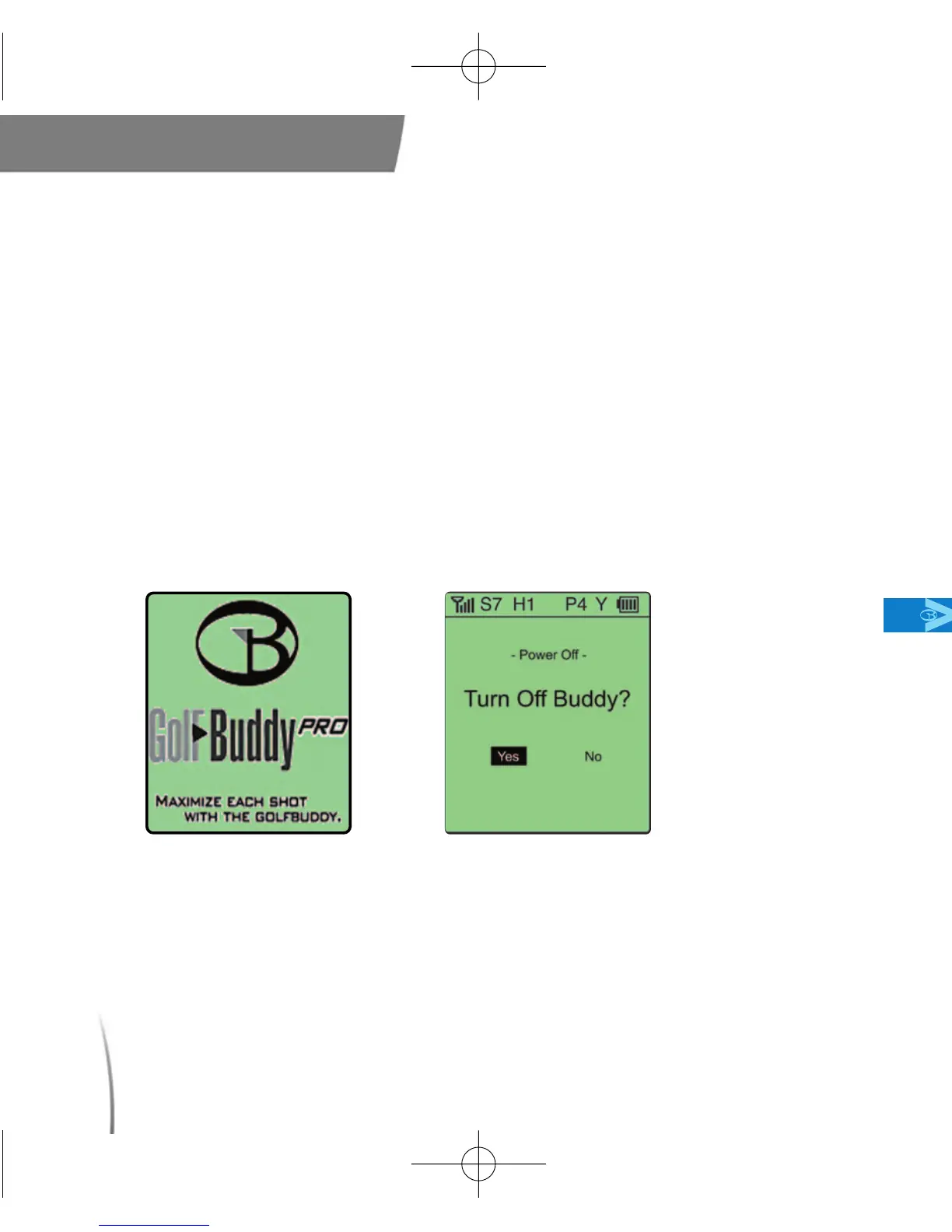
To power on your unit, press and hold the power button until your
GolfBuddy powers on. Once the GolfBuddy is powered on, the
GolfBuddy logo will appear on the screen followed by the satellite
connection diagram. (fig. 6)
●
To power off your unit, press and hold the power button. The screen
will then display [Power Off?].
●
Using your toggle stick, highlight and select “Yes” to turn off your
GolfBuddy. (fig. 7)
2.2 Downloading courses to your GolfBuddy
●
Your GolfBuddy comes with all of the available courses in our library
Main Contents Chapter 2
fig. 7. Turn off GolfBuddy? screenshotfig. 6.
CDManualE 2009.7.17 4:32 PM 페이지16



 To Next Page