28
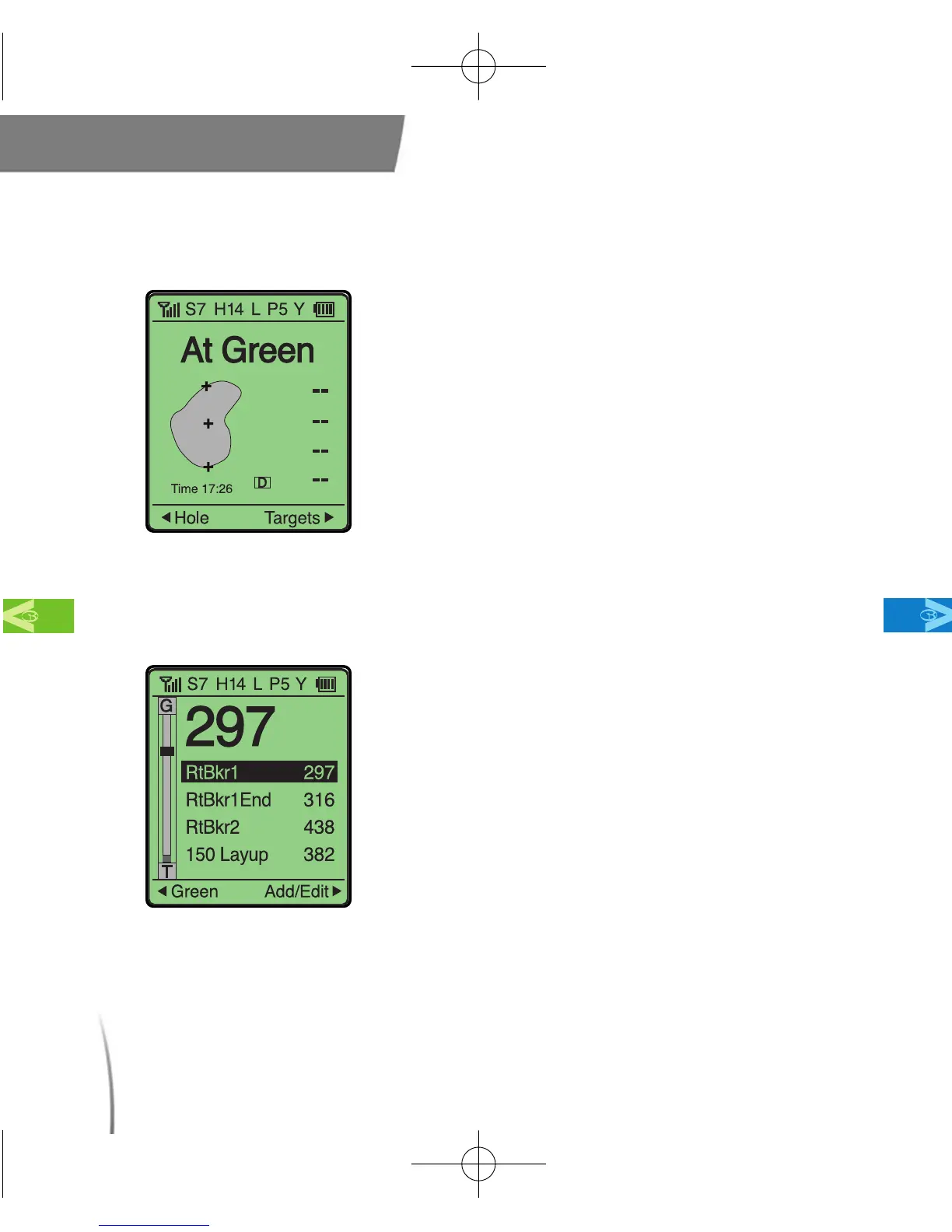
3.2.1 At Green
3.3 Target Display
Main Contents Chapter 3
●
The GolfBuddy provides you with an
accurate distance to the green so you can
plan your shot accordingly. Once you are
on the green, your GolfBuddy will display
“At Green” since the distance information
is no longer needed. (fig. 21)
fig. 21
●
This function will display your remaining
distance to bunkers, hazards, targets,
layups, etc.
※ To access the Target display from the Green
View display, move the toggle button once to
the right and push in the toggle button to select.
※ The Target display will show distances to different
targets on the hole you are playing. (fig. 22)
※ Notice the target bar along the left side of the
screen. The solid black line indicates the
selected target’s position in relation to the hole
you are playing.
fig. 22
CDManualE 2009.7.17 4:32 PM 페이지28



 To Next Page