Chapter 3Contents
26
3.1 Establishing Satellite Signal
●
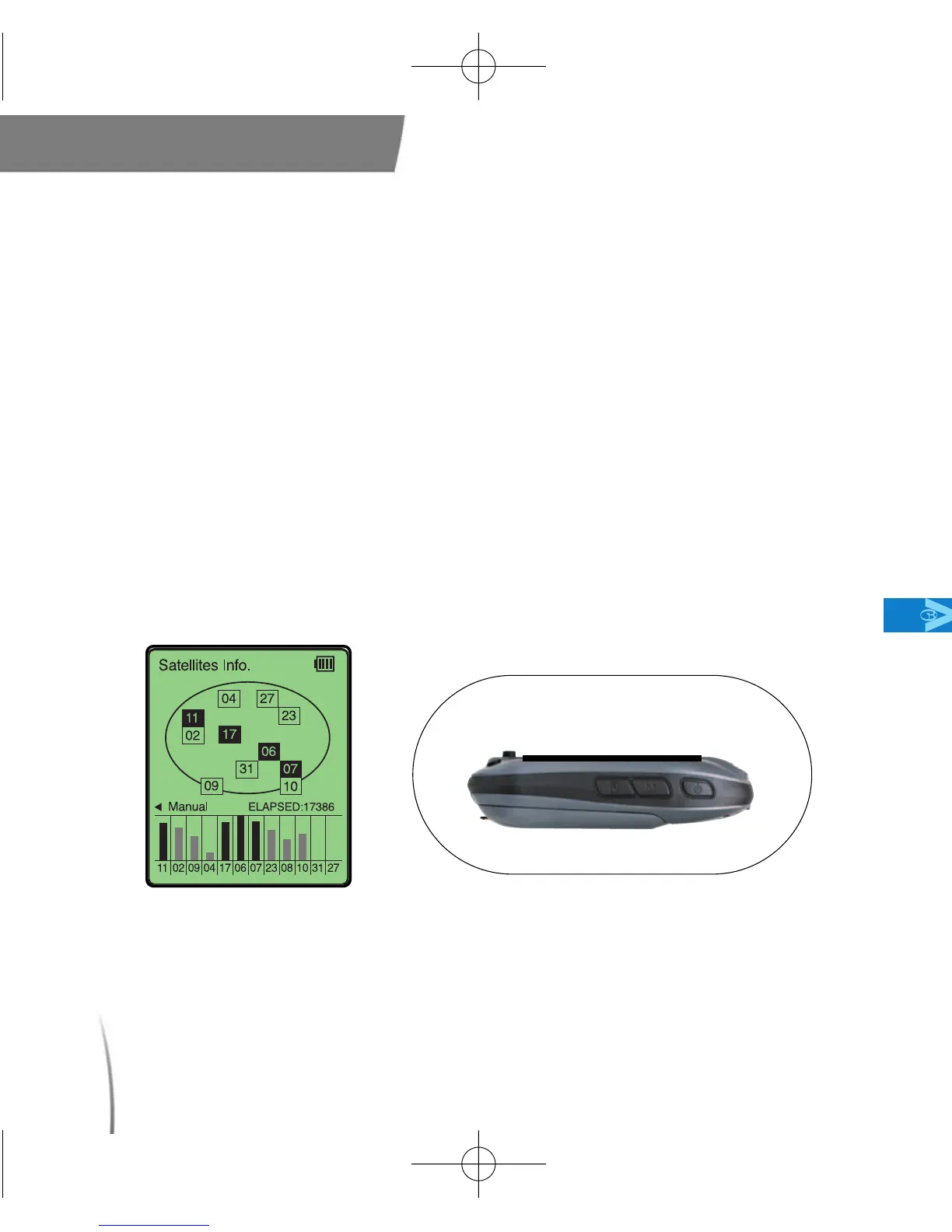
To begin using your GolfBuddy, power on your unit by pressing and
holding down the power button until it turns on. Once the GolfBuddy
is powered on, the GolfBuddy logo will appear on the screen,
followed by the satellite connection diagram. (fig. 18) Point your
GolfBuddy upward toward the sky for 1-2 minutes. (Initial satellite
connection may take up to 3-5 minutes) Once a satellite signal is
achieved, your Golfbuddy will prompt you with a message asking,
“Proceed to the Teebox?”, along with the name of the course that
you are on, highlighted below. Push the toggle button to select the
course, and you will be taken to the “Green View” Display (fig. 19)
Main
< Acquiring Satellite Signal >
fig. 18 fig. 19
CDManualE 2009.7.17 4:32 PM 페이지26



 To Next Page