35
●
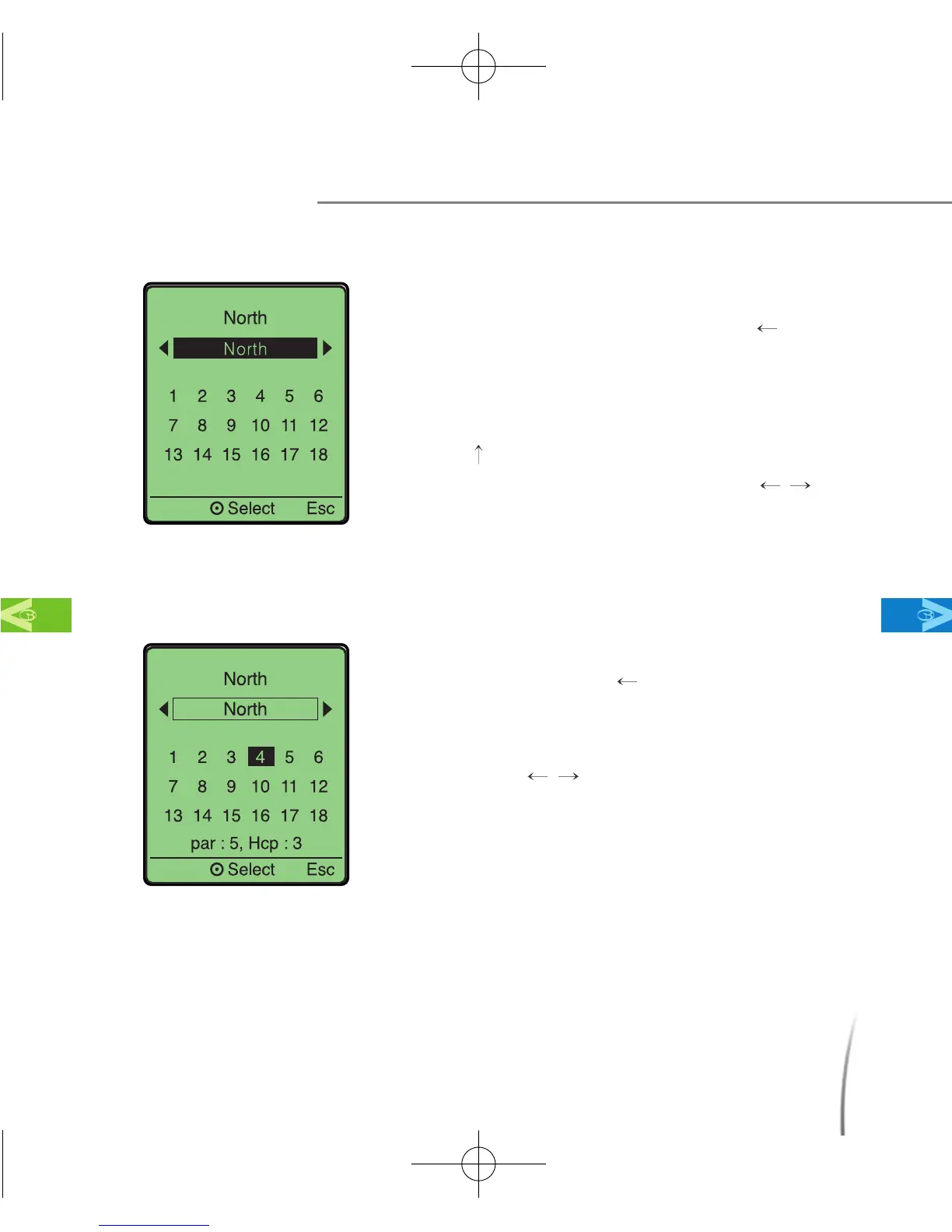
Changing the Course
- From the Green View screen, move
your toggle button to the left(
) twice.
This will take you to course selection
screen. (fig. 28)
- At the course selection screen, move
up(
) on your toggle button to select the
current course. Move left/right(
/ ) on
your toggle button to select the course
you wish to play. Then push in the toggle
button to choose the course.
●
Changing Hole
- At the play screen, move your toggle
button to the left(
) twice. This will take
you to the hole selection screen. (fig. 29)
- At the hole selection screen, move
left/right(
/ ) on your toggle button to
select the hole you wish to play. Then
push in the toggle button to select.
Using Your GolfBuddy During a Round
MainContentsChapter 3
fig. 29
fig. 28
CDManualE 2009.7.17 4:32 PM 페이지35



 To Next Page