72
7.1.2 Downloading Courses
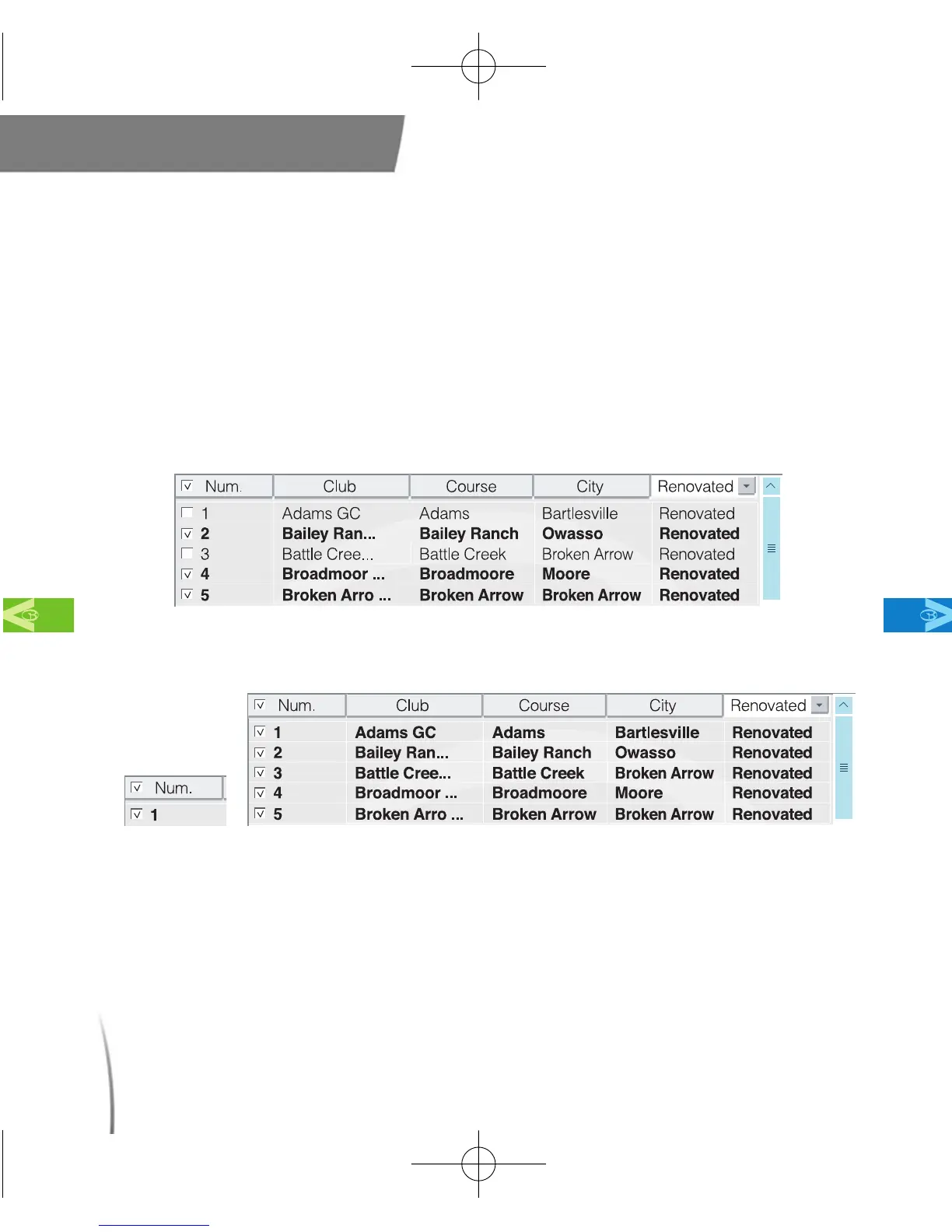
7.1.2.1 Once you have located the courses you wish to download, check
off the white boxes in the right column next to the course or
courses you wish to download. (fig. 61)
Note: Checking off the white box in the tab labeled “Num”will select all the
courses in the right column. (fig. 62)
Main Contents Chapter 7
fig. 61
fig. 62
CDManualE 2009.7.17 4:32 PM 페이지72



 To Next Page