75
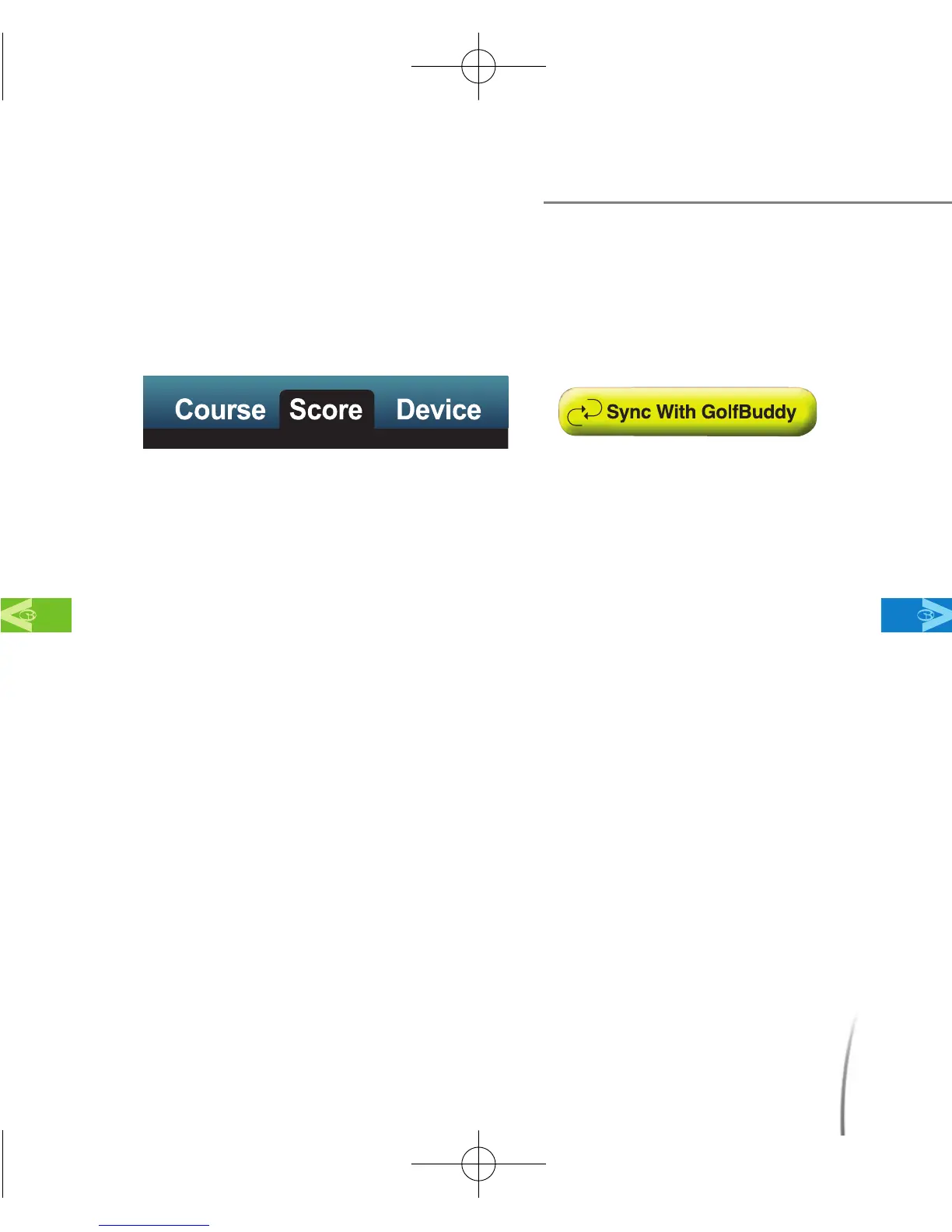
7.2.1 Viewing Scores - To bring up a list of your recorded scores, click
on the “Score” tab (fig. 65) and then click “Sync with GolfBuddy”.
(fig. 66).
7.2.1.1 The left column lists all the courses which you have recorded your
scores on. Highlighting “Total Scores”,(fig.67) will list all of the
scores in the right column,(fig.68) and highlighting a single course
on the list will bring up only the scores you have recorded on that
particular course.
Using the GB Manager
MainContentsChapter 7
fig. 65 fig. 66
CDManualE 2009.7.17 4:32 PM 페이지75



 To Next Page