78
click “OK”.
7.3.2.1 Important Note: after choosing a logo, you must click the green
button labeled “Download User Information”to save your logo on
your unit.
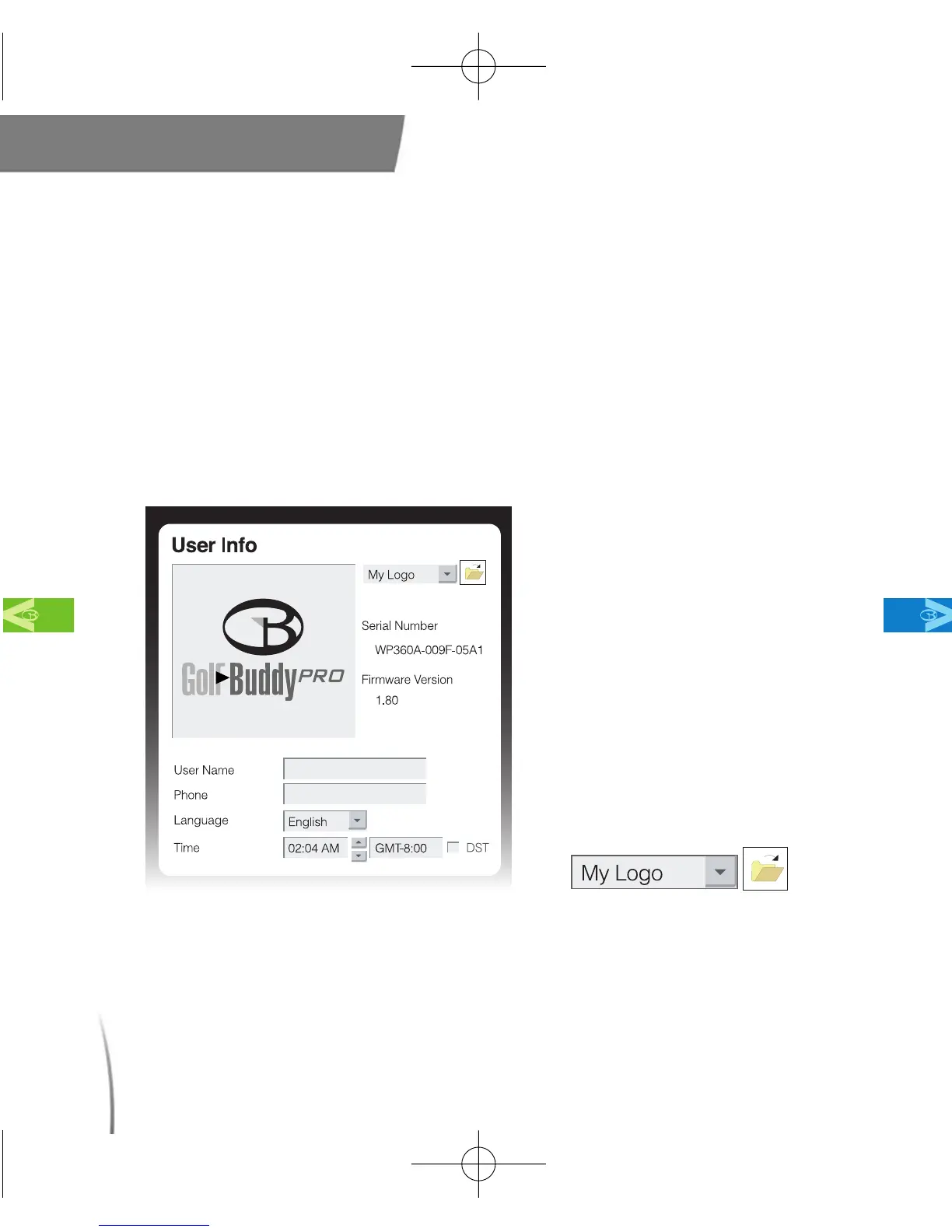
7.3.2.1 To set your Sub Logo and Main logo, click on the drop menu (fig.
75) make a selection, and repeat the steps to insert an additional
logo.
Main Contents Chapter 7
fig. 71 fig. 72
CDManualE 2009.7.17 4:32 PM 페이지78



 To Next Page