80
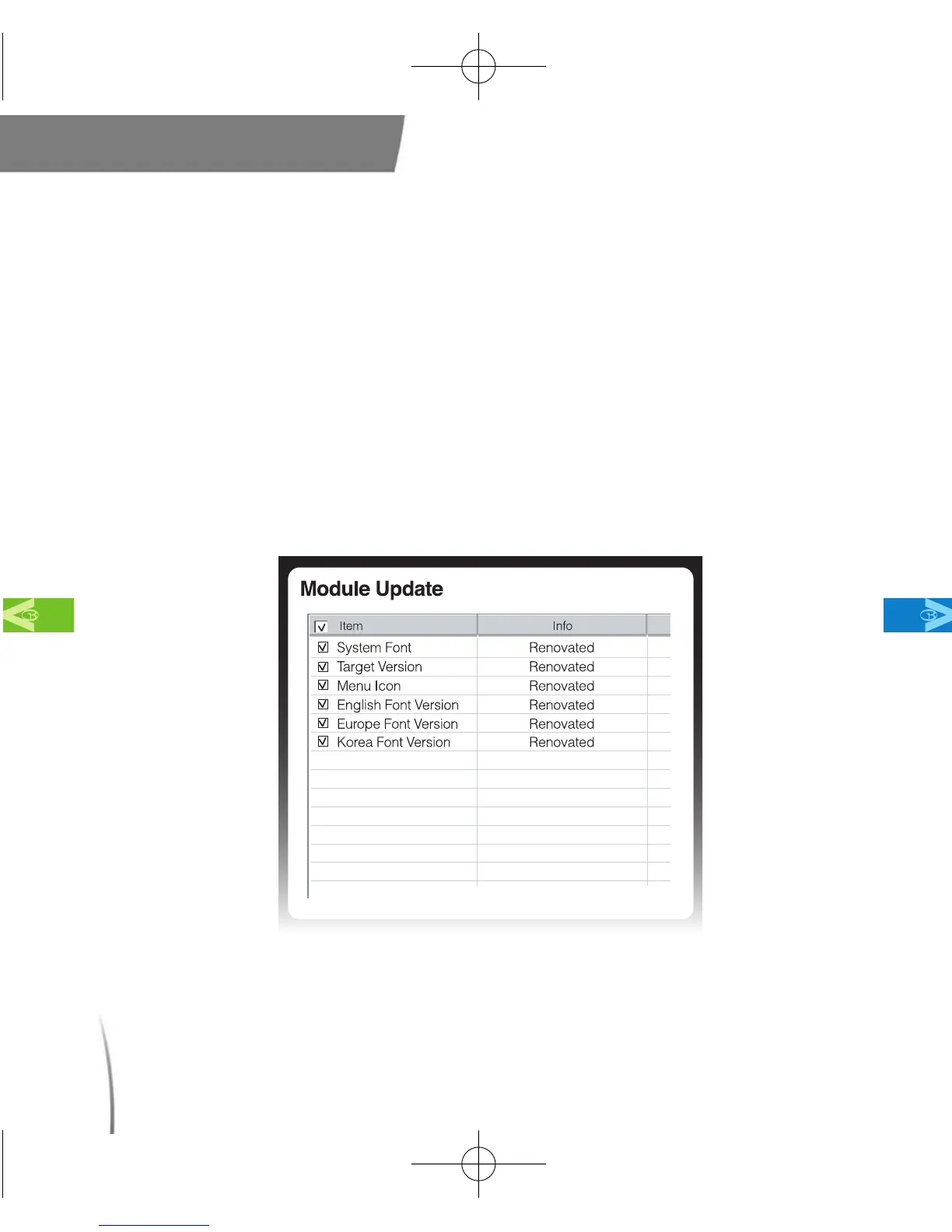
7.3.2 Module Update - A list of updates is shown in the “Module
Update” window (fig.76) under the “Device” tab. Next to each
individual item, under the “info” tab, it will be labeled as either
“Latest, New or Renovated” If all the updates are shown as
“Latest”, it means that your software is current and up to date.
However, if they are listed as either, “New” or “Renovated”, the
updates should be downloaded to ensure that your unit performs
at its optimum level.
Main Contents Chapter 7
fig. 76
CDManualE 2009.7.17 4:32 PM 페이지80



 To Next Page