Spray Adjustments
20
Cycle Count Key/LED
Press to display cycle count.
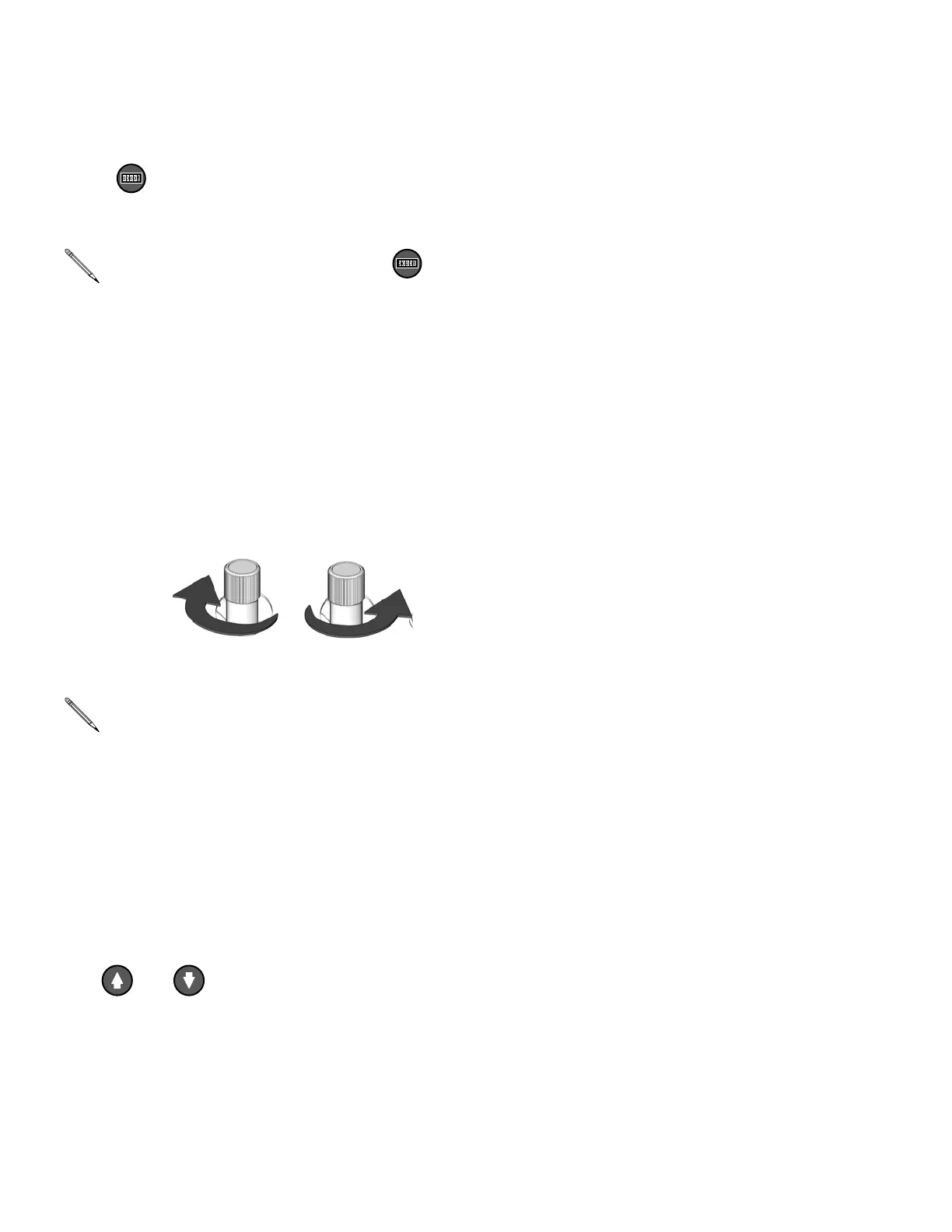
Hydraulic Pressure Control
Knob
Use to adjust hydraulic pressure available to
the hydraulic drive system. Turn knob (HC)
clockwise to increase pressure and counter-
clockwise to decrease pressure. Use hydraulic
pressure gauge (HP, page 15) to view hydrau-
lic pressure.
Motor Control Arrow Keys
Use or to:
• Adjust pressure imbalance settings, page
30.
• Adjust standby settings, page 33.
Spray Adjustments
Flow rate, atomization, and amount of over-
spray are affected by four variables.
• Fluid pressure setting. Too little pressure
results in an uneven pattern, coarse droplet
size, low flow, and poor mixing. Too much
pressure results in excessive overspray,
high flow rates, difficult control, and exces-
sive wear.
• Fluid temperature. Similar effects to fluid
pressure setting. The A and B tempera-
tures can be offset to help balance the fluid
pressure.
• Mix chamber size. Choice of mix chamber
is based on desired flow rate and fluid vis-
cosity.
• Clean-off air adjustment. Too little
clean-off air results in droplets building up
on the front of the nozzle, and no pattern
containment to control overspray. Too much
clean-off air results in air-assisted atomiza-
tion and excessive overspray.
To clear counter, press and hold
for 3 sec.
Component A and B outlet pressures
will be higher than the hydraulic set
pressure, depending on the model (see
Pressure Ratio data; Models, page 3).
Component A and B pressure may be
viewed on the pressure gauges (GA,
GB), or the higher of the two pressures
may be displayed on the motor control
panel (MC). See F
IG. 3, page 15.
+-
ti7731a ti7732a




 To Next Page