Startup
30
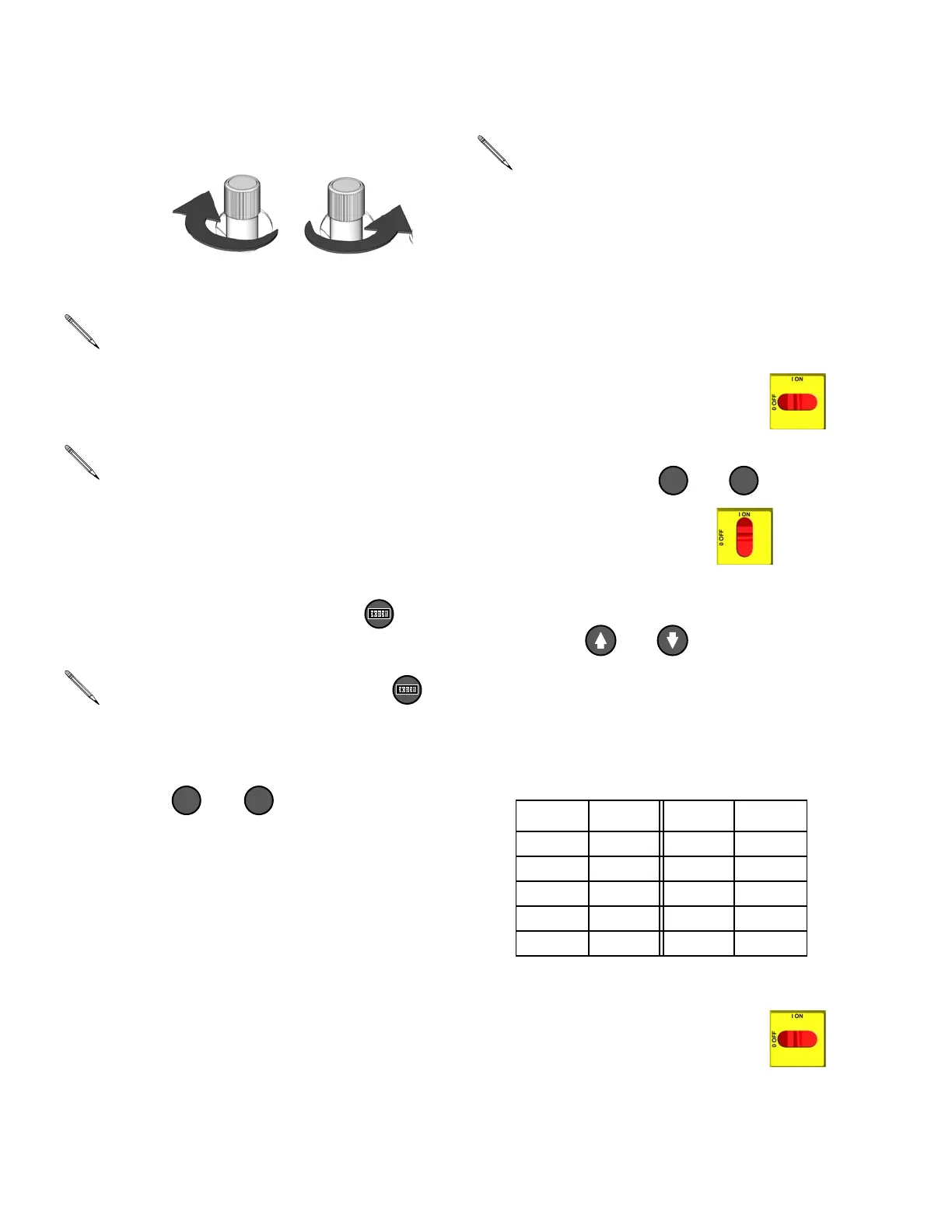
c. Adjust hydraulic pressure control until
display shows desired fluid pressure.
d. To display cycle count, press .
e. Press or to change pres-
sure scale.
4. Change pressure imbalance setting
(optional)
The pressure imbalance function (status code
24, page 39) detects conditions that can cause
off-ratio spray, such as loss of feed pres-
sure/supply, pump seal failure, clogged fluid
inlet filter, or a fluid leak.
The pressure imbalance default is factory-set
at 500 psi (3.5 MPa, 35 bar). For tighter ratio
error detection, select a lower value. For looser
detection or to avoid nuisance alarms, select a
higher value.
a. Turn main power switch OFF .
b. Press and hold or , then turn
main power switch ON . Display
will read dP500 for psi or dP_35 for bar.
c. Press or to select desired
pressure differential (100-999 in incre-
ments of 100 psi, or 7-70 in increments
of 7 bar). See T
ABLE 3.
* Factory default setting.
d. Turn main power switch OFF to
save changes.
If display pressure is greater than
desired pressure, reduce the hydraulic
pressure and trigger gun to reduce
pressure.
Check the pressure of each proportion-
ing pump using the component A and B
gauges. The pressures should be
approximately equal and must remain
fixed.
To clear counter, press and hold
for 3 sec.
+-
ti7731a ti7732a
PSI
BAR
Code 24 (pressure imbalance) is set to
an alarm as the default. To change to a
warning, see Reactor Repair-Parts
manual 312063.
Table 3: Available Pressure Imbalance Settings
PSI BAR PSI BAR
100 7 600 42
200 14 700 49
300 21 800 56
400 28 900 63
*500 *35 999 69
PSI
BAR




 To Next Page