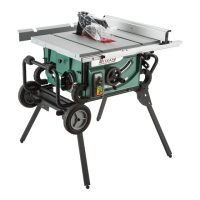
Model G0771Z (Mfd. Since 01/21)
-61-
Setting 45° Stop
1. DISCONNECT SAW FROM POWER!
2. Raise blade as high as it will go, then tilt it
towards 45° until it stops and cannot be tilted
any more.
— If blade is 45° to table, then no adjust-
ments need to be made. Proceed to
Step 8.
— If blade is not 45° to table, you will need
to adjust 45° limiting block. Proceed to
Step 4.
4. Remove rear access panel.
6. Tilt blade away from 45° by about 5°, so there
is room for limiting block to move.
7. Adjust 45° limiting block according to how far
off blade was from 45°, then recheck blade
and repeat adjustment as necessary until
blade stops at 45°, then tighten cap screws
and replace rear access panel.
8. Make sure tilt indicator arrow points to 45°
mark on scale. If it doesn't, adjust indicator
arrow as described on Page 60.
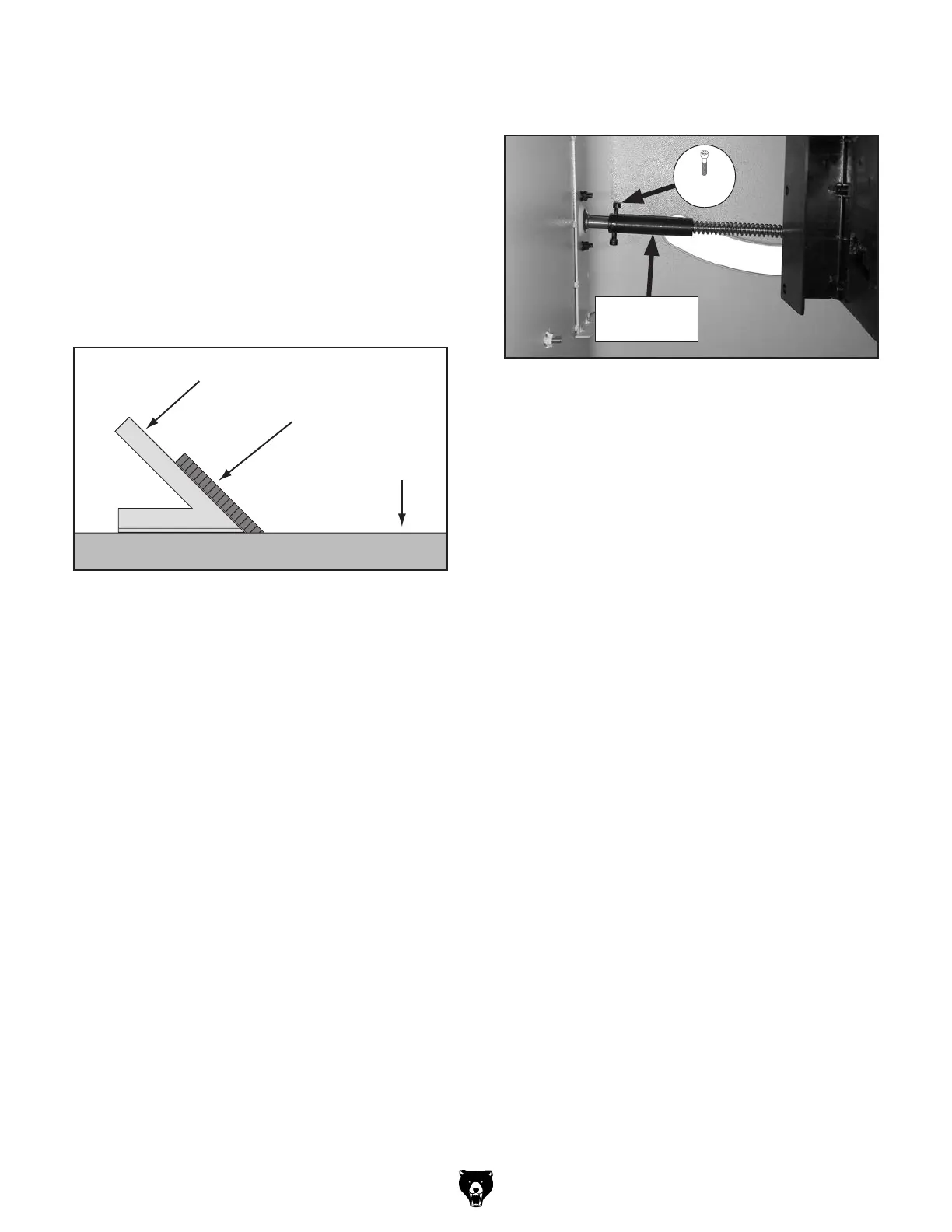
Figure 107. Checking blade at 45°.
Blade
45° Square
Table
3. Place a 45° square against table and blade
so it contacts blade evenly from bottom to
top, as shown in Figure 107. Make sure a
blade tooth does not obstruct placement of
square.
5. Loosen (2) M5-.8 x 10 cap screws in 45° limit-
ing block (see Figure 108).
Figure 108. Location of 45° limiting block.
45° Limiting
Block
x 2



 To Next Page