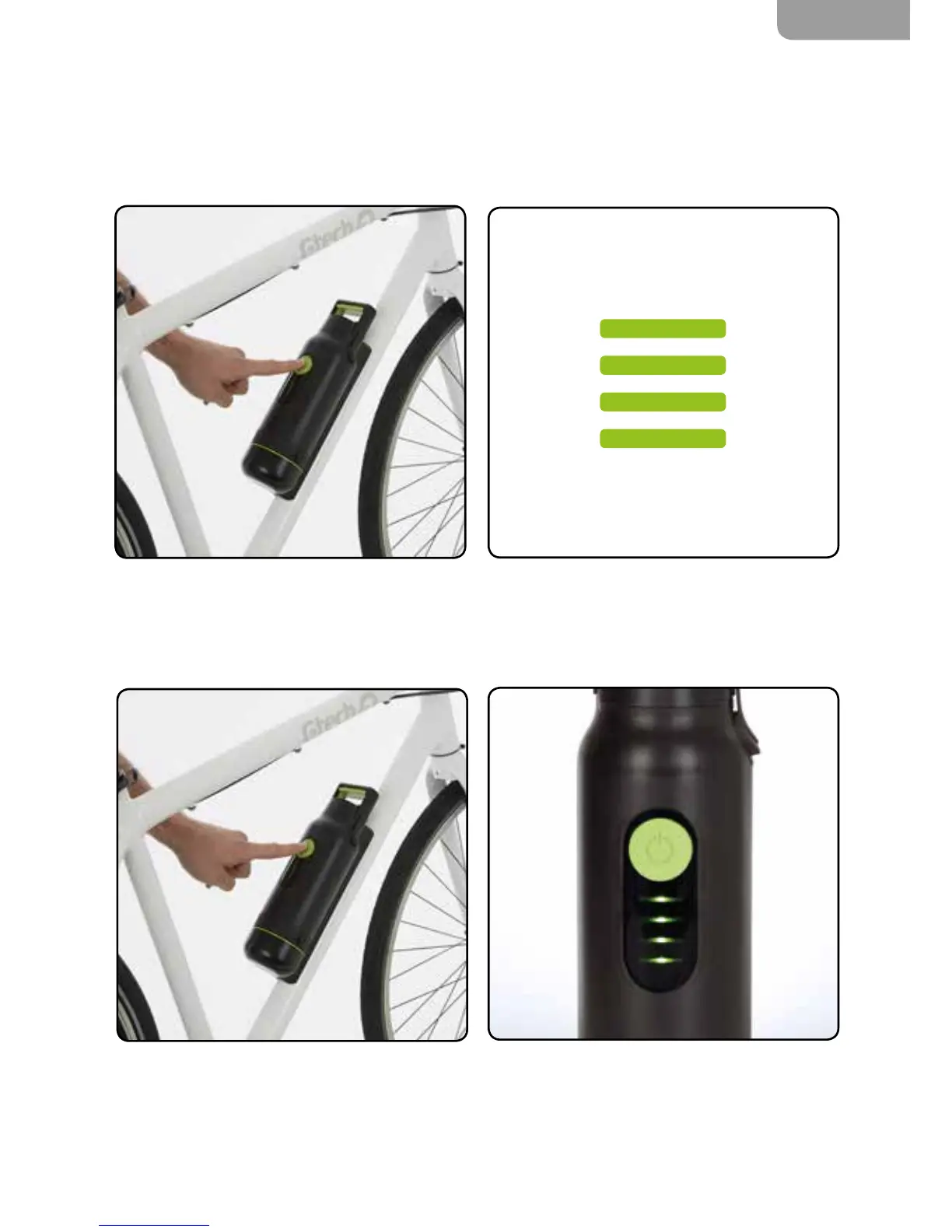
Turning your eBike on
Your battery has two power settings – High Power & Low Power.
Press the green power button on your battery.
To toggle between High and Low Power, press
the power button.
In High Power mode the LEDs shine steadily, in
Low Power mode they pulse slowly.
The LEDs show how much charge is in the bat-
tery. Your battery will remember the power mode
it was last in.
You can still check how much charge is left in
your battery when it is not attached to the bike.
Briey press the green power button to display
the level of charge.


 To Next Page