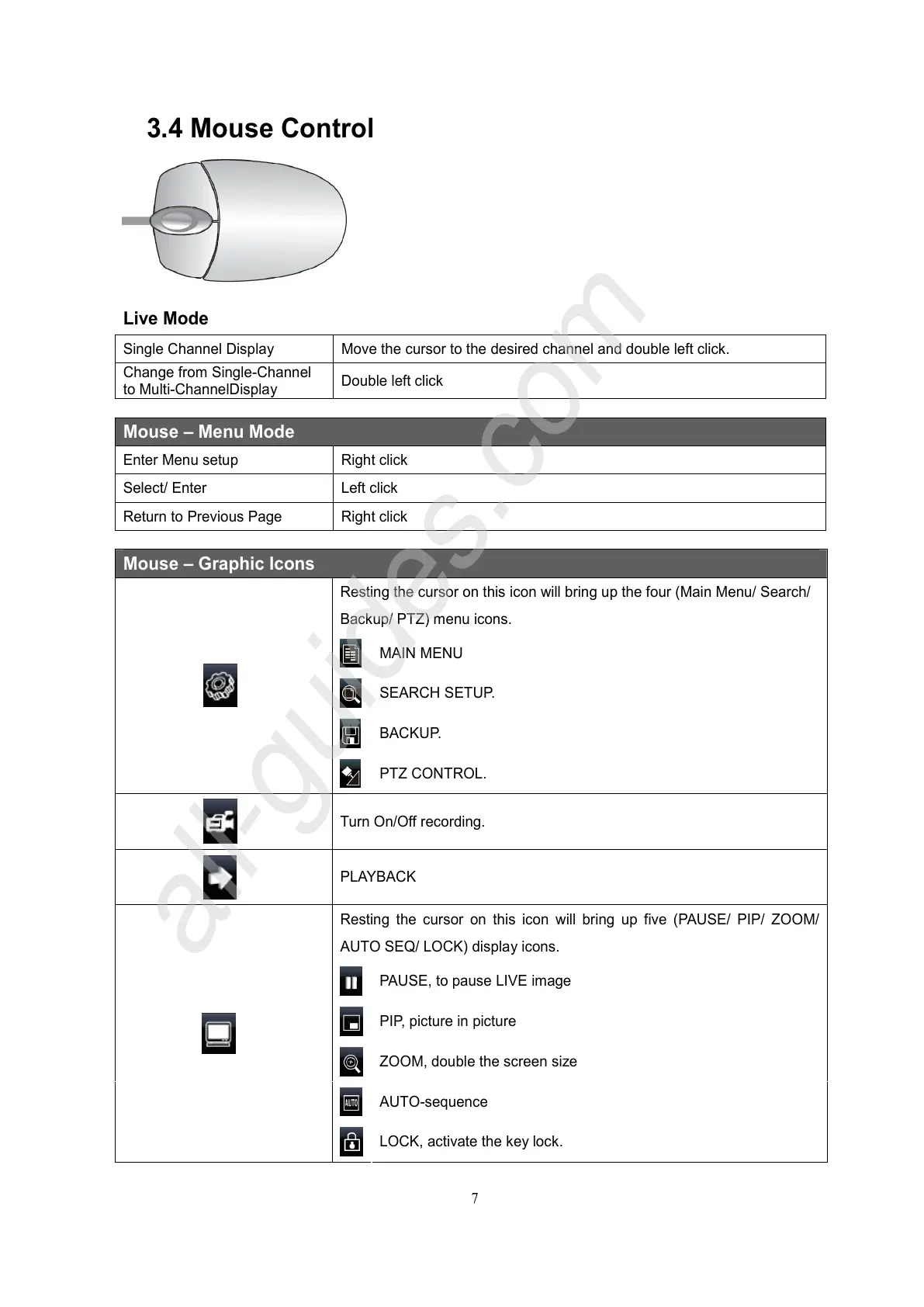
3.4 Mouse Control
Live Mode
Single Channel Display Move the cursor to the desired channel and double left click.
Change from Single-Channel
to Multi-ChannelDisplay
Double left click
Mouse – Menu Mode
Enter Menu setup Right click
Select/ Enter Left click
Return to Previous Page Right click
Mouse – Graphic Icons
Resting the cursor on this icon will bring up the four (Main Menu/ Search/
Backup/ PTZ) menu icons.
PTZ CONTROL.
Turn On/Off recording.
PLAYBACK
Resting the cursor on this icon will bring up five (PAUSE/ PIP/ ZOOM/
AUTO SEQ/ LOCK) display icons.
PAUSE, to pause LIVE image
ZOOM, double the screen size
LOCK, activate the key lock.
All manuals and user guides at all-guides.com
all-guides.com



 To Next Page