17
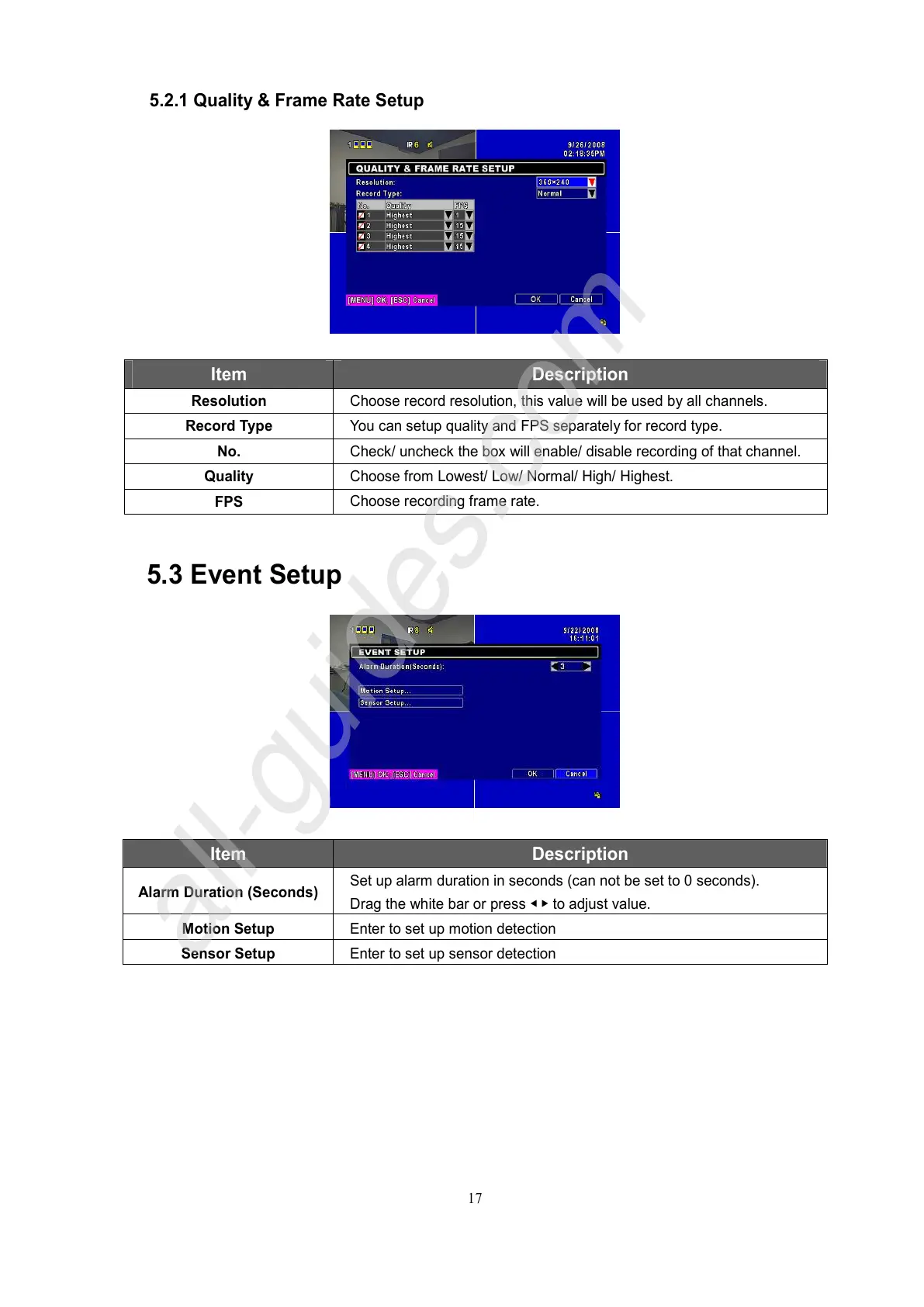
5.2.1 Quality & Frame Rate Setup
Item Description
Resolution
Choose record resolution, this value will be used by all channels.
Record Type
You can setup quality and FPS separately for record type.
No.
Check/ uncheck the box will enable/ disable recording of that channel.
Quality
Choose from Lowest/ Low/ Normal/ High/ Highest.
FPS
Choose recording frame rate.
5.3 Event Setup
Item Description
Alarm Duration (Seconds)
Set up alarm duration in seconds (can not be set to 0 seconds).
Drag the white bar or press ◀ ▶ to adjust value.
Motion Setup Enter to set up motion detection
Sensor Setup Enter to set up sensor detection



 To Next Page