5.1 Main Menu Setup
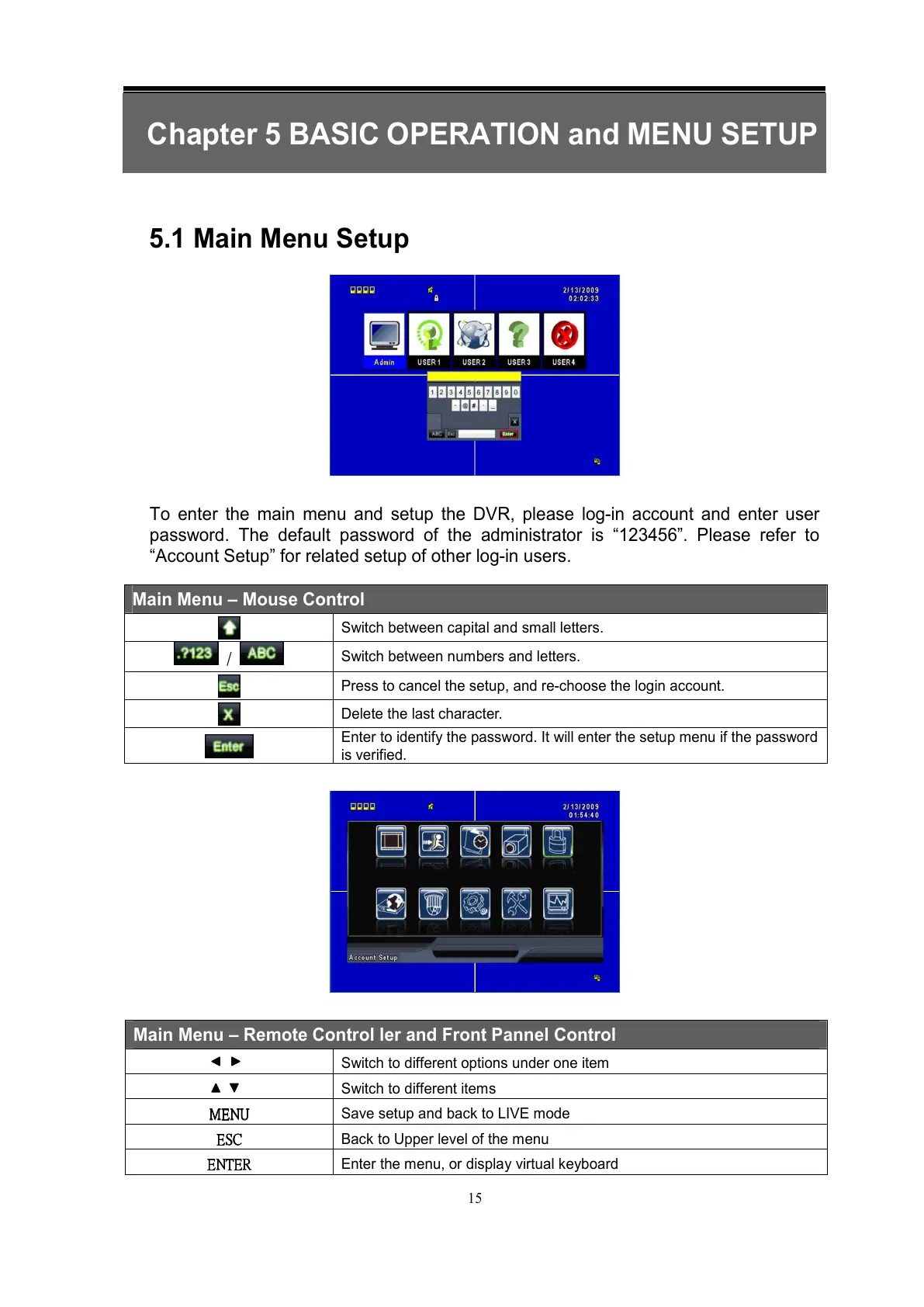
To enter the main menu and setup the DVR, please log-in account and enter user
password. The default password of the administrator is “123456”. Please refer to
“Account Setup” for related setup of other log-in users.
Main Menu – Mouse Control
Switch between capital and small letters.
/
Switch between numbers and letters.
Press to cancel the setup, and re-choose the login account.
Delete the last character.
Enter to identify the password. It will enter the setup menu if the password
is verified.
Main Menu – Remote Control ler and Front Pannel Control
Switch to different options under one item
Switch to different items
MENU
MENUMENU
MENU
Save setup and back to LIVE mode
ESC
ESCESC
ESC
Back to Upper level of the menu
ENT
ENTENT
ENTER
ERER
ER
Enter the menu, or display virtual keyboard



 To Next Page