32
Chapter 6 SEARCH & BACKUP
6.1 Search Setup
Item Description
Event Search
Press to enter event search menu.
Time Search
Press to enter time search menu.
Select Playback Channels
1~4
Check the desired channels to playback;
uncheck channels to
show LIVE video images.
6.2.1 Event Search
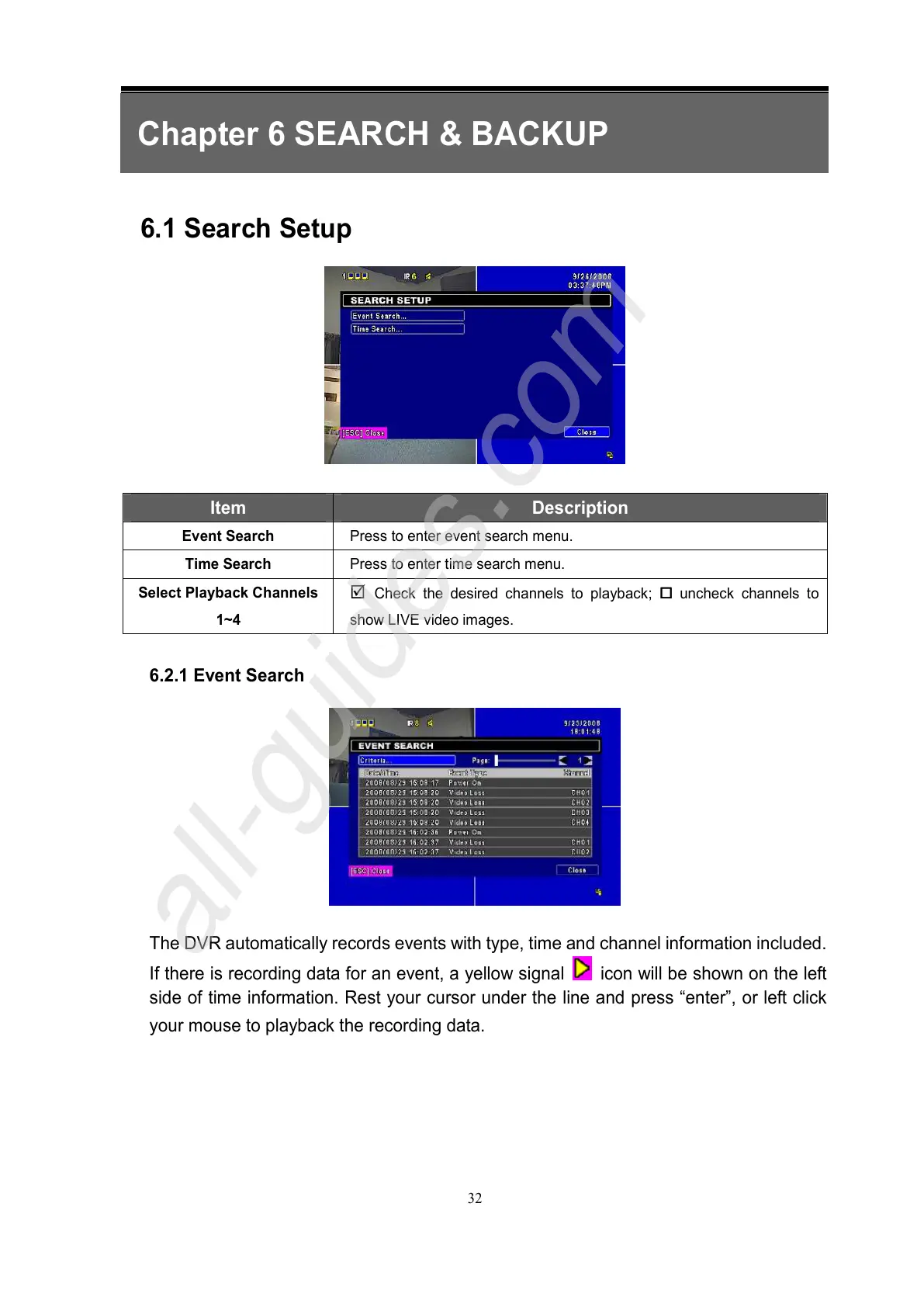
The DVR automatically records events with type, time and channel information included.
If there is recording data for an event, a yellow signal
icon will be shown on the left
side of time information. Rest your cursor under the line and press “enter”, or left click
your mouse to playback the recording data.



 To Next Page