35
6.2 Backup Setup
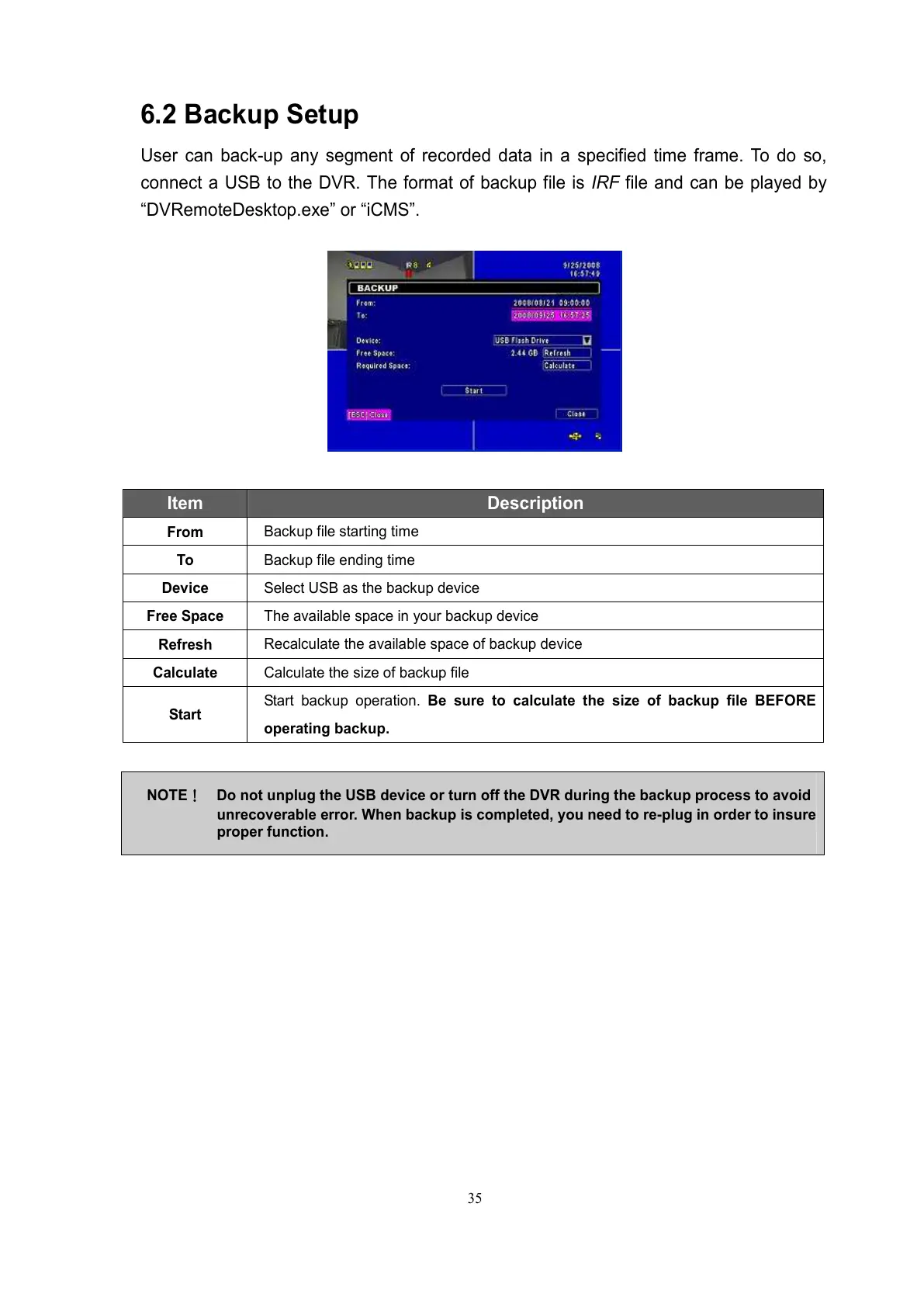
User can back-up any segment of recorded data in a specified time frame. To do so,
connect a USB to the DVR. The format of backup file is IRF file and can be played by
“DVRemoteDesktop.exe” or “iCMS”.
Item Description
From
Backup file starting time
To
Backup file ending time
Device
Select USB as the backup device
Free Space
The available space in your backup device
Refresh
Recalculate the available space of backup device
Calculate
Calculate the size of backup file
Start
Start backup operation. Be sure to calculate the size of backup file BEFORE
operating backup.
NOTE!
!!
! Do not unplug the USB device or turn off the DVR during the backup process to avoid
unrecoverable error. When backup is completed, you need to re-plug in order to insure
proper function.



 To Next Page