22
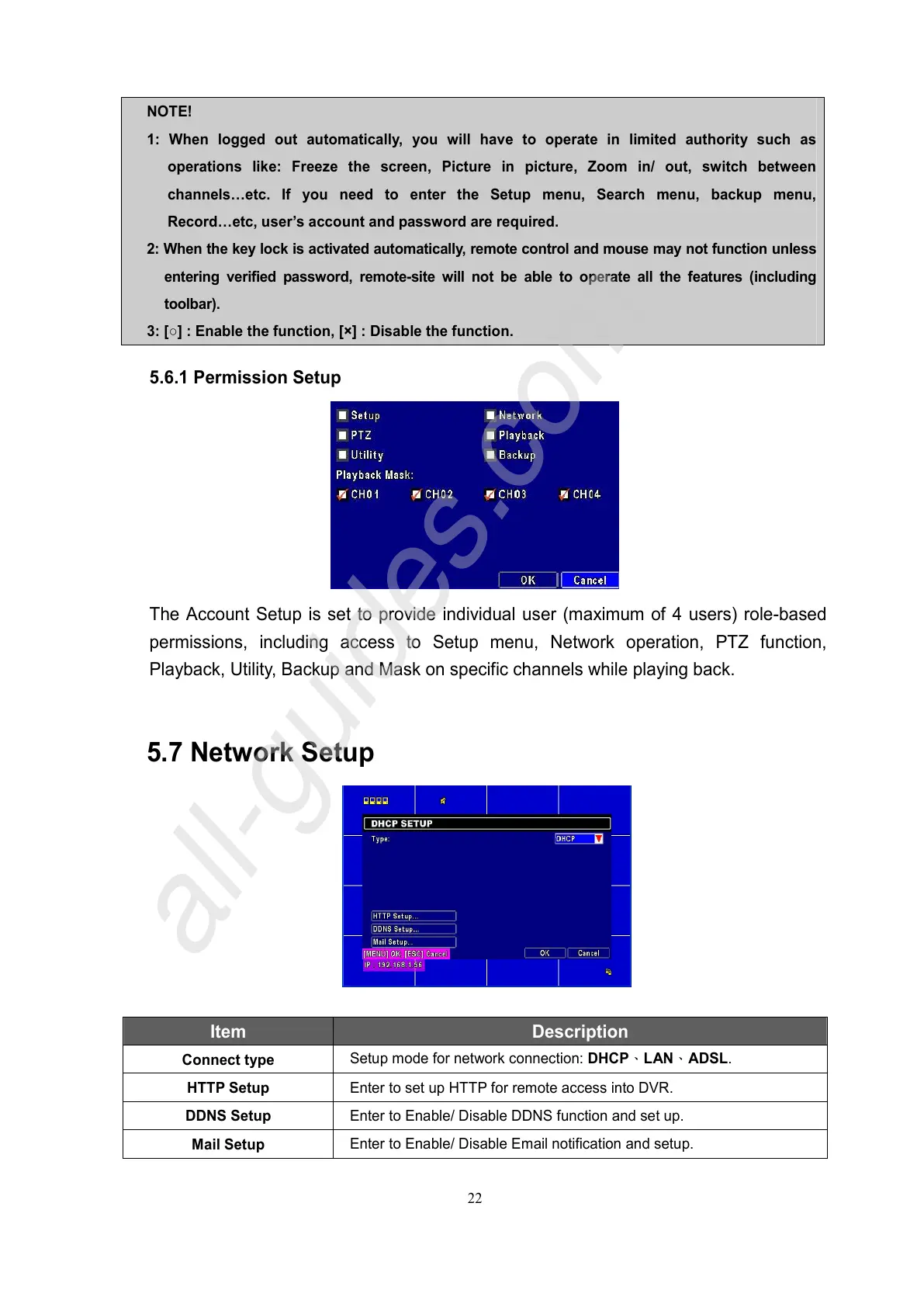
5.6.1 Permission Setup
The Account Setup is set to provide individual user (maximum of 4 users) role-based
permissions, including access to Setup menu, Network operation, PTZ function,
Playback, Utility, Backup and Mask on specific channels while playing back.
5.7 Network Setup
Item Description
Connect type
Setup mode for network connection: DHCP、LAN、ADSL.
HTTP Setup
Enter to set up HTTP for remote access into DVR.
DDNS Setup
Enter to Enable/ Disable DDNS function and set up.
Mail Setup
Enter to Enable/ Disable Email notification and setup.
NOTE!
1: When logged out automatically, you will have to operate in limited authority such as
operations like: Freeze the screen, Picture in picture, Zoom in/ out, switch between
channels…etc. If you need to enter the Setup menu, Search menu, backup menu,
Record…etc, user’s account and password are required.
2: When the key lock is activated automatically, remote control and mouse may not function unless
entering verified password, remote-site will not be able to operate all the features (including
toolbar).
3: [○] : Enable the function, [×] : Disable the function.



 To Next Page