23
5.7.1 Networking Setup
The DVR supports DHCP, LAN and ADSL access for network connection.
5.7.1.1 DHCP
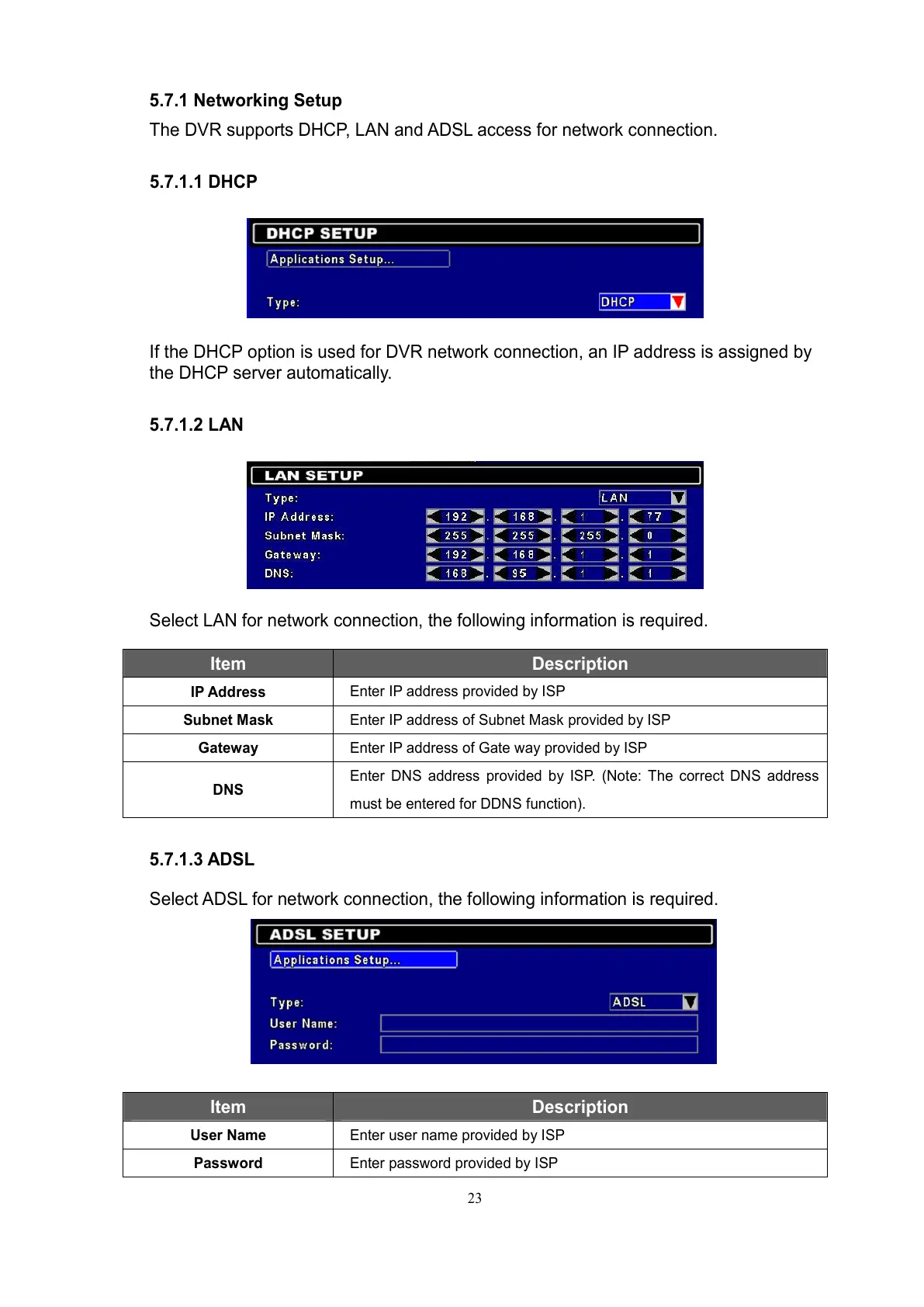
If the DHCP option is used for DVR network connection, an IP address is assigned by
the DHCP server automatically.
5.7.1.2 LAN
Select LAN for network connection, the following information is required.
Item Description
IP Address
Enter IP address provided by ISP
Subnet Mask
Enter IP address of Subnet Mask provided by ISP
Gateway
Enter IP address of Gate way provided by ISP
DNS
Enter DNS address provided by ISP. (Note: The correct DNS address
must be entered for DDNS function).
5.7.1.3 ADSL
Select ADSL for network connection, the following information is required.
Item Description
User Name
Enter user name provided by ISP
Password
Enter password provided by ISP



 To Next Page