19
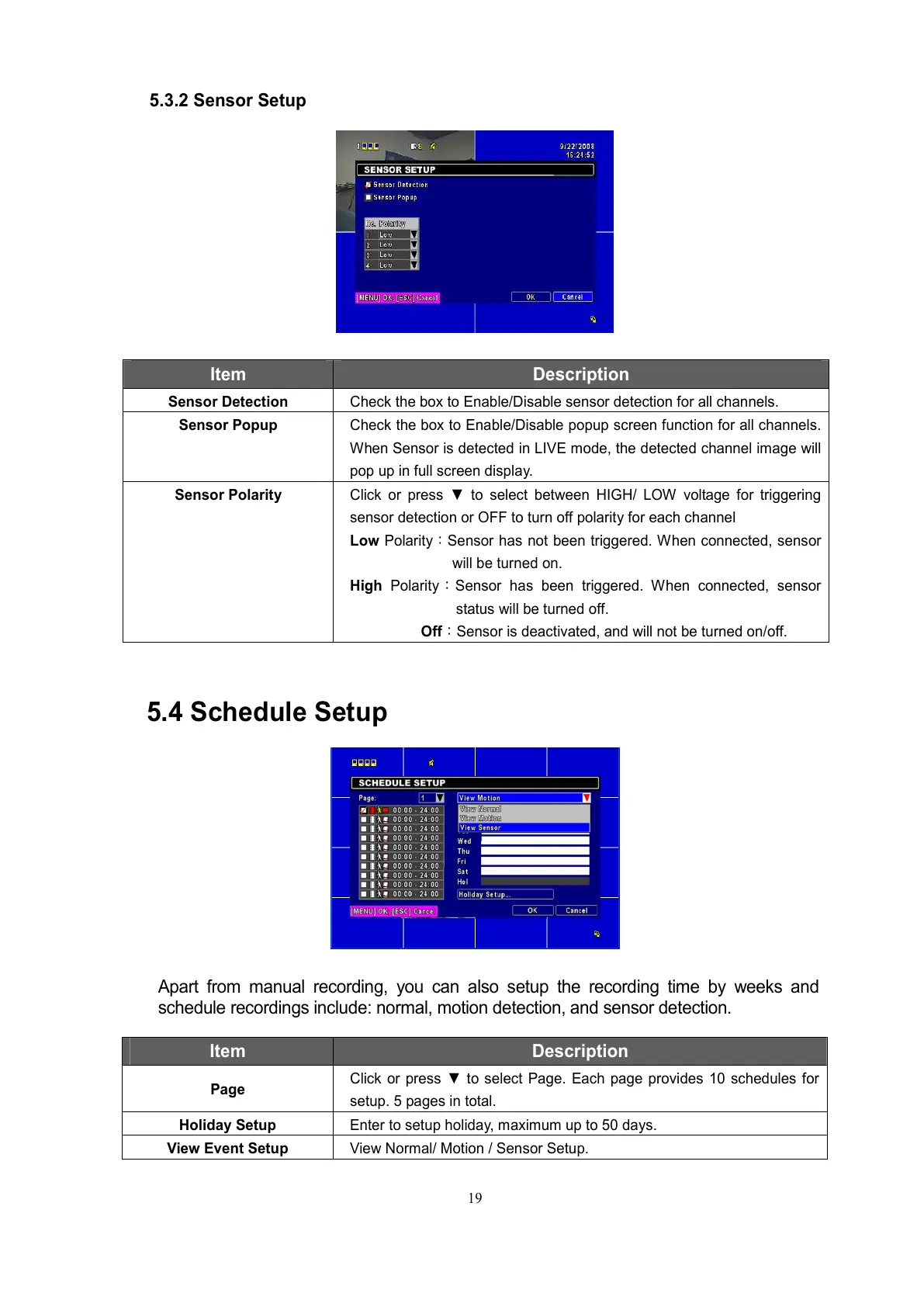
5.3.2 Sensor Setup
Item Description
Sensor Detection Check the box to Enable/Disable sensor detection for all channels.
Sensor Popup Check the box to Enable/Disable popup screen function for all channels.
When Sensor is detected in LIVE mode, the detected channel image will
pop up in full screen display.
Sensor Polarity Click or press ▼ to select between HIGH/ LOW voltage for triggering
sensor detection or OFF to turn off polarity for each channel
Low Polarity:Sensor has not been triggered. When connected, sensor
will be turned on.
High Polarity:Sensor has been triggered. When connected, sensor
status will be turned off.
Off:Sensor is deactivated, and will not be turned on/off.
5.4 Schedule Setup
Apart from manual recording, you can also setup the recording time by weeks and
schedule recordings include: normal, motion detection, and sensor detection.
Item Description
Page
Click or press ▼ to select Page. Each page provides 10 schedules for
setup. 5 pages in total.
Holiday Setup Enter to setup holiday, maximum up to 50 days.
View Event Setup View Normal/ Motion / Sensor Setup.



 To Next Page