3.5 Playback Mode
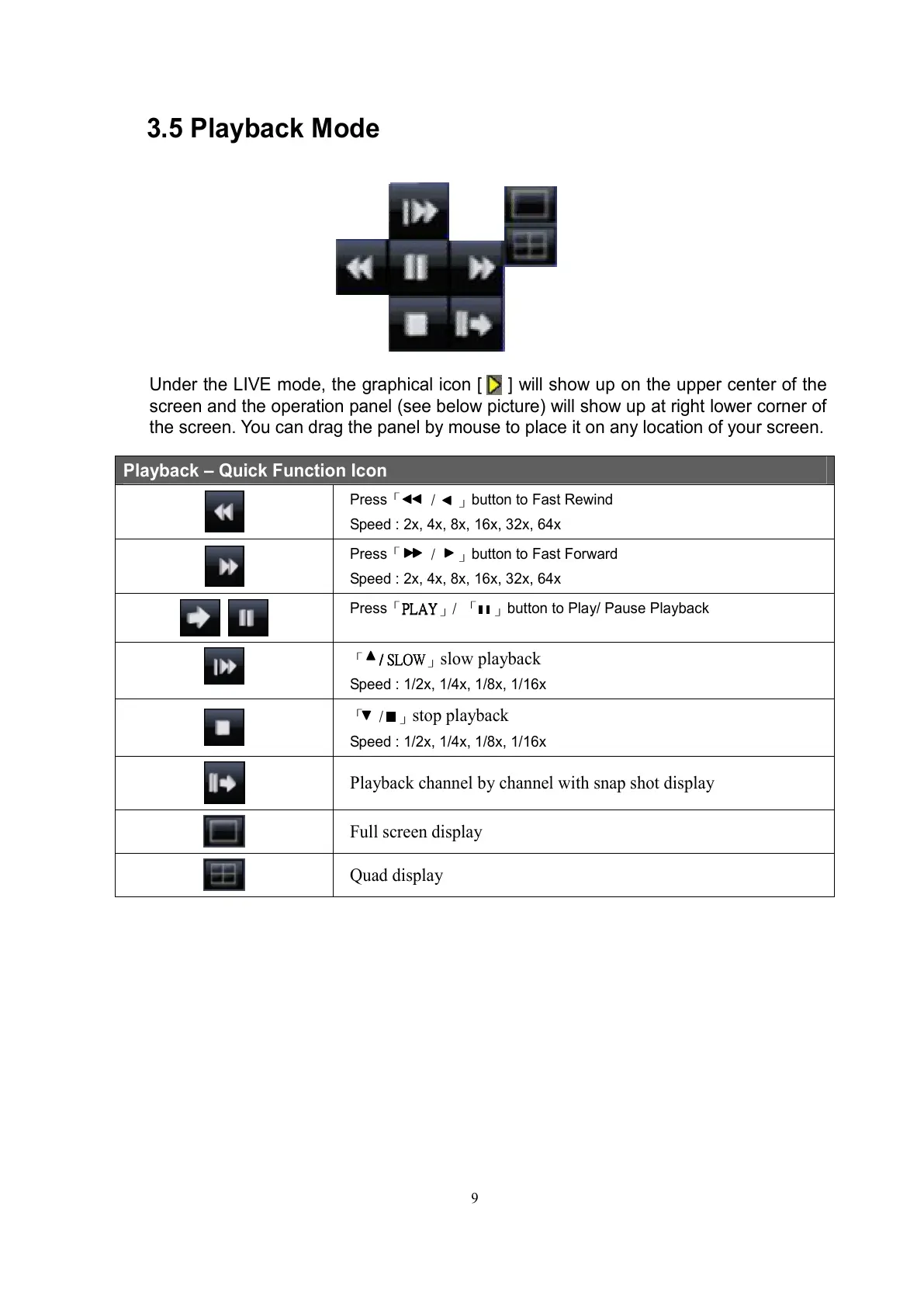
Under the LIVE mode, the graphical icon [ ] will show up on the upper center of the
screen and the operation panel (see below picture) will show up at right lower corner of
the screen. You can drag the panel by mouse to place it on any location of your screen.
Playback – Quick Function Icon
Press「 / 」button to Fast Rewind
Speed : 2x, 4x, 8x, 16x, 32x, 64x
Press「 / 」button to Fast Forward
Speed : 2x, 4x, 8x, 16x, 32x, 64x
Press「PLAY
PLAYPLAY
PLAY」/ 「 」button to Play/ Pause Playback
「 / SLOW
/ SLOW / SLOW
/ SLOW」
slow playback
Speed : 1/2x, 1/4x, 1/8x, 1/16x
「 / 」
stop playback
Speed : 1/2x, 1/4x, 1/8x, 1/16x
Playback channel by channel with snap shot display
Full screen display
Quad display



 To Next Page