25
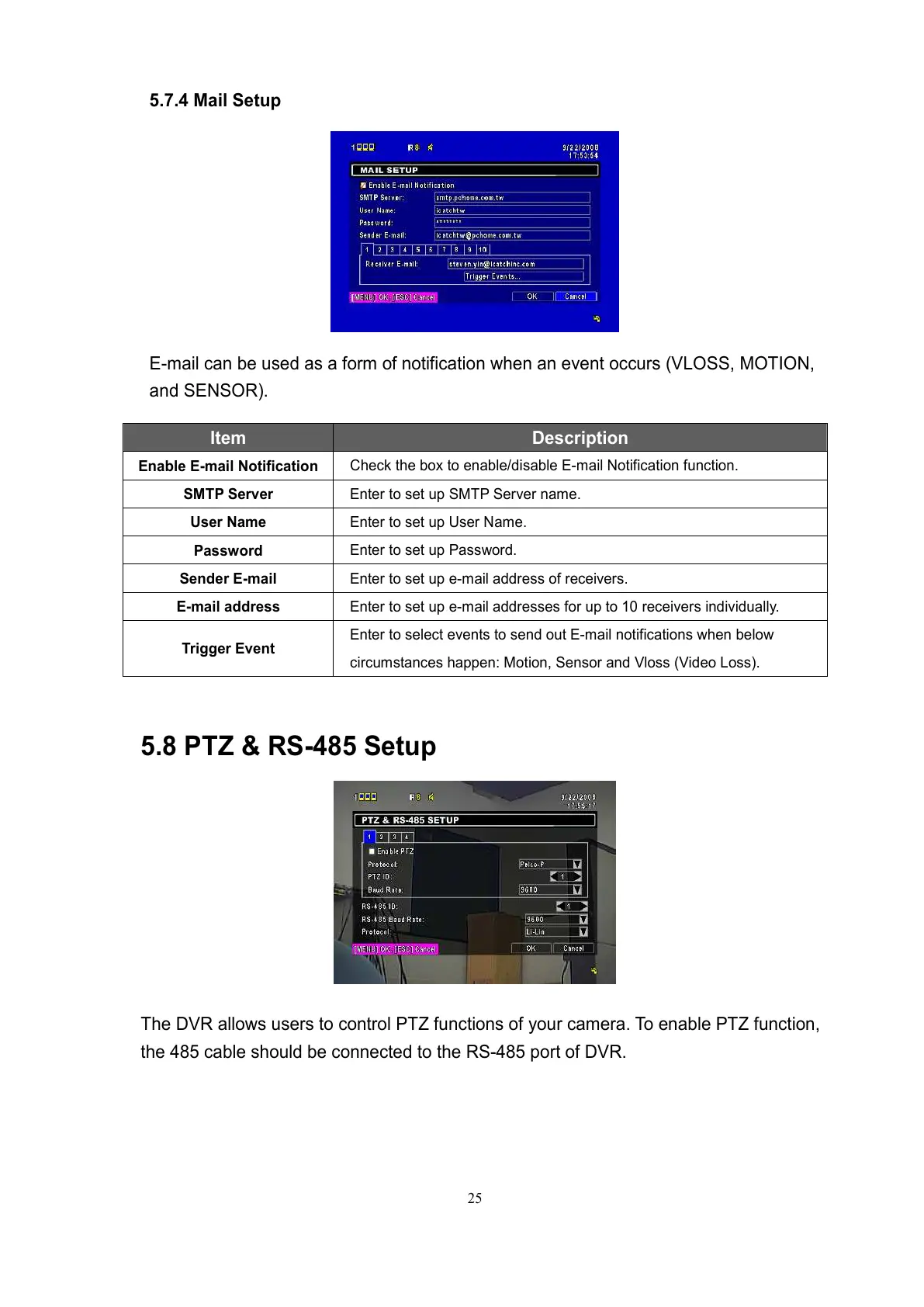
5.7.4 Mail Setup
E-mail can be used as a form of notification when an event occurs (VLOSS, MOTION,
and SENSOR).
Item Description
Enable E-mail Notification
Check the box to enable/disable E-mail Notification function.
SMTP Server
Enter to set up SMTP Server name.
User Name
Enter to set up User Name.
Password
Enter to set up Password.
Sender E-mail
Enter to set up e-mail address of receivers.
E-mail address
Enter to set up e-mail addresses for up to 10 receivers individually.
Trigger Event
Enter to select events to send out E-mail notifications when below
circumstances happen: Motion, Sensor and Vloss (Video Loss).
5.8 PTZ & RS-485 Setup
The DVR allows users to control PTZ functions of your camera. To enable PTZ function,
the 485 cable should be connected to the RS-485 port of DVR.



 To Next Page