10
3.6 PTZ Mode
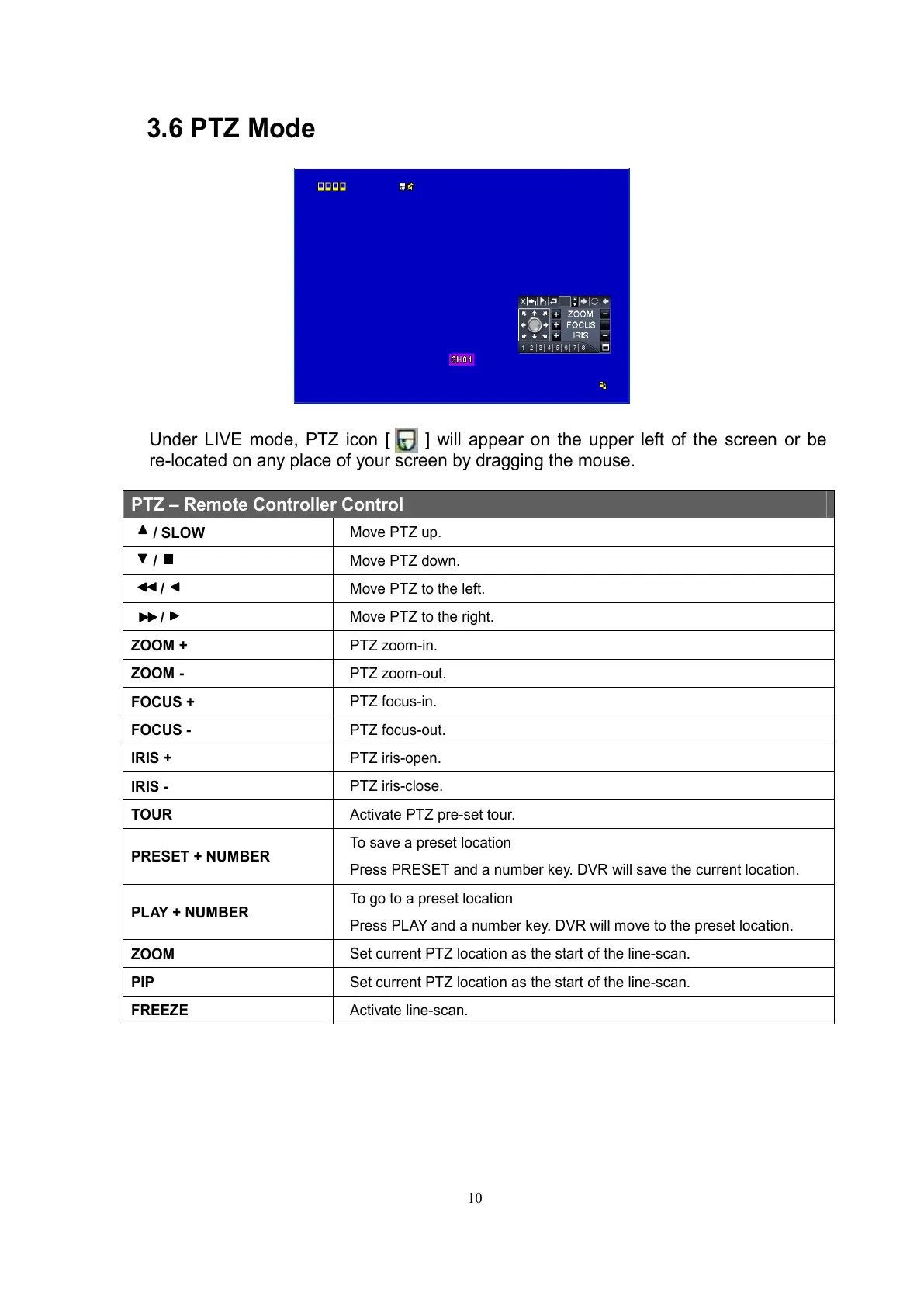
Under LIVE mode, PTZ icon [ ] will appear on the upper left of the screen or be
re-located on any place of your screen by dragging the mouse.
PTZ – Remote Controller Control
/ SLOW
Move PTZ up.
/
Move PTZ down.
/
Move PTZ to the left.
/
Move PTZ to the right.
ZOOM +
PTZ zoom-in.
ZOOM -
PTZ zoom-out.
FOCUS +
PTZ focus-in.
FOCUS -
PTZ focus-out.
IRIS +
PTZ iris-open.
IRIS -
PTZ iris-close.
TOUR
Activate PTZ pre-set tour.
PRESET + NUMBER
To save a preset location
Press PRESET and a number key. DVR will save the current location.
PLAY + NUMBER
To go to a preset location
Press PLAY and a number key. DVR will move to the preset location.
ZOOM
Set current PTZ location as the start of the line-scan.
PIP
Set current PTZ location as the start of the line-scan.
FREEZE
Activate line-scan.



 To Next Page