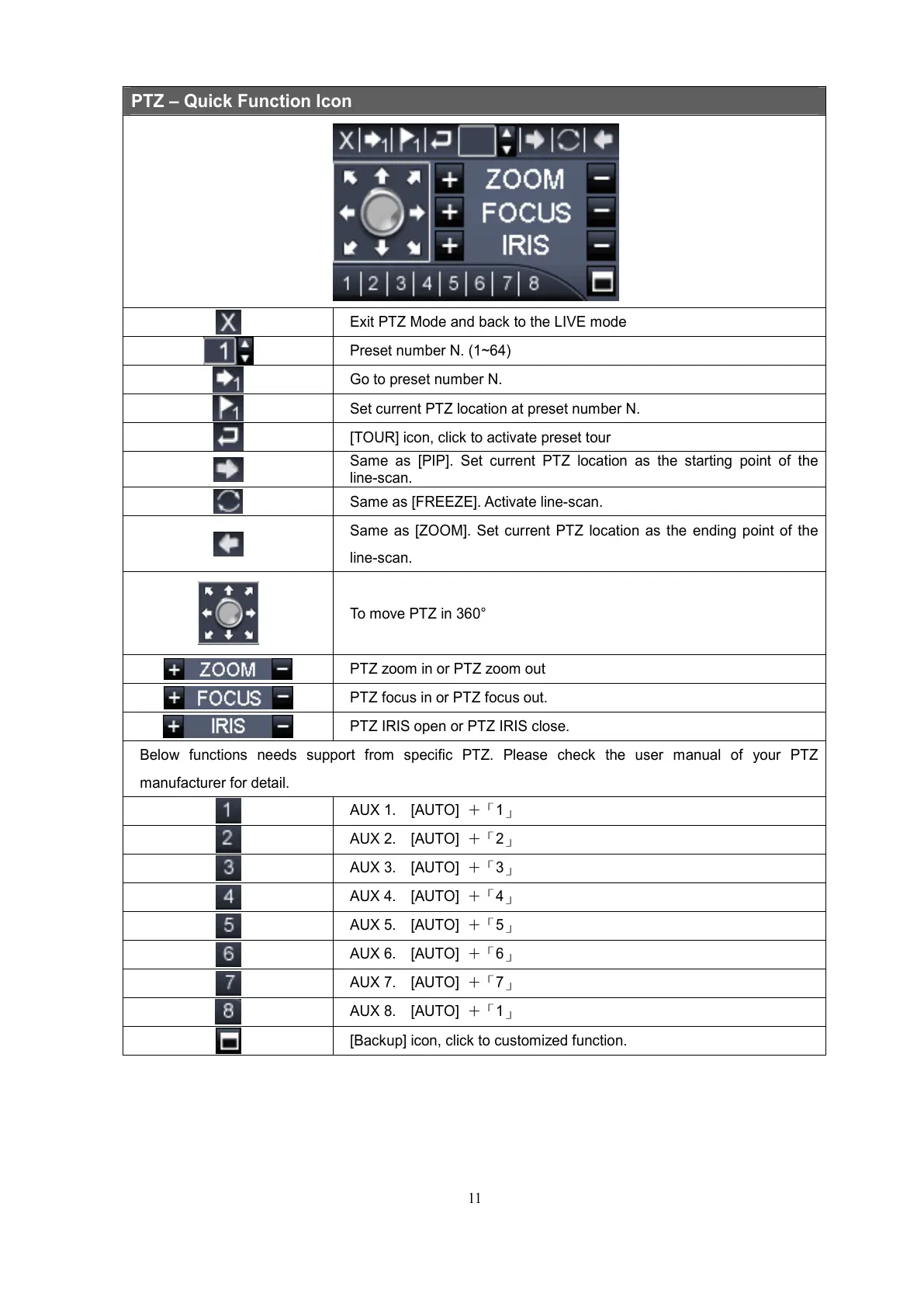
PTZ – Quick Function Icon
Exit PTZ Mode and back to the LIVE mode
Preset number N. (1~64)
Go to preset number N.
Set current PTZ location at preset number N.
[TOUR] icon, click to activate preset tour
Same as [PIP]. Set current PTZ location as the starting point of the
line-scan.
Same as [FREEZE]. Activate line-scan.
Same as [ZOOM]. Set current PTZ location as the ending point of the
line-scan.
To move PTZ in 360°
PTZ zoom in or PTZ zoom out
PTZ focus in or PTZ focus out.
PTZ IRIS open or PTZ IRIS close.
Below functions needs support from specific PTZ. Please check the user manual of your PTZ
manufacturer for detail.
AUX 1. [AUTO] +「1」
AUX 2. [AUTO] +「2」
AUX 3. [AUTO] +「3」
AUX 4. [AUTO] +「4」
AUX 5. [AUTO] +「5」
AUX 6. [AUTO] +「6」
AUX 7. [AUTO] +「7」
AUX 8. [AUTO] +「1」
[Backup] icon, click to customized function.



 To Next Page