30
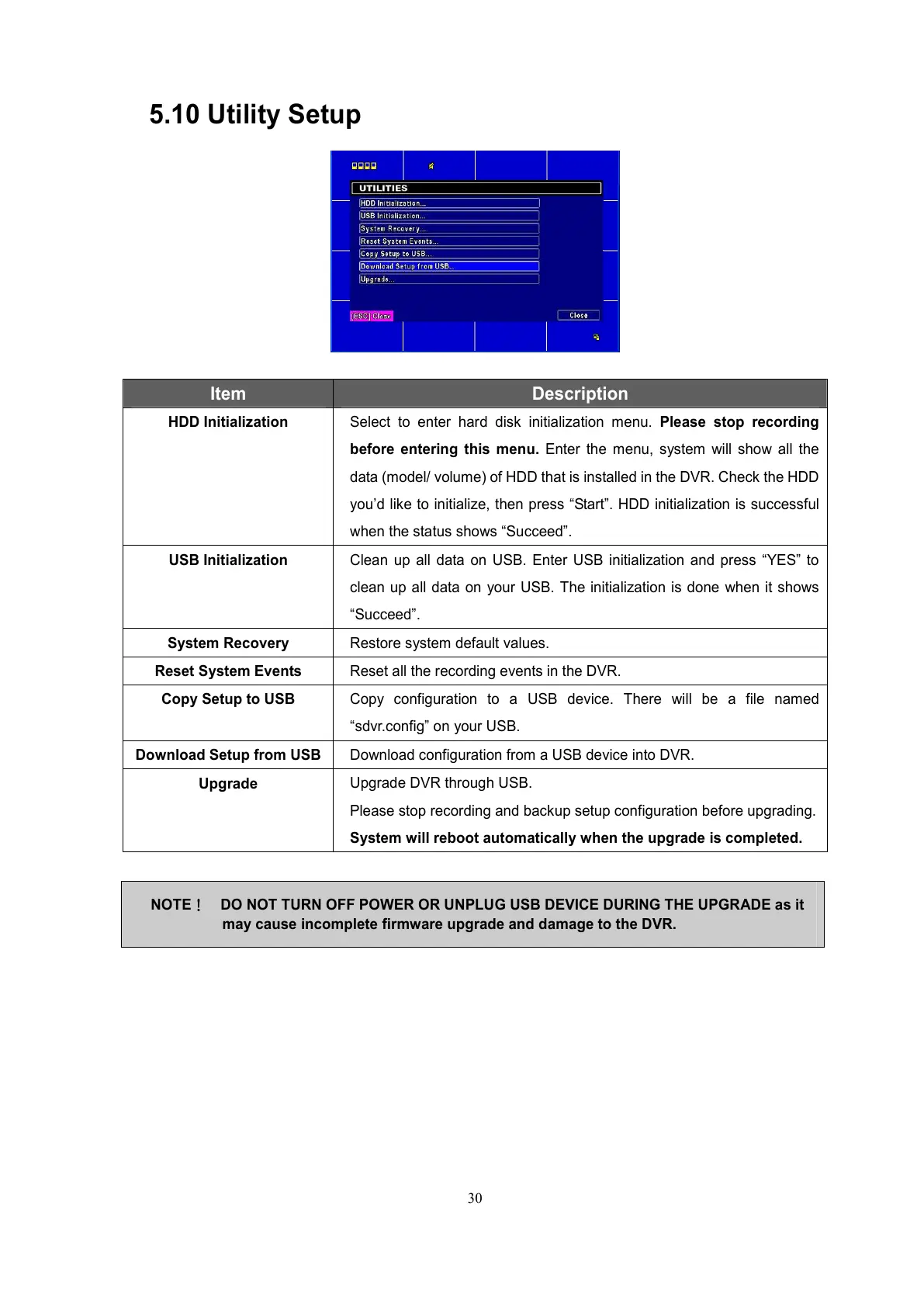
5.10 Utility Setup
Item Description
HDD Initialization Select to enter hard disk initialization menu. Please stop recording
before entering this menu. Enter the menu, system will show all the
data (model/ volume) of HDD that is installed in the DVR. Check the HDD
you’d like to initialize, then press “Start”. HDD initialization is successful
when the status shows “Succeed”.
USB Initialization
Clean up all data on USB. Enter USB initialization and press “YES” to
clean up all data on your USB. The initialization is done when it shows
“Succeed”.
System Recovery
Restore system default values.
Reset System Events
Reset all the recording events in the DVR.
Copy Setup to USB
Copy configuration to a USB device. There will be a file named
“sdvr.config” on your USB.
Download Setup from USB
Download configuration from a USB device into DVR.
Upgrade
Upgrade DVR through USB.
Please stop recording and backup setup configuration before upgrading.
System will reboot automatically when the upgrade is completed.
NOTE!
!!
! DO NOT TURN OFF POWER OR UNPLUG USB DEVICE DURING THE UPGRADE as it
may cause incomplete firmware upgrade and damage to the DVR.



 To Next Page