38
Chapter 8 NETWORK SURVEILLANCE
AP software:「DVR Remote Desktop」can allow you to remotely access and control the
DVR from the PC
.
8.1 AP Software Installation and Setup
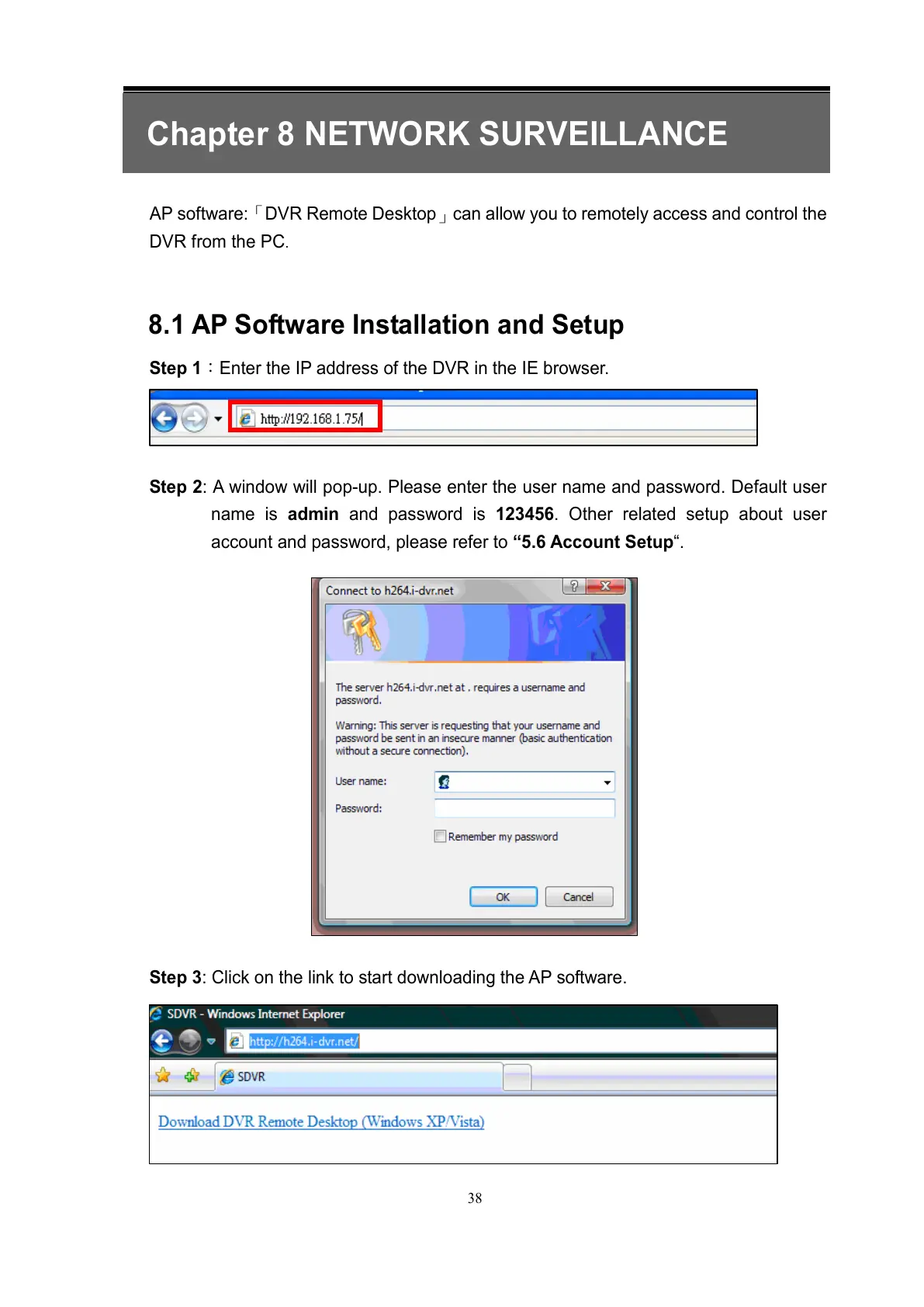
Step 1:Enter the IP address of the DVR in the IE browser.
Step 2: A window will pop-up. Please enter the user name and password. Default user
name is admin and password is 123456. Other related setup about user
account and password, please refer to “5.6 Account Setup“.
Step 3: Click on the link to start downloading the AP software.



 To Next Page