file: n:\article\cos14310m5-v1_08hpc-en\20150130_cos14310m5-v1.08hpc-en_instructions_for_use_h-p-cosmos_treadmill.doc
© 2015 h/p/cosmos sports & medical gmbh author: fh email@h-p-cosmos.com created 30.01.2015 printed 30.01.2015 page: 35 of 216
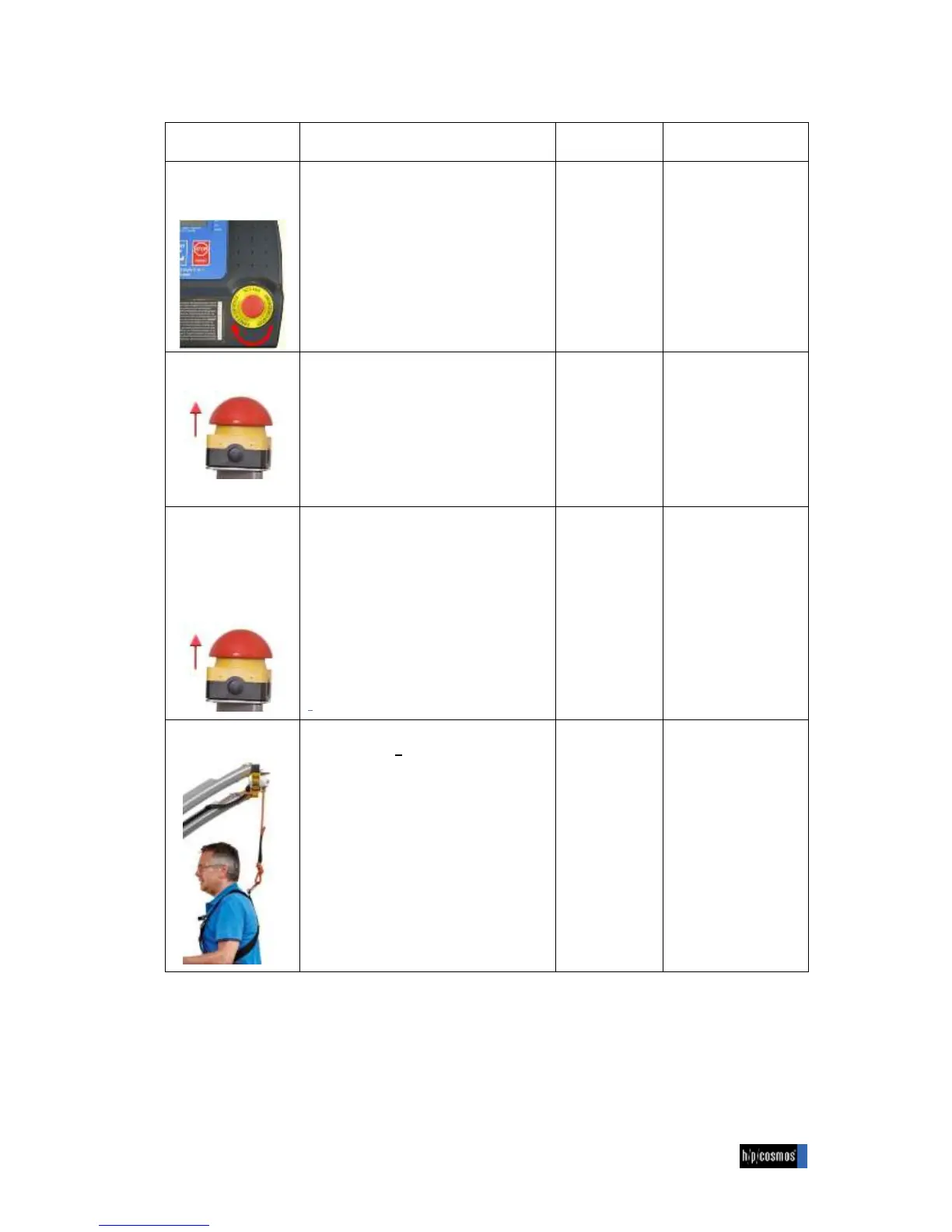
Emergency Stop
on UserTerminal
N running belt & inclination system stop fast
N machine is cut off from main power of
drive motor and inclination system
N display, keyboard and interface inactive
during cut-off
from main power
N turn palm switch to
the right
N push “ON” button at
main power switch
N press START key at
UserTerminal
or new command via
interface
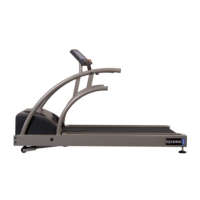
N running belt & inclination system stop fast
N machine is cut off from main power of
drive motor and inclination system
N display, keyboard and interface inactive
during cut-off
from
main power
N pull mushroom switch
N push “ON” button at
main power switch
N press START key at
UserTerminal
or new command via
interface
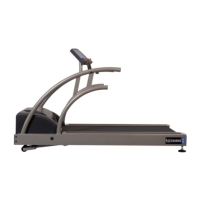
models venus / saturn
Emergency stop
button is connected to
the “quick stop port”
of the UserTerminal
N running belt & inclination system stop
extremely fast
N drive motor is used to stop the running belt
very fast
N machine is NOT cut off from main power
of drive motor and inclination system
N display active, shows “PULL STOP”
N interface active, but no start, speed or
elevation signal executed
N keyboard inactive
interrupted
during
Quick Stop
stage
N „pull-stop“ advice
stays for 10 seconds
N press START key at
UserTerminal
or new command via
interface
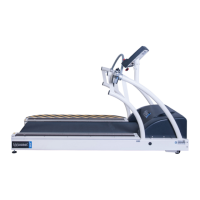
N subject wears chest belt/harness, safety
rope is pulled > approx. 10 kg
N running belt & inclination system stop very
fast
N drive motor is used to stop the running belt
very fast on the oversize machines
venus/saturn
N machine is NOT cut-off from main power
of drive motor and inclination system
N display active & shows “PULL STOP”
N interface active, but no start, speed or
elevation signal executed
N keyboard inactive
Interrupted
during Quick
Stop and/or
“PULL STOP”
stage
N release weight from
safety rope
N (for venus / saturn:
„pull-stop“ advice
stays for 10 seconds)
N press START key at
UserTerminal or new
command via
interface


 To Next Page