8
Date setting, and Patient data excluding other Menu
mode settings.
(1) Press Enter button to go to Measurement mode
and charge the battery.
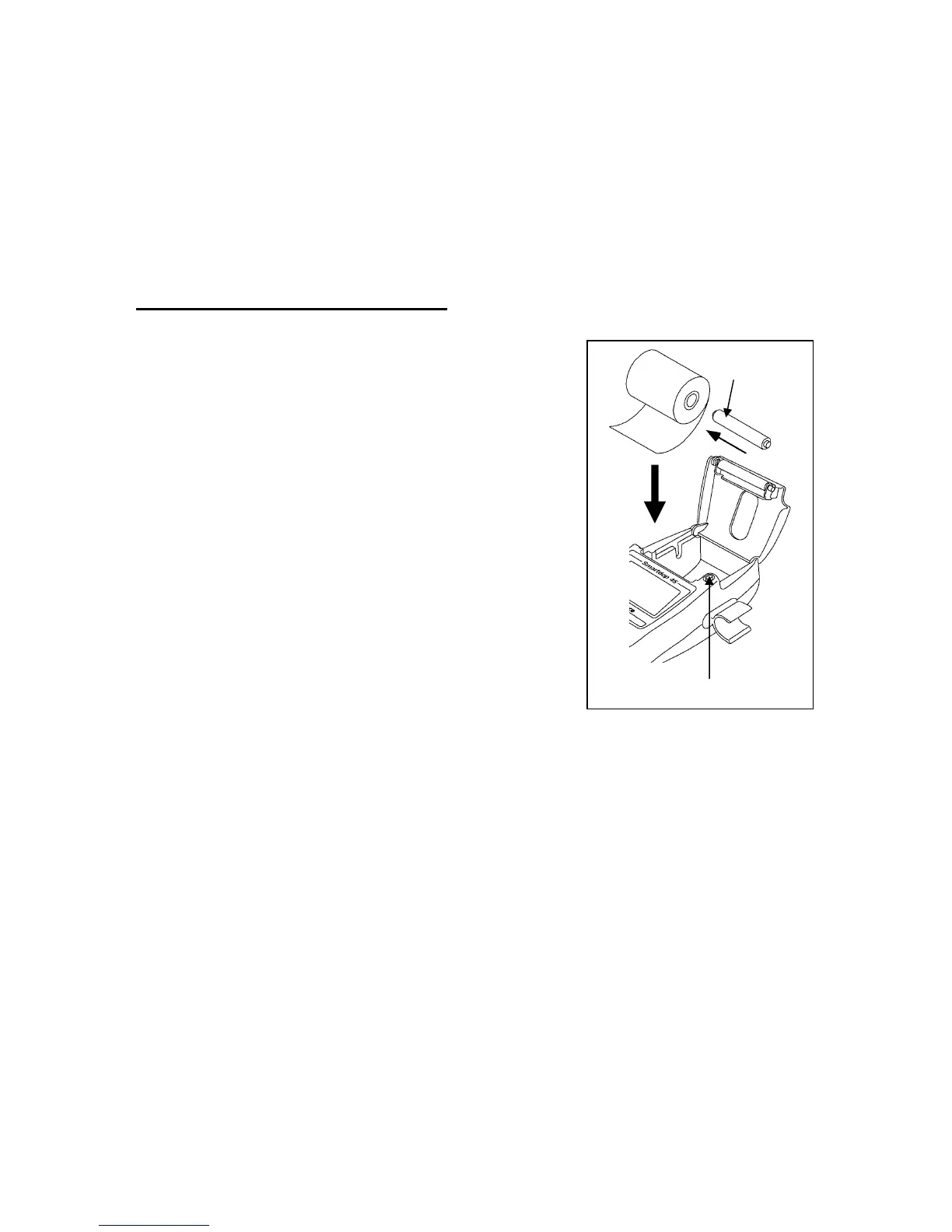
2-4. Setting printer paper
(1) Press Cover Open Button to open the paper
cover and remove the roll shaft.
(2) Insert the roll shaft into the paper roll.
(3) Set them in the paper compartment as shown in
the right. Pull the paper edge out a few inches
and close the paper cover tightly.
Cover Open Button
Roll shaft



 To Next Page