21
3-2-3. Mode Setting Details
See "§ 3-2-2-b. Menu operation" for button operation on Menu mode.
Do the mode setting once and subsequent Smartdop use will revert to this mode.
However, if battery gets extremely low, memory data will be cleared for waveform data,
Date setting, and Patient data excluding other Menu mode settings.
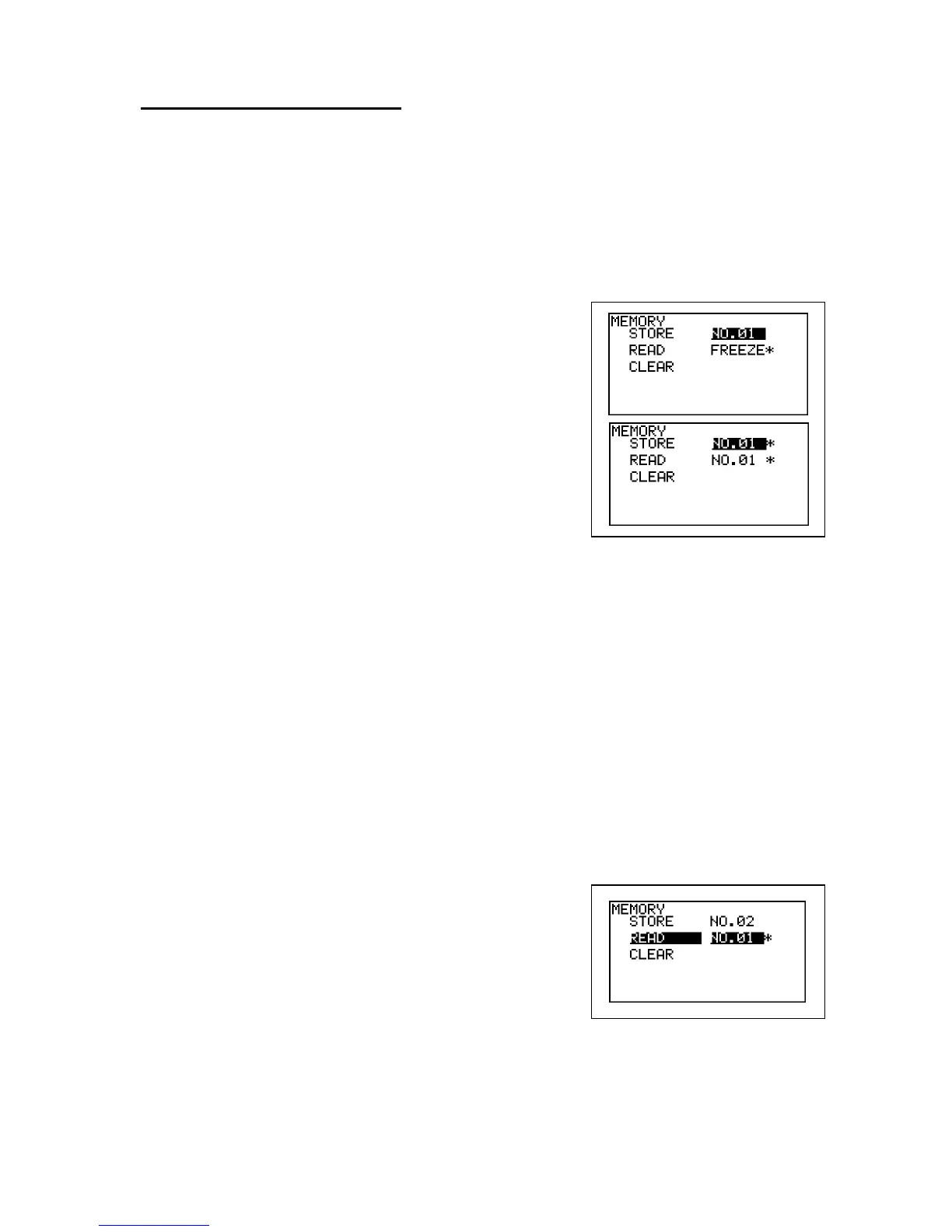
a. MEMORY - STORE
(1) The first memory number available will be
selected automatically on STORE. If necessary,
change the number where to store waveform
data and patient data by pressing Up and
Down.
Note: The memory number with "*" indicates memory
area where other data have been already stored.
(2) Press Enter to store the data into the memory
and it will go back to waveform display.
Note: If other data have been already stored in memory
number storing, a confirmation of
"OVERWRITE?" will be shown. Press Enter to
overwrite, or Left to cancel for selecting other
memory number available.
b. MEMORY - READ
(1) Select the memory number where you wish to
read waveform data and patient data from by
pressing Up and Down.
(2) Press Enter button to show the waveform.
(3) Press Up and Down to show next waveform if
necessary.



 To Next Page