18
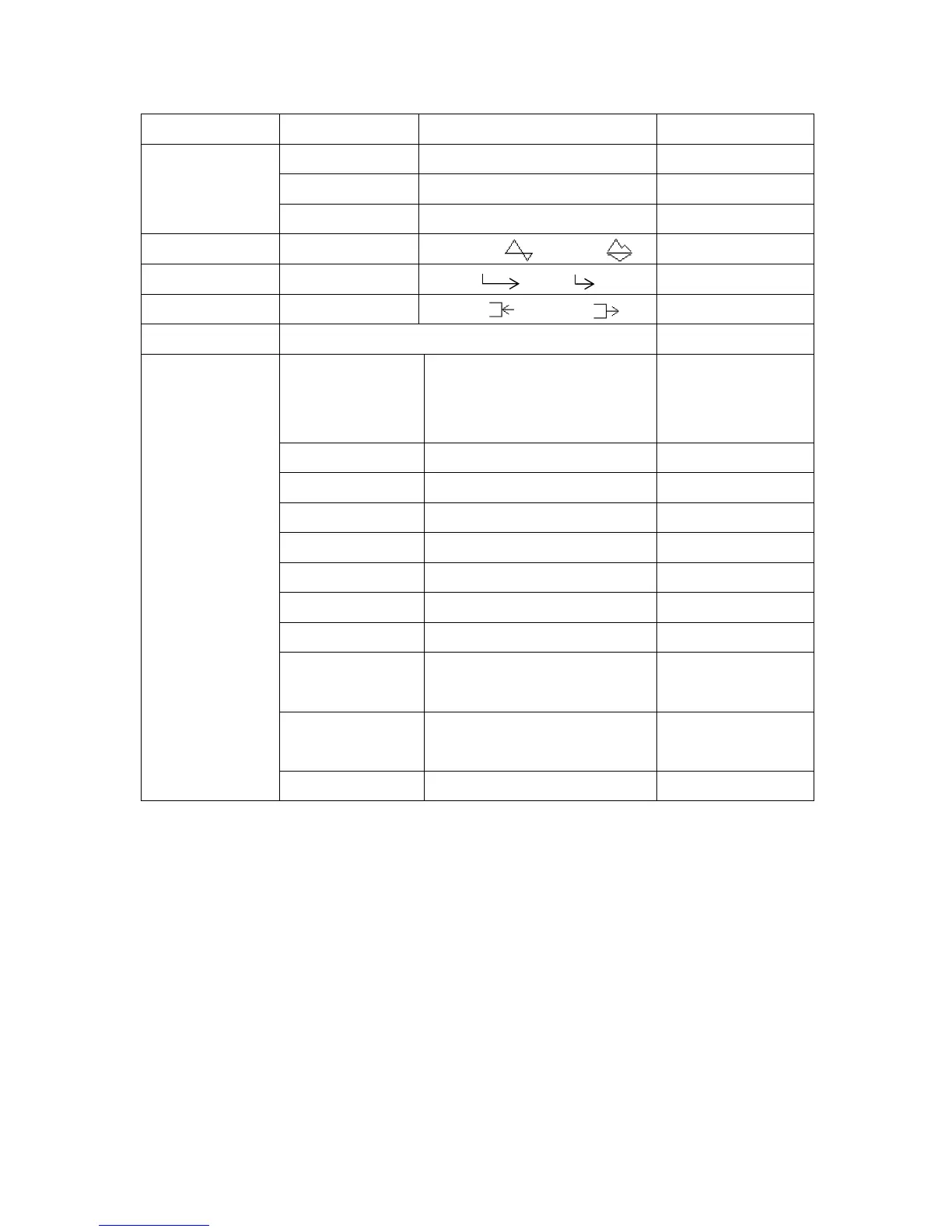
c. Menu for Blood Velocity Measurement mode
Menu Sub Menu Selections Reference in §3-2-3.
STORE 1 to 30, FREEZE a. Memory - Store
READ 1 to 30, FREEZE b. Memory - Read
MEMORY
CLEAR 1 to 30, ALL c. Memory - Clear
MODE (waveform)
Compound Separate
d. Mode
TIME scale
Normal Slow
e. Time
DIR, direction
Forward Reverse
f. DIR
PATIENT data ID, NAME, SEX, AGE, DATE, SITE, MEMO j. Patient
LANGUAGE
ENGLISH, DEUTSCH,
ITALIANO, ESPANOL,
FRANCAIS
k. Others - Language
UNIT
cm/s, kHz
l. Others - Unit
FILTER
80Hz, 200Hz
m. Others - Filter
SMOOTHING
5Hz, 10Hz
n. Others - Smooth
DISP, display mode
WAVE, DATA
g. Others - DISP
CALibration
ON, OFF
o. Others - CAL
AUTO-OFF
ON, OFF
p. Others - Auto- off
KEYBOARD
ENGLISH, JAPANESE
q. Others - keyboard
P.ID PRT
(Patient data print)
ON, OFF
r. Others - P.ID PRT
PRB-KEY
(Probe button)
PRT & FRZ, PRINT, FREEZE
s. Others - PRB - KEY
OTHERS
DATA MMM.DD,YYYY HH:MM:SS t. Others - Date
Note: Selections in bold face in the table above are default settings.



 To Next Page