17
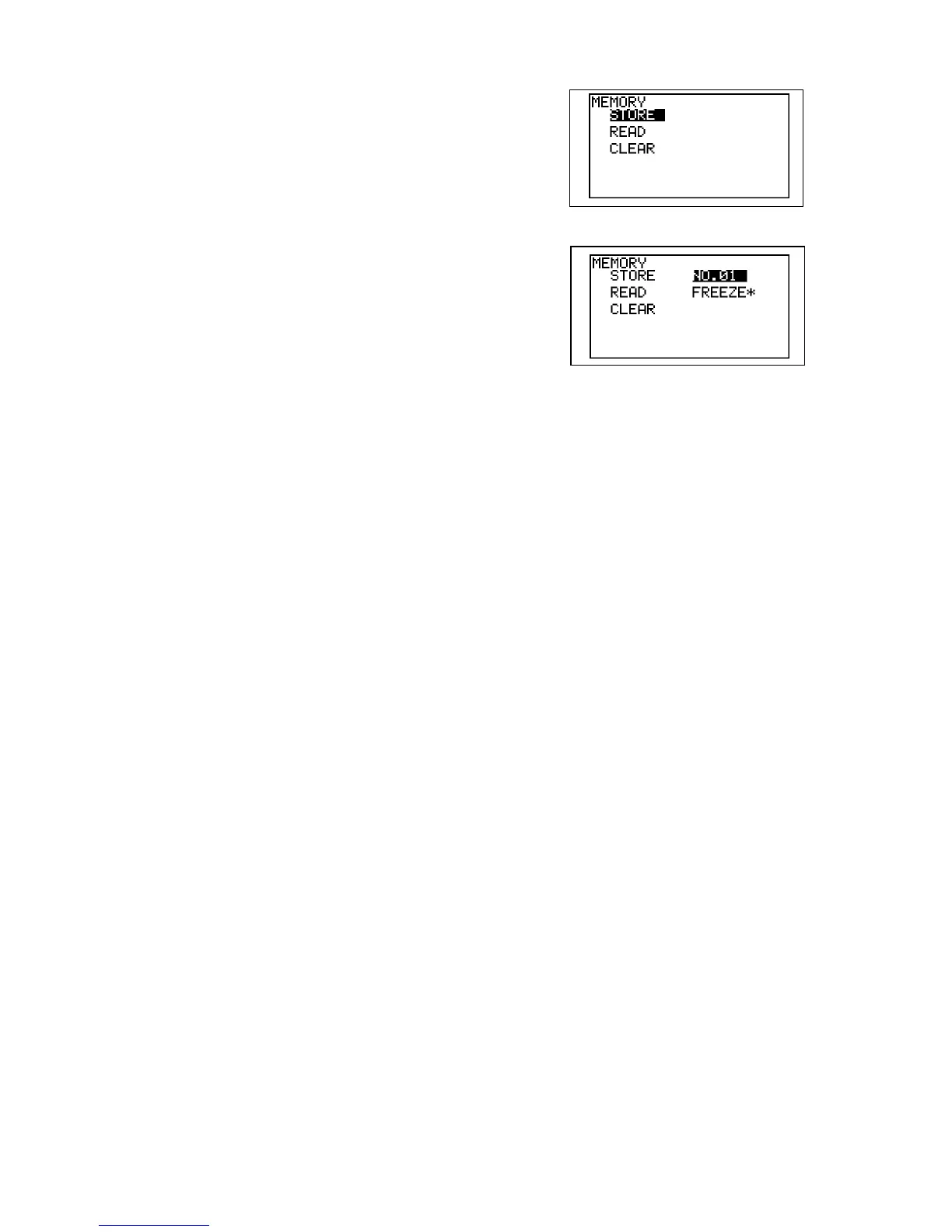
(3) For MEMORY, PATIENT and OTHERS in
MENU, pressing Enter or Right button shows
sub menu for further mode settings.
(4) For MEMORY sub menus and LANGUAGE,
press Up or Down button again for the selection
of memory number or language.
(5) Press Left button to go back to main menu from
submenu or get out of the menu mode.



 To Next Page