23
e. TIME (Time scale)
(1) Press Enter to change the time scale as follows:
Normal: For arteries (2.56 sec/screen)
Slow: For veins (12.8 sec/screen)
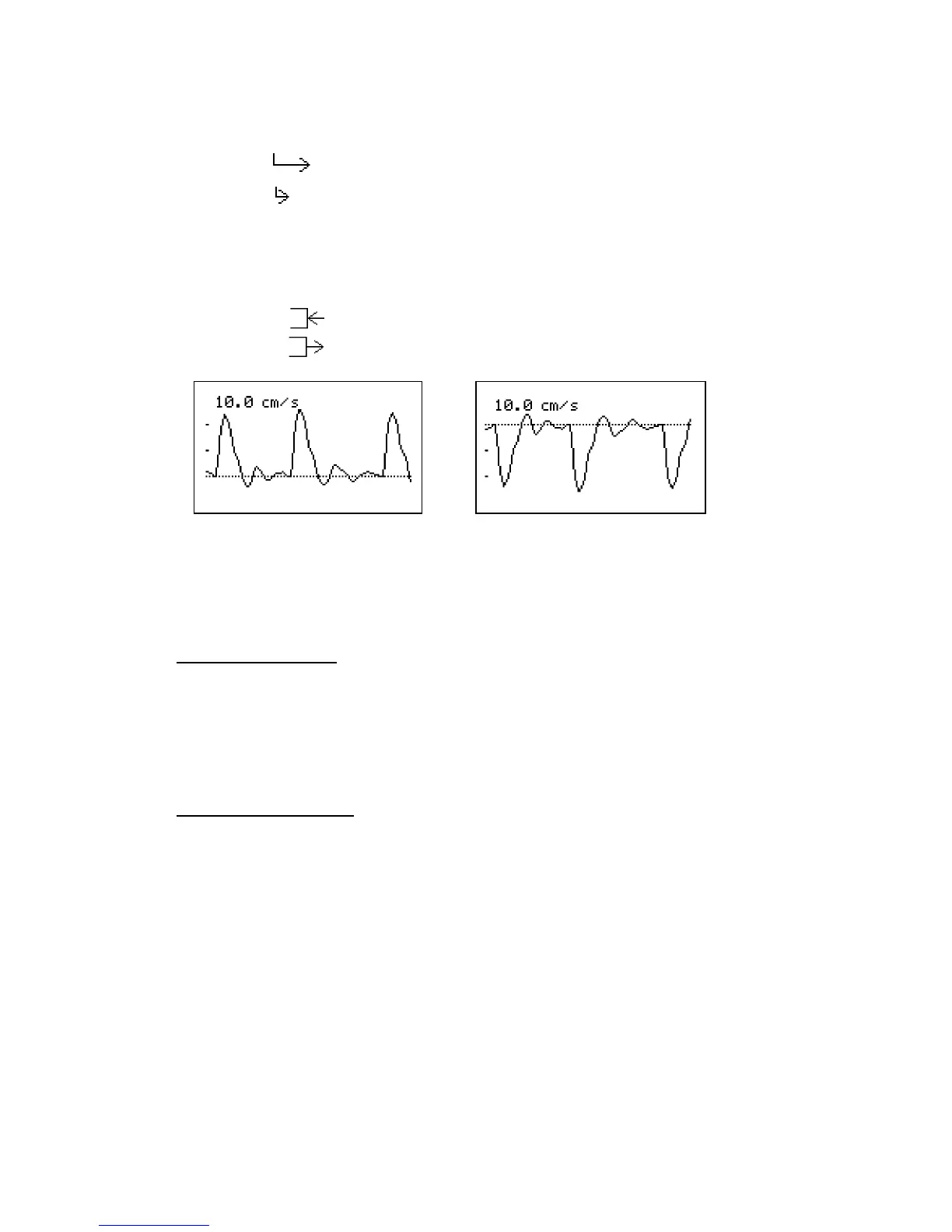
f. DIR (Flow direction)
(1) Press Enter button to change waveform polarity as follows:
Forward: Flow toward probe is processed as positive component.
Reverse: Flow away from probe is processed as positive component.
g. DISP / OTHERS - DISP (Waveform / Data)
(1) Press Enter to change the Display mode as follows:
Blood Velocity mode
WAVE: Displays waveforms.
DATA: Displays numerical data
See “3-3-1. Blood Velocity mode” for more details.
Fetal Heart Rate mode
WAVE: Monitoring waveform
DATA: Numerical data
See ”3-3-2. Fetal Heart Rate mode” for more details.
Note: Display mode cannot be changed when on Freeze mode. When on measurement mode
with WAVE mode, pressing Up or Down restarts the monitoring.
Forward mode Reverse mode



 To Next Page