14
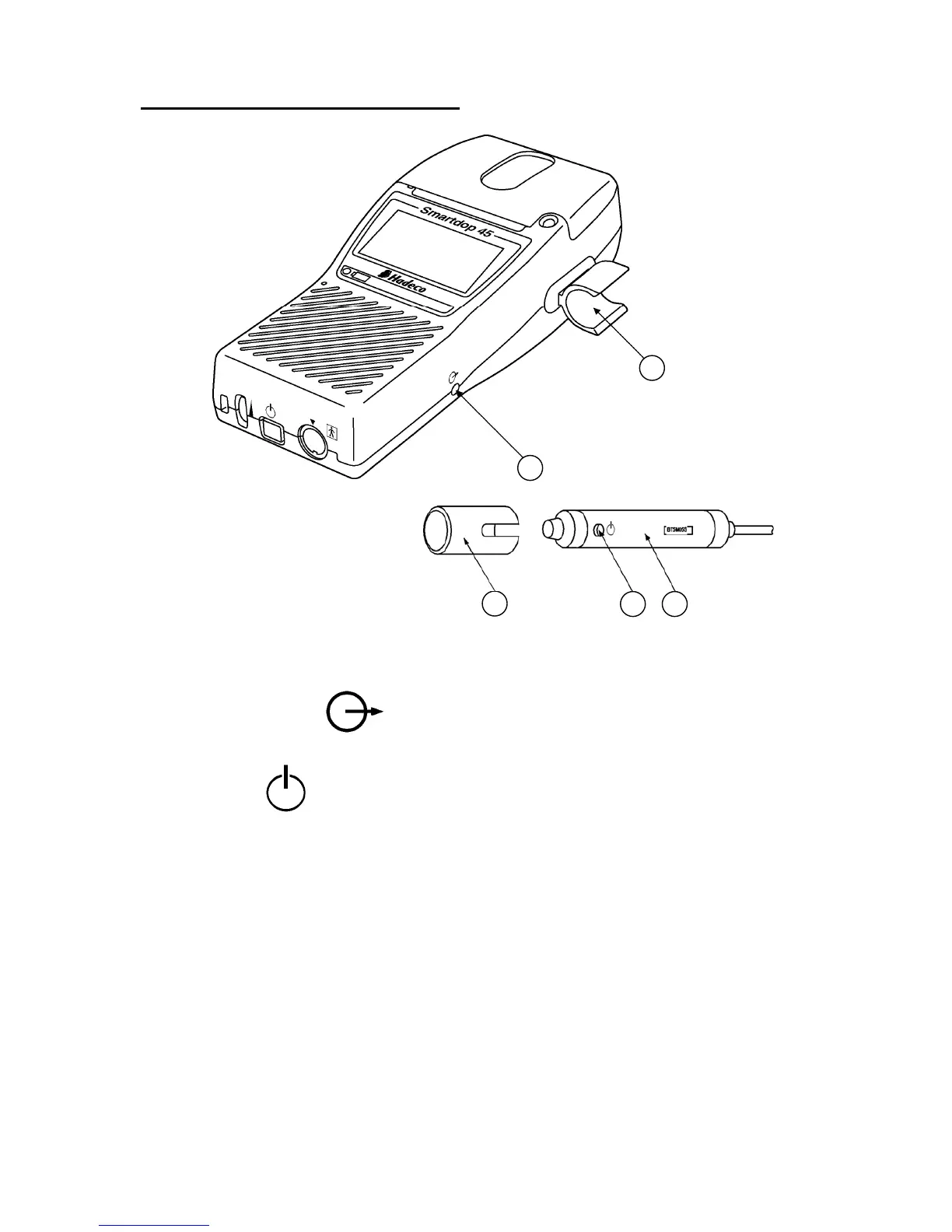
3-1-2. Front right view and Probe
1. Probe holder: For probe placement when not in use.
2. Communication port: To connect computer. (USB)
3. Probe: Multi-probe selection of 2, 4, 5, 8 and 10 MHz
4. Probe button: To freeze and unfreeze the waveform.
To activate and deactivate the printer.
Note: The function is defined in the menu PRB-KEY. See “3-2-3-s, OTHERS - PRB-KEY” for
the details.
5. Probe cap: To protect the probe transducer tip when probe is not
in use.
4
5
3
2
1



 To Next Page