EasyManua.ls Logo

hager TKP100A - Page 20

hager TKP100A
45 pages
Print Icon
To Next Page IconTo Next Page
To Previous Page IconTo Previous Page
Loading...
Page 20/45
installer_07-2017
The device is removed from the installation. The app reports Remove Device– Suc-
cessful. The device is no longer displayed in the main menu. It is also removed from all
groups, covigrams and from the favourites list.
Groups
Details
Scene TV
Living
Remove from Favorites
Groups
O
Details
Save
Back
Remove device
Standard lamp sofa_85...
Scene TV
Add to Favorites
Groups
O
Details
Save
Back
Remove device
Standard lamp sofa_85...
Scene TV
Q
W E R T Y U I O
A S D F G H
Z X C V B N M
J K L
P
Add to Favorites
Groups
Scene TV
O
Details
Save
Back
space return.?123
Standard lamp sofa_85...
i
my devices
my groups
my covigrams
Off
Off
Off
Wall light living ro...
Living
Scene TV
Ceiling light living
Standard lamp sofa
i
my devices
my groups
my covigrams
Off
Off
Off
Wall light living roo...
Living
Scene TV
Ceiling light living
Standard lamp sof...
Off
my devices
my groups
my covigrams
Off
Off
Wall light living...
Living
Scene TV
Ceiling light livi...
Standard lamp...
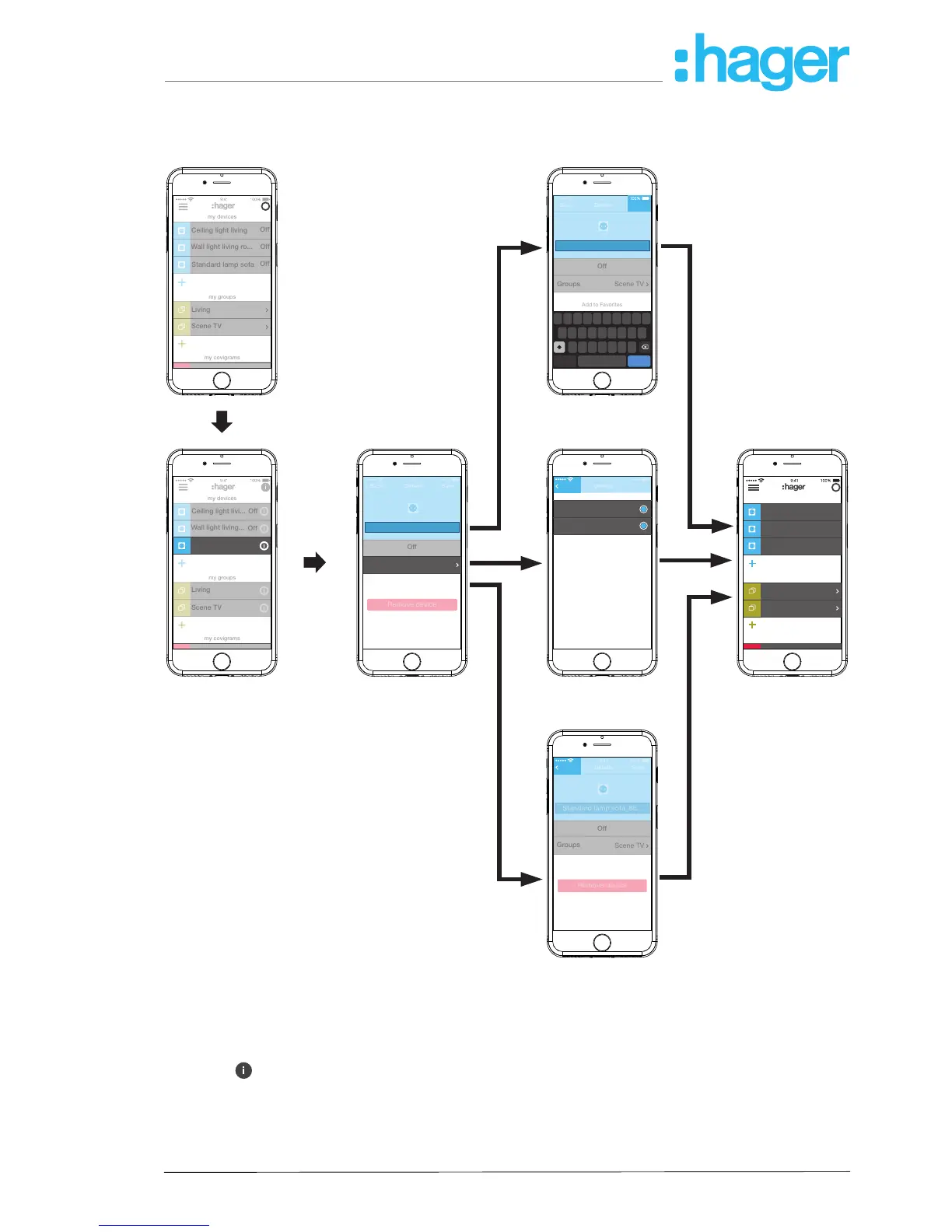
Figure 17: Edit device
With the exception of Remove Device nally conrm all edit operations with Save or discard
via Back.
The display returns to the main menu and displays the changes.
Press
in the top right corner of the main menu to exit the edit mode again.
hager.com
coviva smartbox

Other manuals for hager TKP100A