9
●温度の設定 / 変更
温度設定可能範囲
℃
・・・・・・・
200 〜 450℃
℉
・・・・・・・
400 〜 840 ℉
例: D チャンネルを 350℃から 400℃に変更
する場合
1.現在の温度表示が D チャンネル側であるこ
とを確認します。
「チャンネル操作」(前ページ)参照
●S チャンネル側が表示されている場合は、
ボタン
を押して切り替えます。
2.カードをステーションに差し込みます。
●表示部の 3 桁目が点滅します。これで温度
設定モードに入り、3 桁目が入力可能である
ことを示します。
3.3 桁目の入力
●
または ボタンを用い、3 桁目の数値を
決定します。希望の数値が表示されたら
ボタンを押します。点滅が 2 桁目に移ります。
4.2 桁目の入力
●
または ボタンを用い、2 桁目の数値を
決定します。希望の数値が表示されたら
ボタンを押します。点滅が1桁目に移ります。
5.1 桁目の入力
●2 桁目の入力と同様の操作を行い、希望の数
値を選択後、
ボタンを押します。これで
内部メモリーに記憶され、新しい設定温度
を表示後、ヒーター制御を始めます。
カードを差し込んである状態で設定温度を変
更するには…
●
ボタンを 1 秒以上押し続けます。
最初に現在の設定温度が表示され、1 秒後、
3 桁目の数字が点滅し温度設定モードに入っ
たことを示します。
温度設定モードに入りましたら、前ページ
の 3 〜 5 の温度の設定 / 変更に従って操作
してください。
注意
温度設定を最後までせずに電源を切ると、新しい設定
温度は記憶されません。
カード挿 入
またはボタンを押す
ボタンを一度押す
またはボタンを押す
またはボタンを押す
ボタンを一度押す
ボタンを一度押す
注記:
ボタンを押している時間が 1 秒未満の時は、2 秒
間設定温度を表示し、その後こて先温度の表示に戻り
ます。
74
If the sensor temperature falls below the
difference between the current temperature
setting and the low-temperature alarm tolerance,
is displayed and the warning buzzer
sounds. When the tip temperature rises to a
value within the set tolerance, the buzzer will
stop sounding.
EXAMPLE:
Assume that the temperature setting is 400°C/750°F and
the tolerance 50°C/100°F. If the temperature continues to
decrease and fi nally falls below the value indicated below
while the heating element is on, the displayed value starts
blinking to indicate that the tip temperature has dropped.
●
Soldering iron error
●
Heater terminal short circuit
error
●
Low-temperature alarm
tolerance error
●
Sensor Error
EXAMPLE:
OR
650ºF (750ºF – 100ºF)
Set temperatu
re
Low-temperature
Low-temperature
alarm tolerance
Set temperatu
re
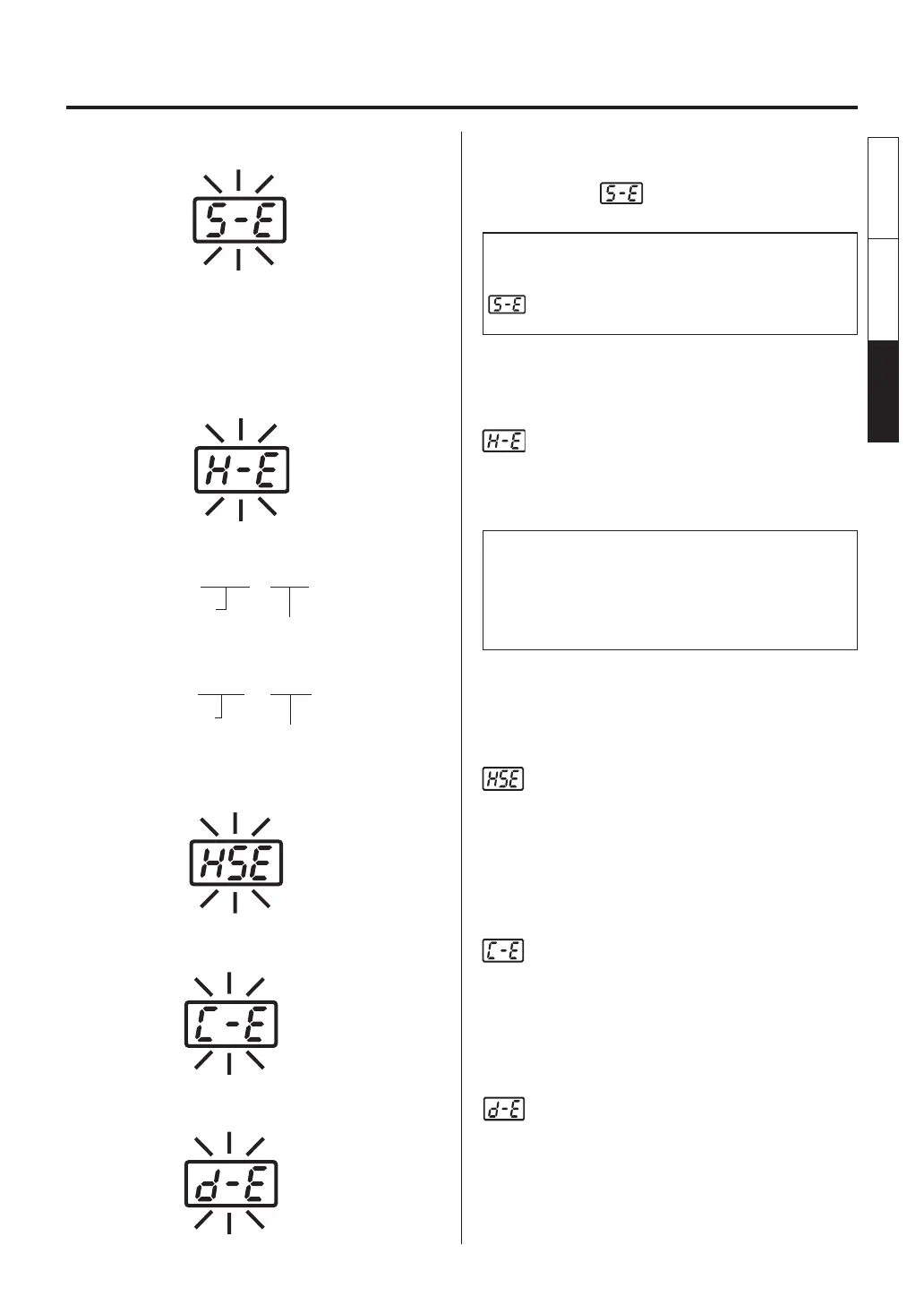
8. ERROR MESSAGES
When there is the possibility that a failure has
occurred in the sensor or heater (including the
sensor circuit),
is displayed and the power
is shut down.
NOTE:
The sensor error also occurs if the tip is not inserted
properly.
may be displayed for a moment when the grip is
connected. This is not an error.
will flash, and the buzzer will sound
continuously, when the tip is inserted incorrectly,
an incompatible tip is inserted, or a foreign
object has found its way into the connector.
will be displayed if the connector cord
is not attached to the station OR the wrong
soldering iron is connected.
●
Detection error
appears on the display when turning the
power on after connecting the MODEL FM-
2022/2023 with a hot tip.
This is not an error.
Wait for approximately 10 seconds until the
model functions properly.
English
中文 日本文
日本文 中文
English















 To Next Page