13
M.A.R.V.E.L. Installation Operation & Maintenance Manual
MARVELIO&M/022009/rev1/EN
3. Connect VFD controller
Connect VFD controller as per instructions provided. This includes:
a. Main power connection for the fan motor.
b. Connection to central control panel.
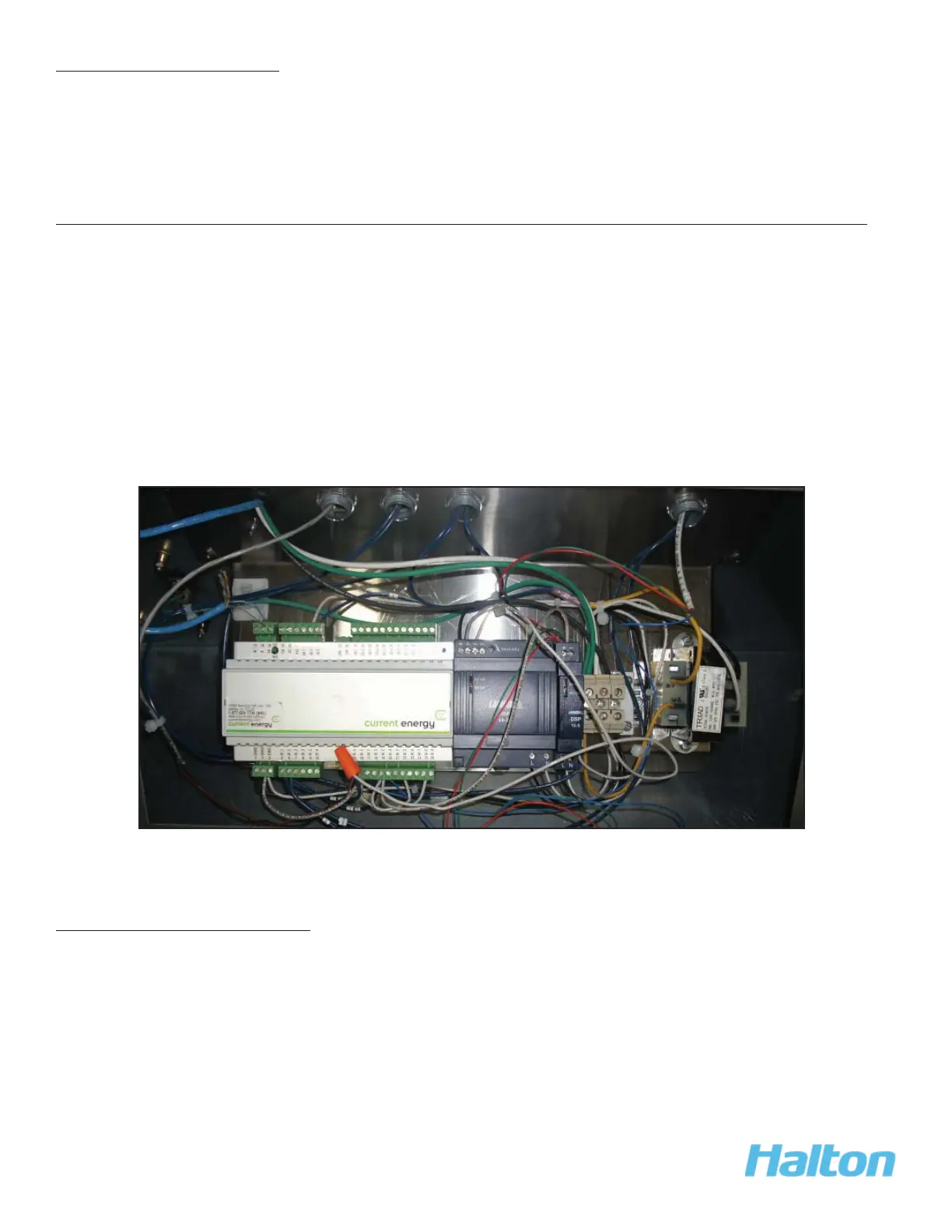
4. Connect control panel (on hood) to central control panel
(for multiple units with a single fan)
Using 2 wire shielded cable provided by Halton, connect each unit to the central control panel.
This includes:
Attach the wire to the terminal block in the control panel mounted on the hood. 1.
Run the wire to the central control panel and connect the marked terminal block 2.
(identifi ed by hood number)
Connections can be also made between hoods with 2 wire shielded cable and 3.
connect the hood closest to the control panel to terminals in the panel.
5. Check pressure transducer
1. Check the condition of the pressure transducer tubing on the top of the Capture Jet
®
hood. The tubing should be free from kinks.



 To Next Page