17
7.4.3 Management of favourites with
the remote control
Favourites 1-10
The remote control enclosed has number keys 1-0
(0
≙
10). A favourite can be assigned to each of these
number key.
• To save a favourite, press and hold the corresponding
number key on the remote control (approx. 3 seconds).
• The radio conrms that the favourite has been saved by
displaying Preset stored.
• To call up a favourite, briey press the corresponding
number key on the remote control.
Favourites 1-30 (alternative to number keys)
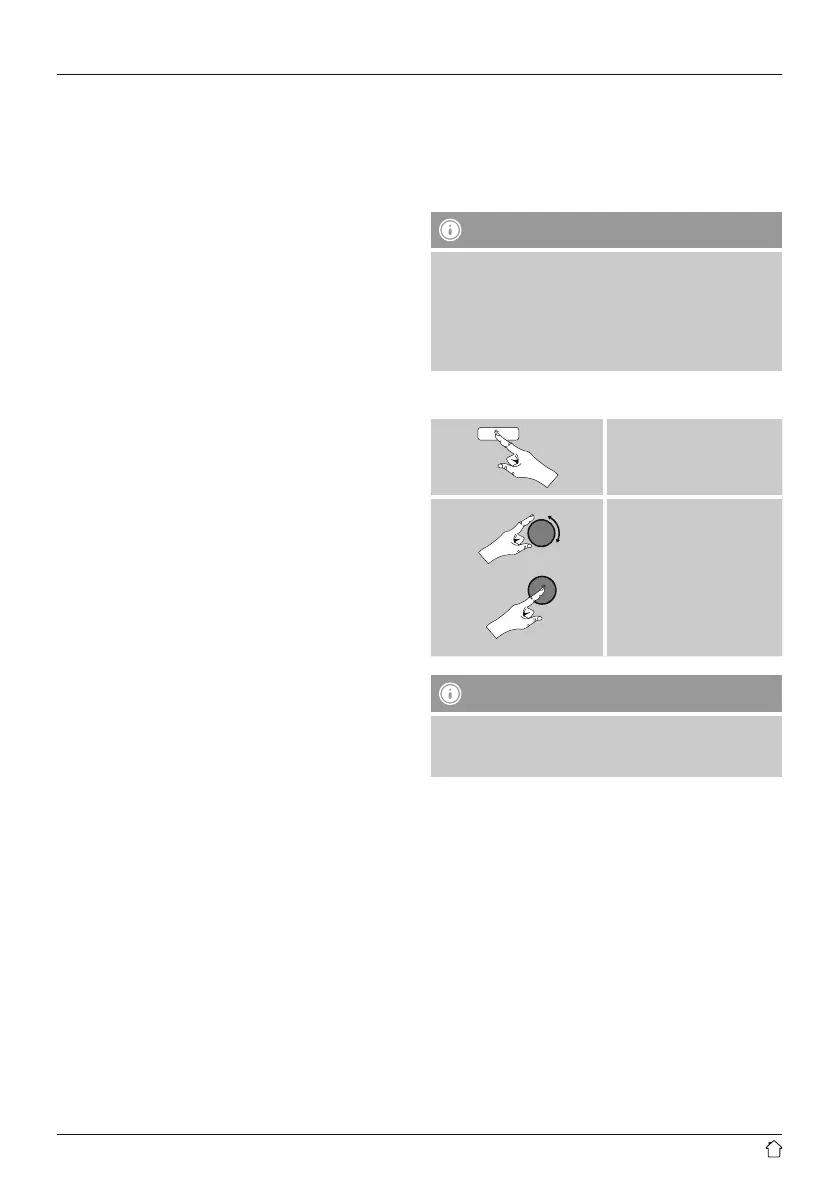
• Press and hold [FAVORITES] approx. 3 seconds to save
a station on one of the 1-30 favourite station presets.
An overview window with the station presets should
open after approx. 2 seconds.
• You can switch between the station presets (1 to 30)
by pressing the favourite keys [+] / [-] (by turning
[preset]).
• Press [OK] ([tuning]) to save the station on the desired
station preset.
• To call up a favourite, briey press [FAVORITES], select
the desired station preset by pressing the favourite keys
[+] / [-] (by turning [preset]) and conrm the selection
by pressing [OK] ([tuning]).
7.5 Favourites
(vTuner - http://www.wifiradio-frontier.com)
In addition to the local station memory slots, you can
create additional lists of favourites using the vTuner
database.
Lists of favourites created using the vTuner database can
be synchronised across multiple radios.
7.5.1 First use – Registering your radio
In order to be able to use this function you have to register
at www.wiradio-frontier.com. You need a valid email
address and an access code which will be generated by
your radio.
Note
• No personal information is collected during the
registration process.
• Registering does not cost you anything extra. The offer
is completely free.
• Following registration you can choose from around
20,000 radio stations and 10,000 podcasts.
Get access code:
[menu]
Station list
Help
Get access code
Note
Please note that each access code can only be used
once. Please contact customer service if you should
experience problems while registering the radio.


 To Next Page